Here's how to connect your Hirebridge account to your Microsoft Office 365 / Exhange and/or Zoom account:
Setting Up The Connections
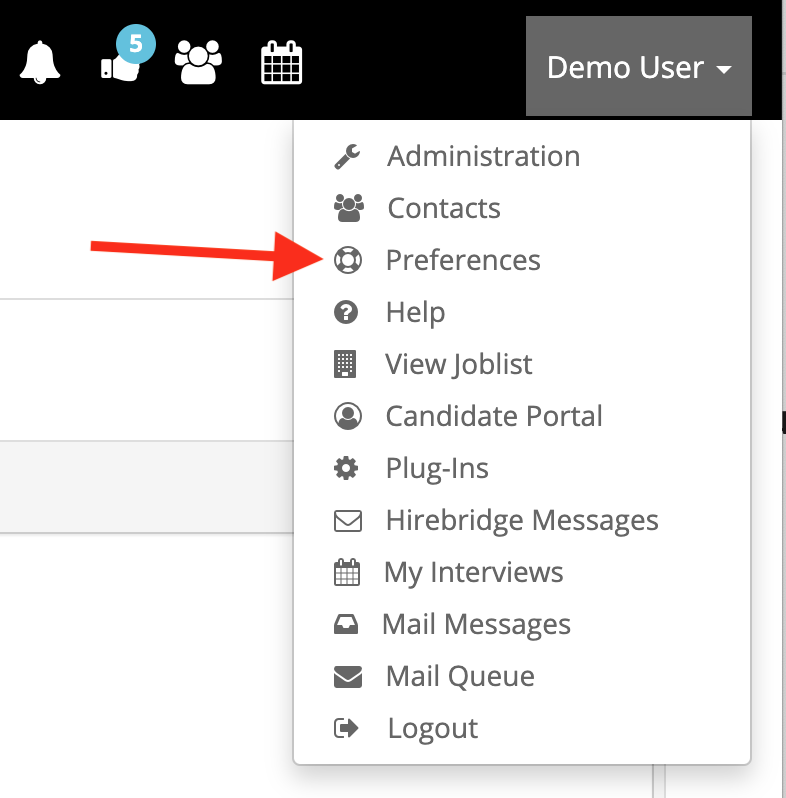
Connections are set in each user's Preferences page:
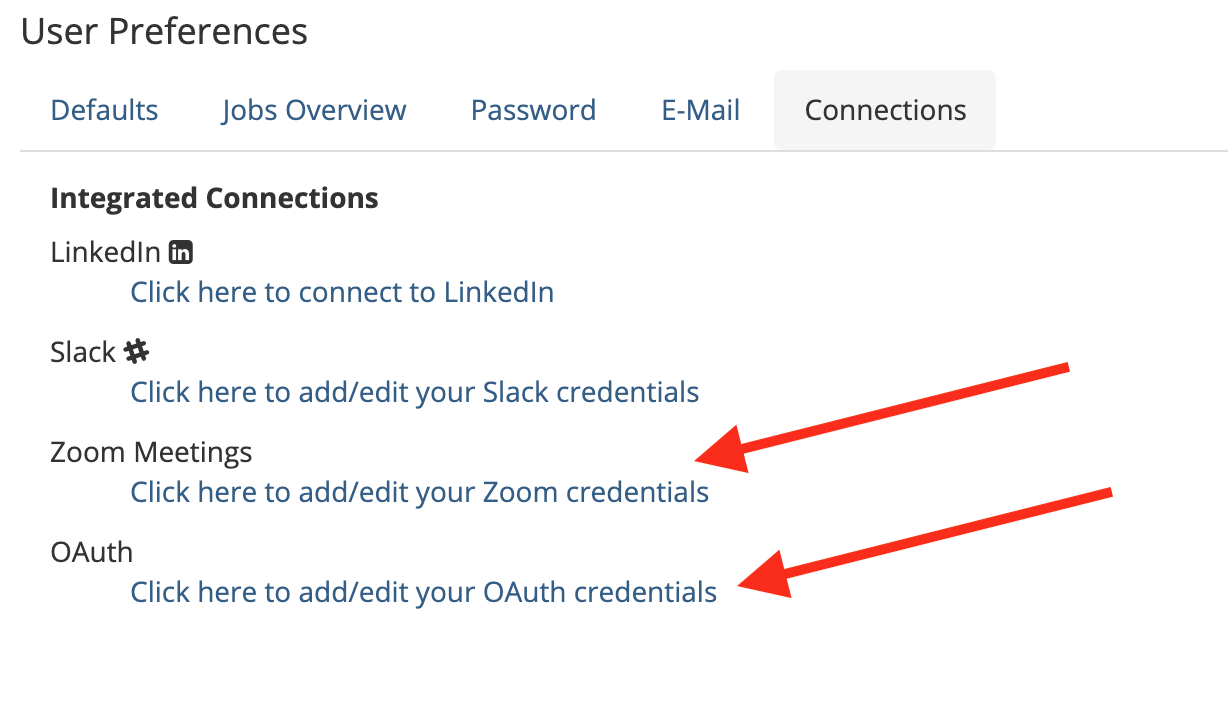
Click OAUTH takes you to the Oauth Provider Configuration Page:
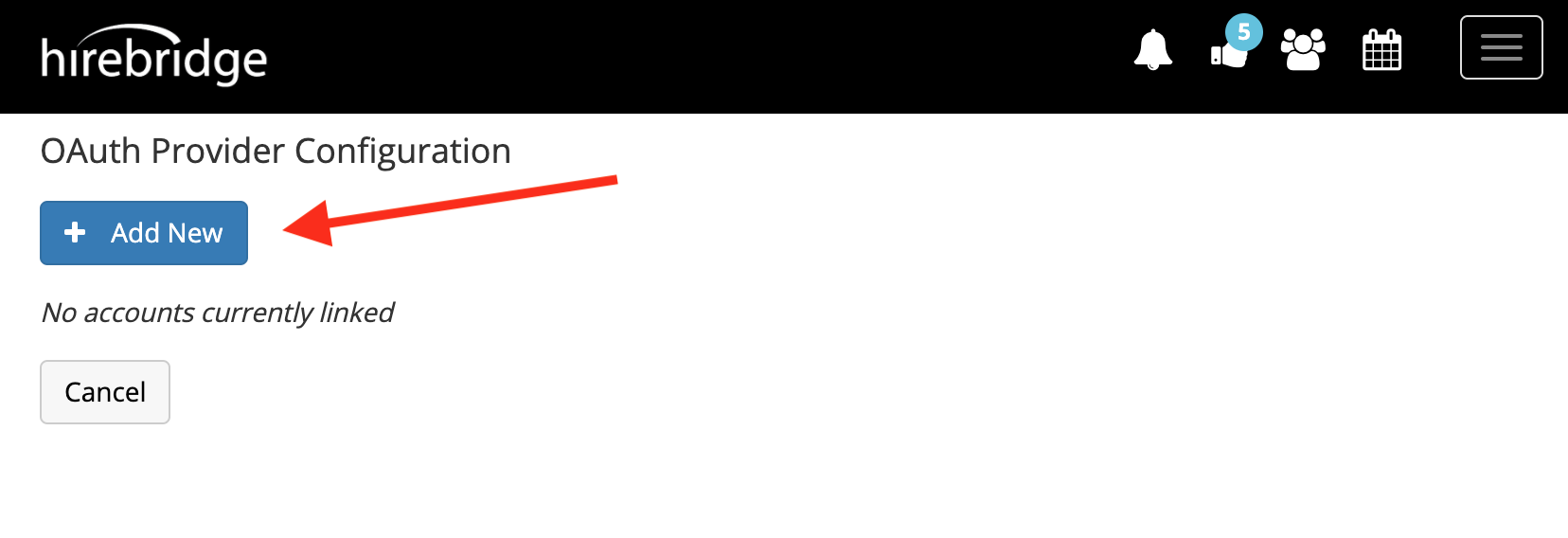
Select the platform connection you would like to make, then click the Create Link button:
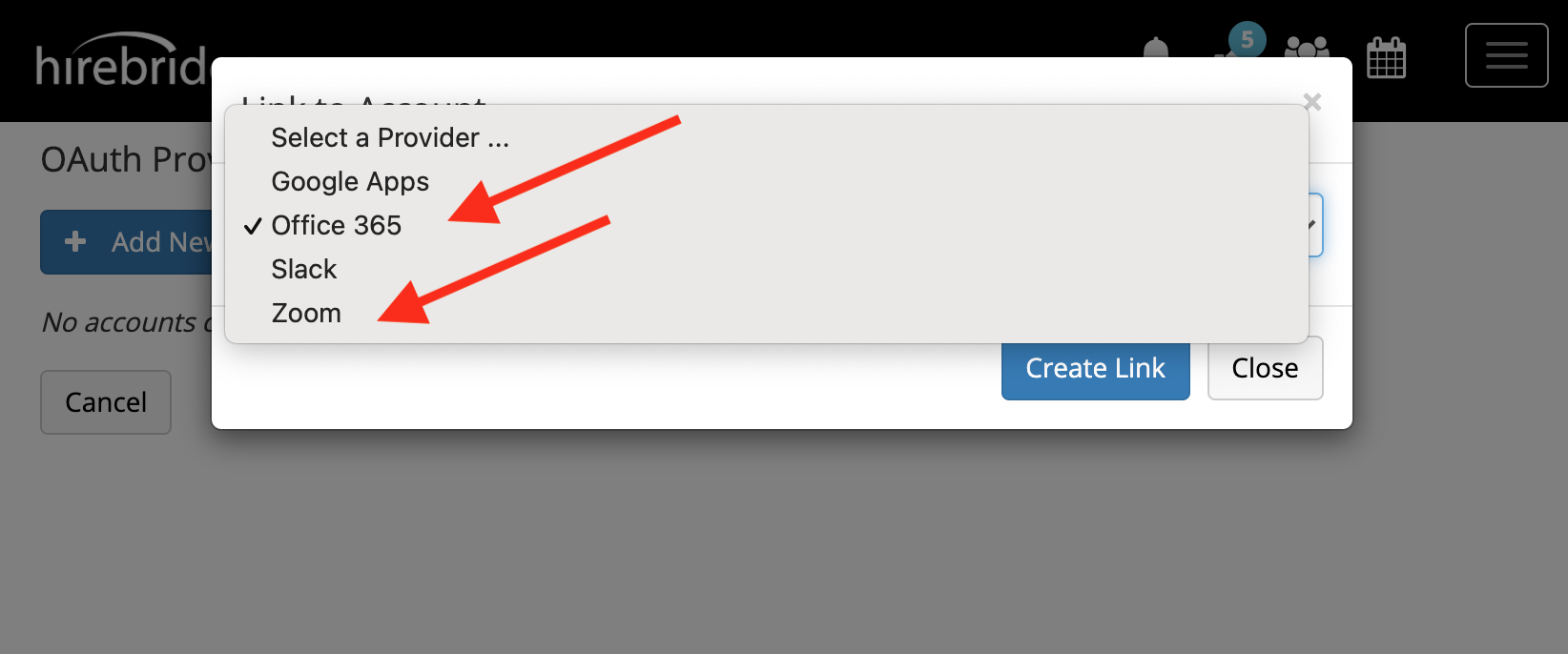
Select Office 365, then click Create Link and you'll be taken to the Microsoft login page:
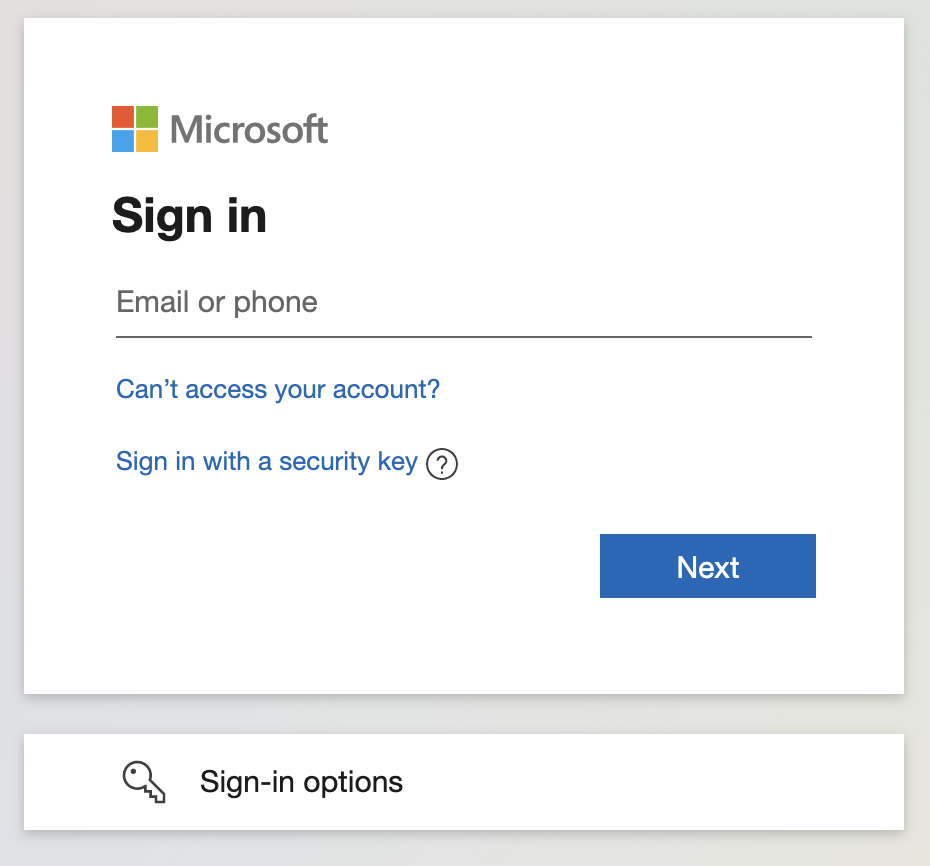
Proceed through the Sign in and Password screens, then 2-factor authentication if required.
Your company's Microsoft Admin may need to provide a one-time approval to allow for anyone in the organization to connect to the Hirebridge ATS plug-in. If that's the case you will receive a message similar to this one:
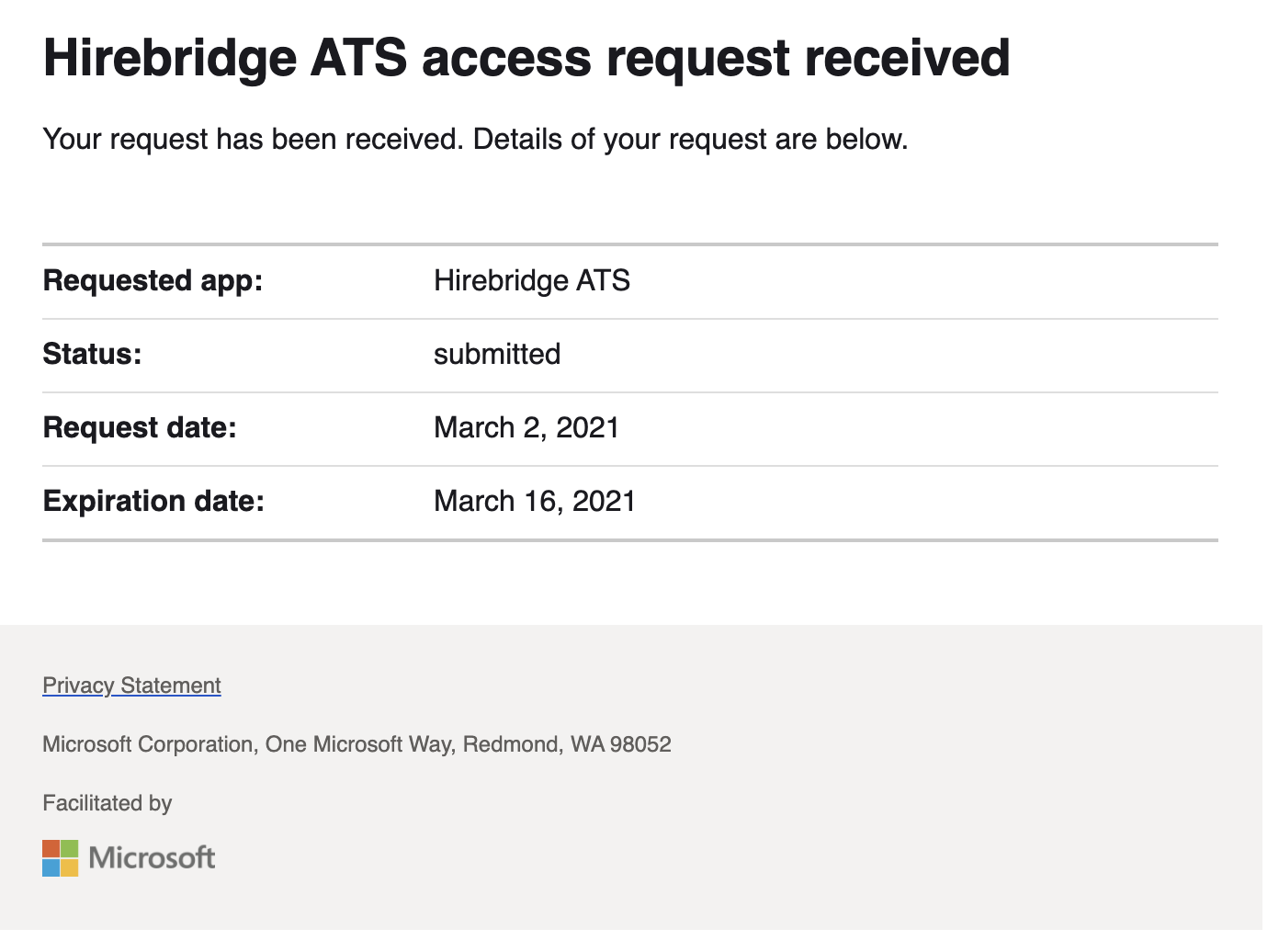
The following message will be sent to them asking them to consent:
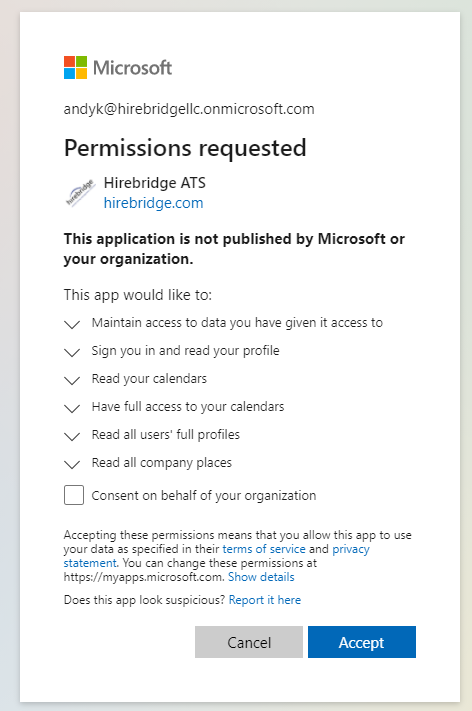
For Microsoft Admins:
Setting Up Resources In Office 365
Hirebridge integrates with Office 365 at the USER LEVEL, not the company level. Once the link is enabled, users will be able to view free/busy calendar availability for those in their email domain, and will be able to schedule interviews from HIREBRIDGE and have them appear directly on their Office 365 calendar.
- To set your Office 365 connection (using Oauth) click on PREFERENCES in the top level navigation bar underneath your name
- Click the CONNECTIONS tab within your Preferences page
- Click the link - Click here to add/edit your OAuth credentials
- You will be redirected to the Microsoft Outlook 365 Sign In page, where you can input your personal Outlook 365 credentials
- Once completed, you will be returned to Hirebridge and your calendar will be connected.
- Some organizations will require consent for the connection. This will have to be taken care of by an Office 365 Administrator at the user's organization
Essentially, we are putting interview requests on users calendars, and allowing recruiters and hiring managers to view interviewer availability with the free/busy function.
Here's a link to calendar permissions documentation on Microsoft: https://docs.microsoft.com/en-us/graph/permissions-reference#calendars-permissions
And places permissions documentation on Microsoft: https://docs.microsoft.com/en-us/graph/permissions-reference#places-permissions
And users permissions documentation on Microsoft: https://docs.microsoft.com/en-us/graph/permissions-reference#user-permissions
Microsoft Graph permissions reference