Please follow these steps to have your jobs automatically sent to Facebook for inclusion in their Jobs on Facebook (free) job board and have them attached to your company's Facebook page.
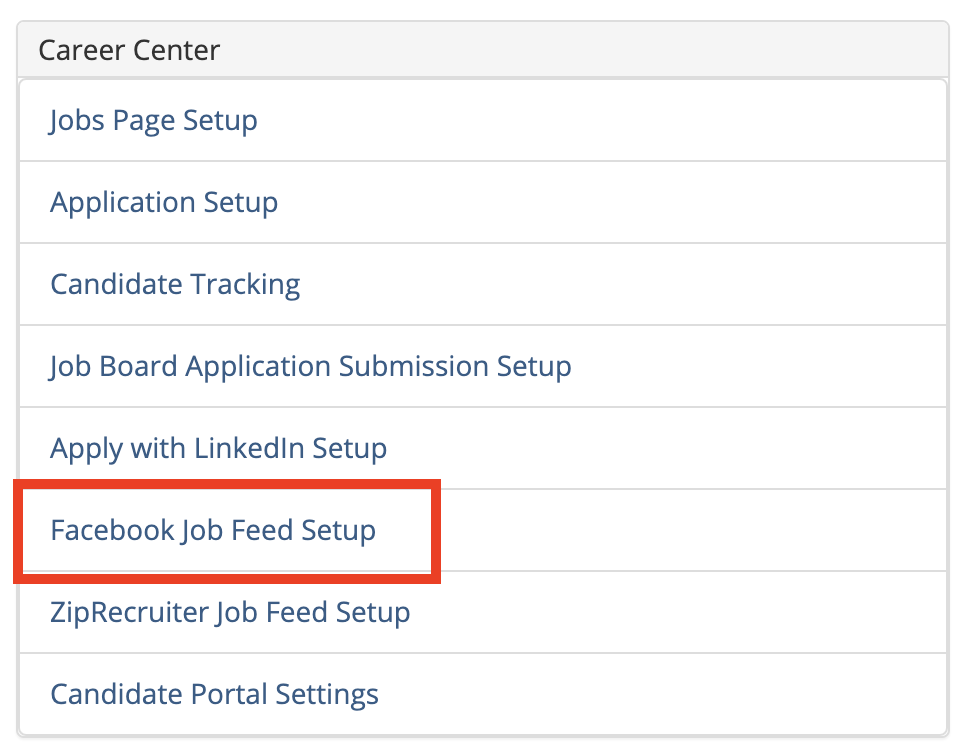
First, go the Administration area an click on the Facebook Job Feed Setup link in the Career Center section:
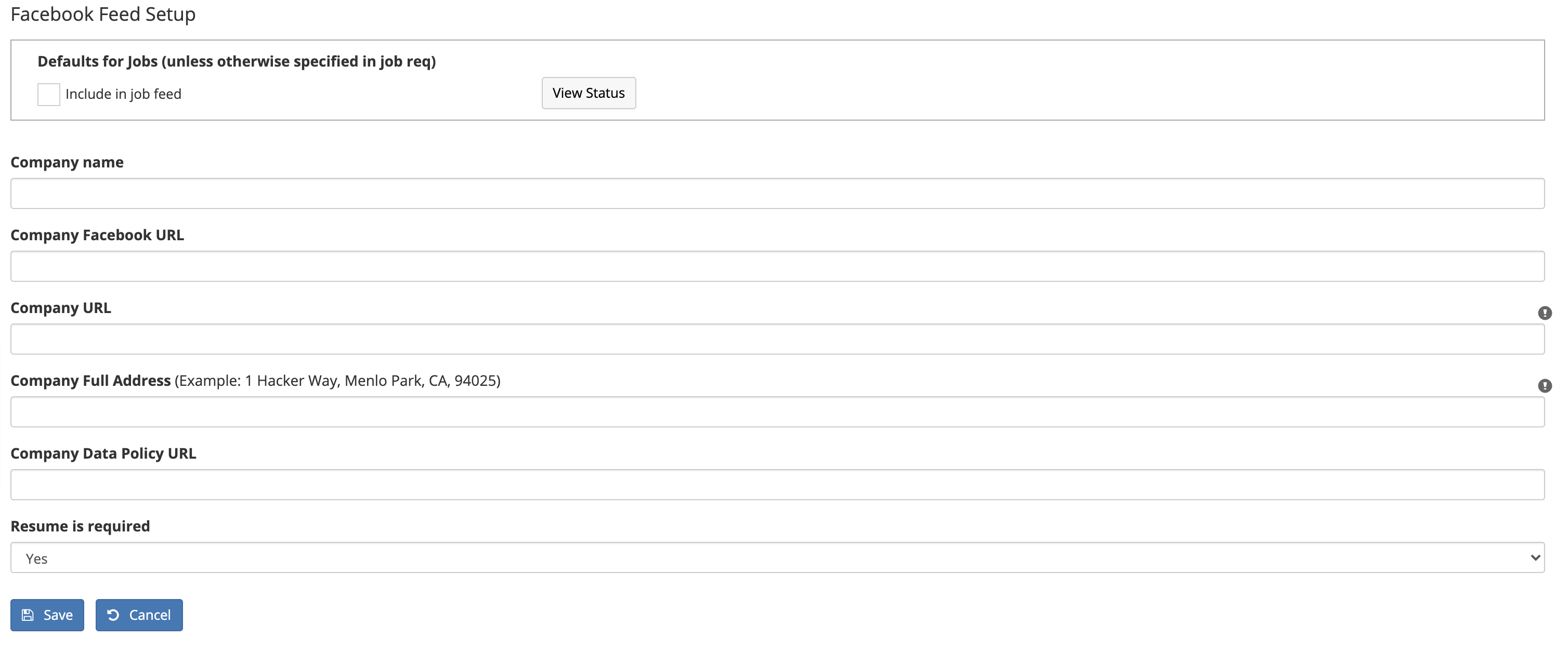
This will bring you to the Facebook Feed Setup page:
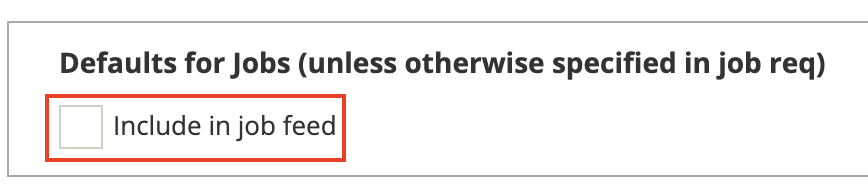
If you want all of your jobs to automatically get sent to ZipRecruiter, click the Include in job feed checkbox.
Next, enter the required information in the form:
- Company Name = Use the exact name that is used for your company's Facebook account.
- Company Facebook URL = The link to your company's Facebook page.
- Company URL = Your company's website address.
- Company Full Address = The complete address to your company's corporate office / HQ.
- Company Data Policy URL = The link to your company's Privacy Policy page on your website.
- Resume is required = Select "Yes" if you want to require all candidates to attach their resume when they apply on Facebook. Otherwise, select "No" and it will be optional.
Click the Save button when you're done.
Please note that Facebook may take up to 48 hours to approve your job postings.
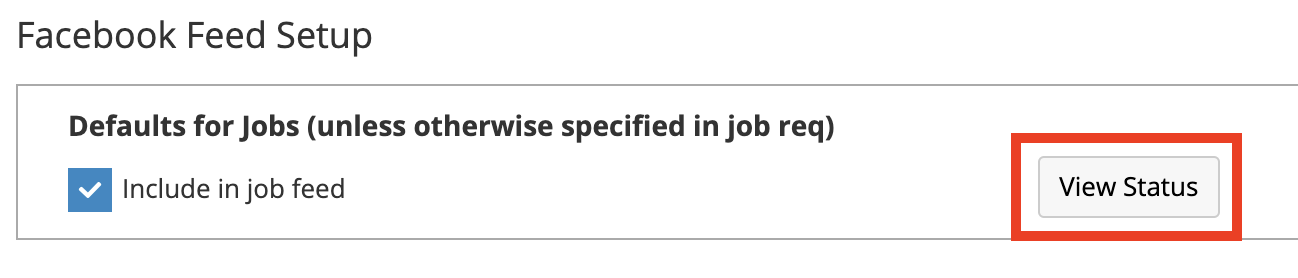
You can check on the status of you submissions by clicking on the View Status button:
Connecting your jobs to your company's Facebook page
Please note this step must be completed by someone in your organization that has administrative rights to your company's Facebook page.
Here's how to connect your Hirebridge jobs feed to your company's Facebook page:
The company's Facebook administrator must go to the company's Facebook page, then click on the Jobs tab (note: this may be hidden under the More menu):

There should be a Jobs from API Sources message displayed on the page indicating the Hirebridge Jobs app is available to connect. Click the Connect button to the right of the Hirebridge Jobs listing:
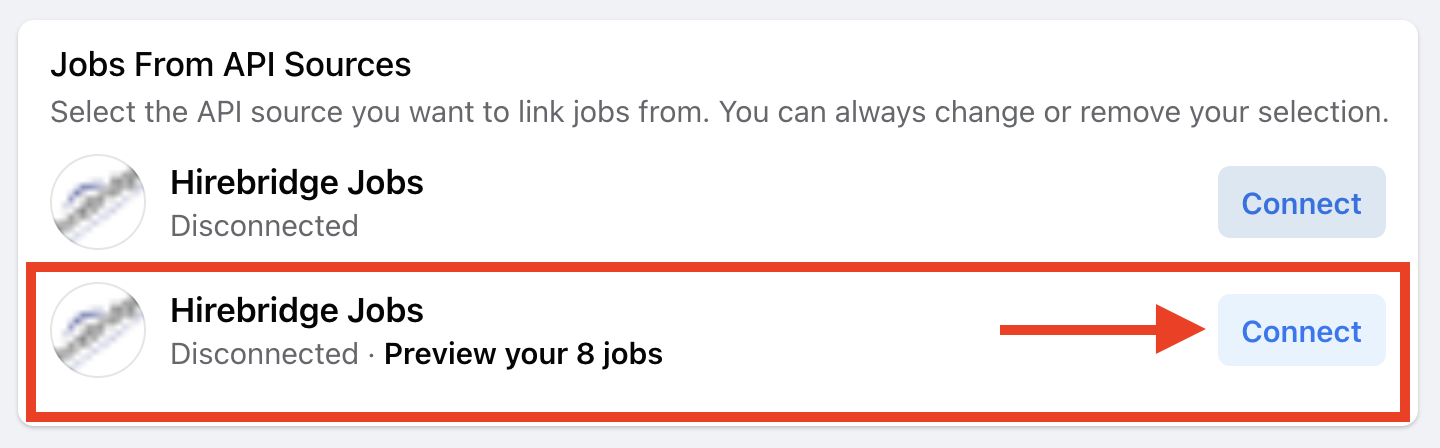
It will then indicate that your Hirebridge Jobs are now Connected:

To preview the jobs, your administrator can click on the visitor view link or on the Jobs on Facebook link:
