Please follow these steps to have your jobs automatically sent to ZipRecruiter for inclusion in their organic (free) job board:
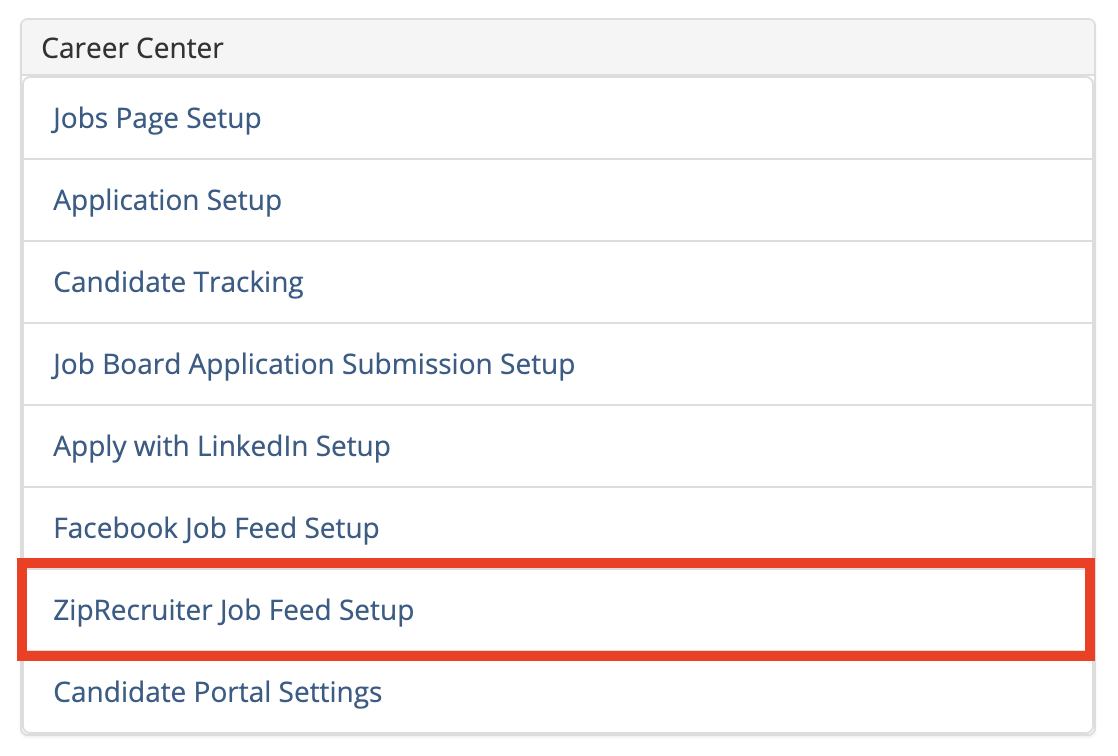
Go the Administration area an click on the ZipRecruiter Job Feed Setup link in the Career Center section:
This will bring you to the ZipRecruiter Feed Setup page:
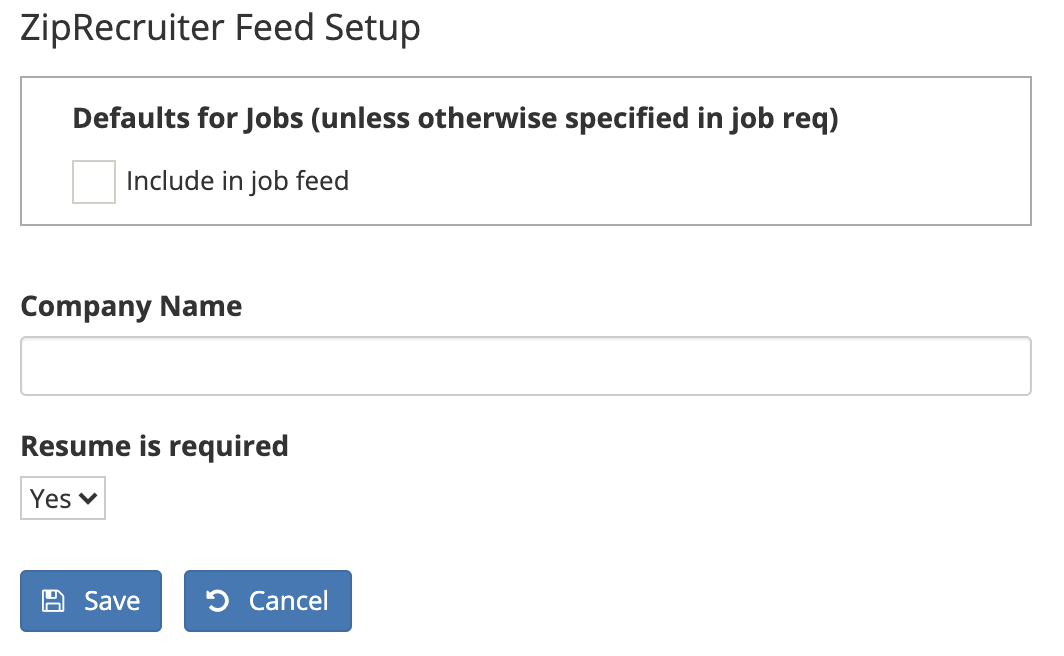
If you want all of your jobs to automatically get sent to ZipRecruiter, click the Include in job feed checkbox.
In the Company Name box, type in the exact name you want your company to be listed as on the ZipRecruiter platform.
If you want to require that candidates submit their resumes when applying to jobs from the ZipRecrutir platform, select Yes from the Resume is required dropdown list.
Click the Save button when you're done.