Here's how to set up your Daily Digest:
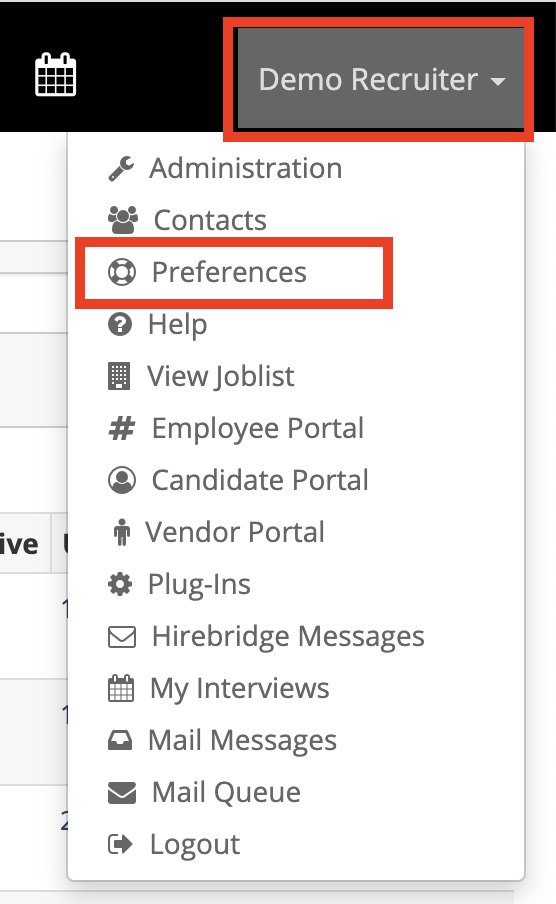
- Click your name on the top right side of your Hirebridge interface, then select Preferences.
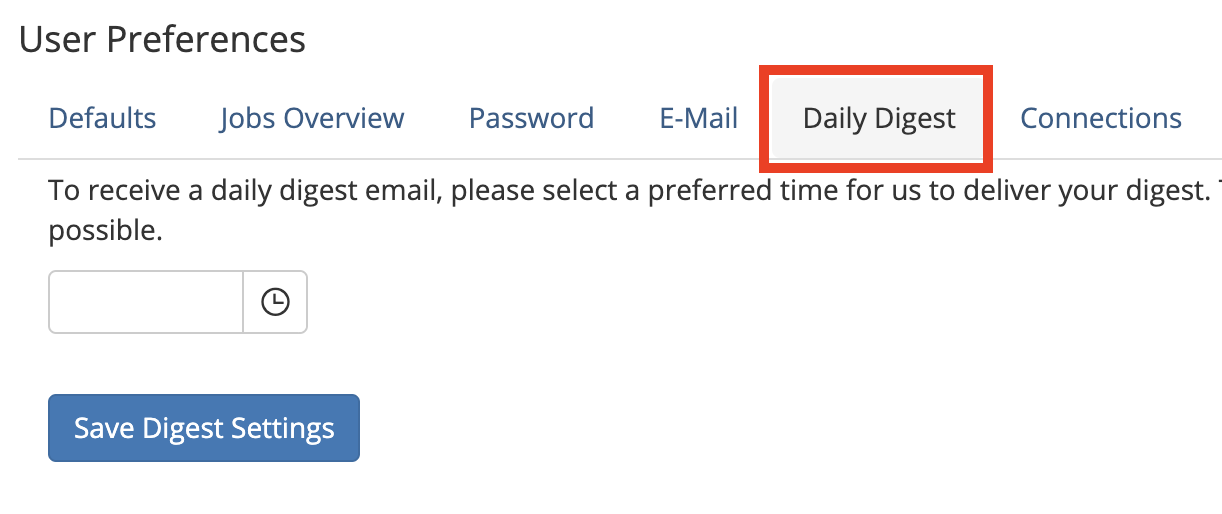
- Click the Daily Digest menu tab.
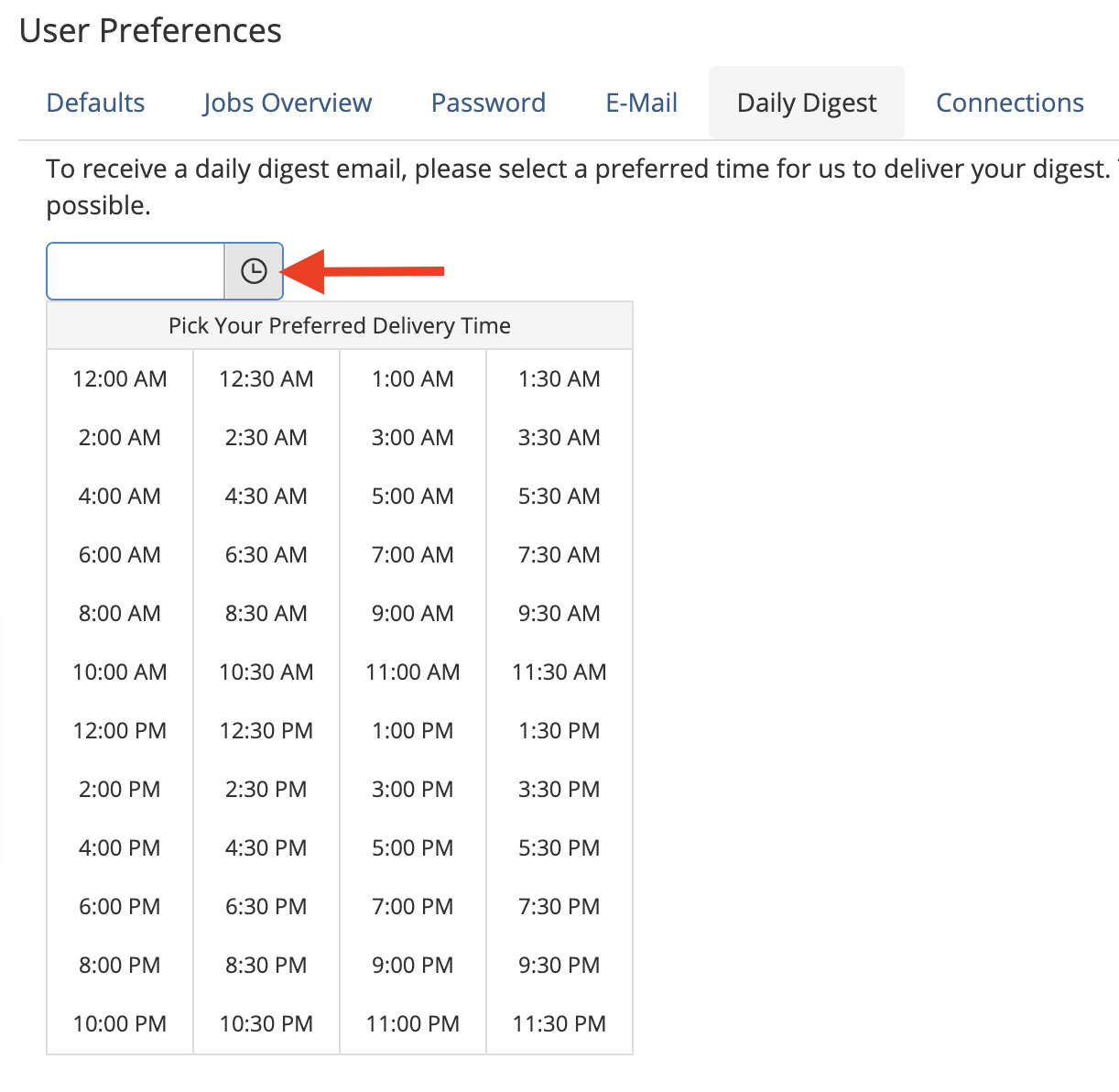
- Click the Clock icon to the right of the box and select the time you want the digest to get emailed to you each day.
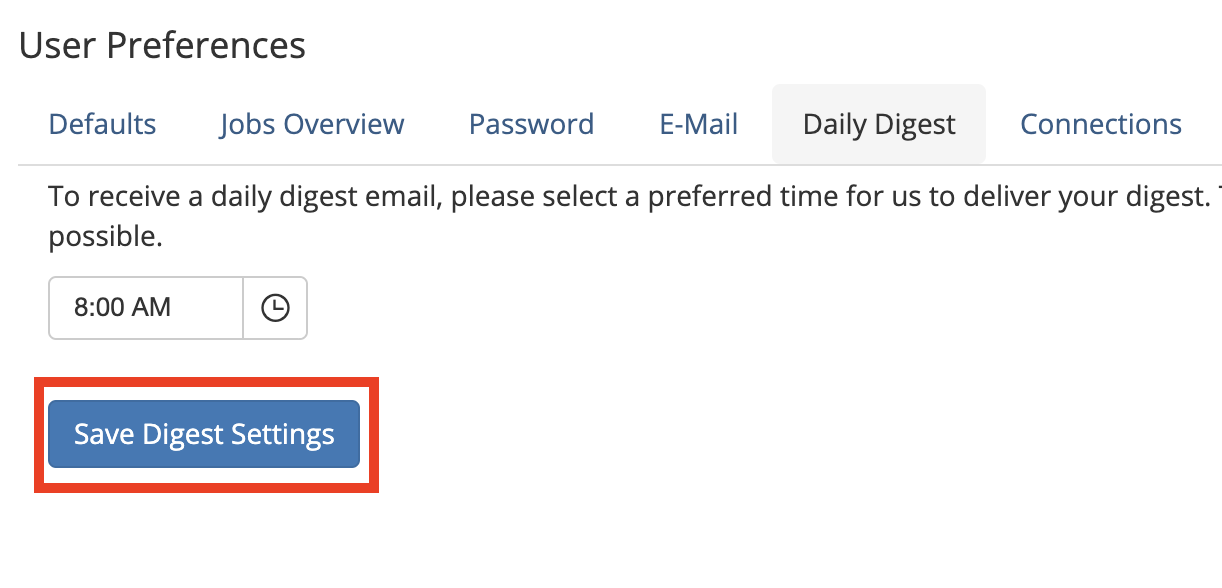
- Click the Save Digest Settings button.
Your Daily Digest will automatically arrive in your inbox the next day and each day thereafter on or about the time to you requested.
Change the Daily Digest scheduled time
To change the time that the Daily Digest is sent, repeat the above steps and select a new time from the list.
Cancel your Daily Digest
If you want to stop the Daily Digest from being sent then repeat the above steps and remove the time from the box, then click the Save Digest Settings button