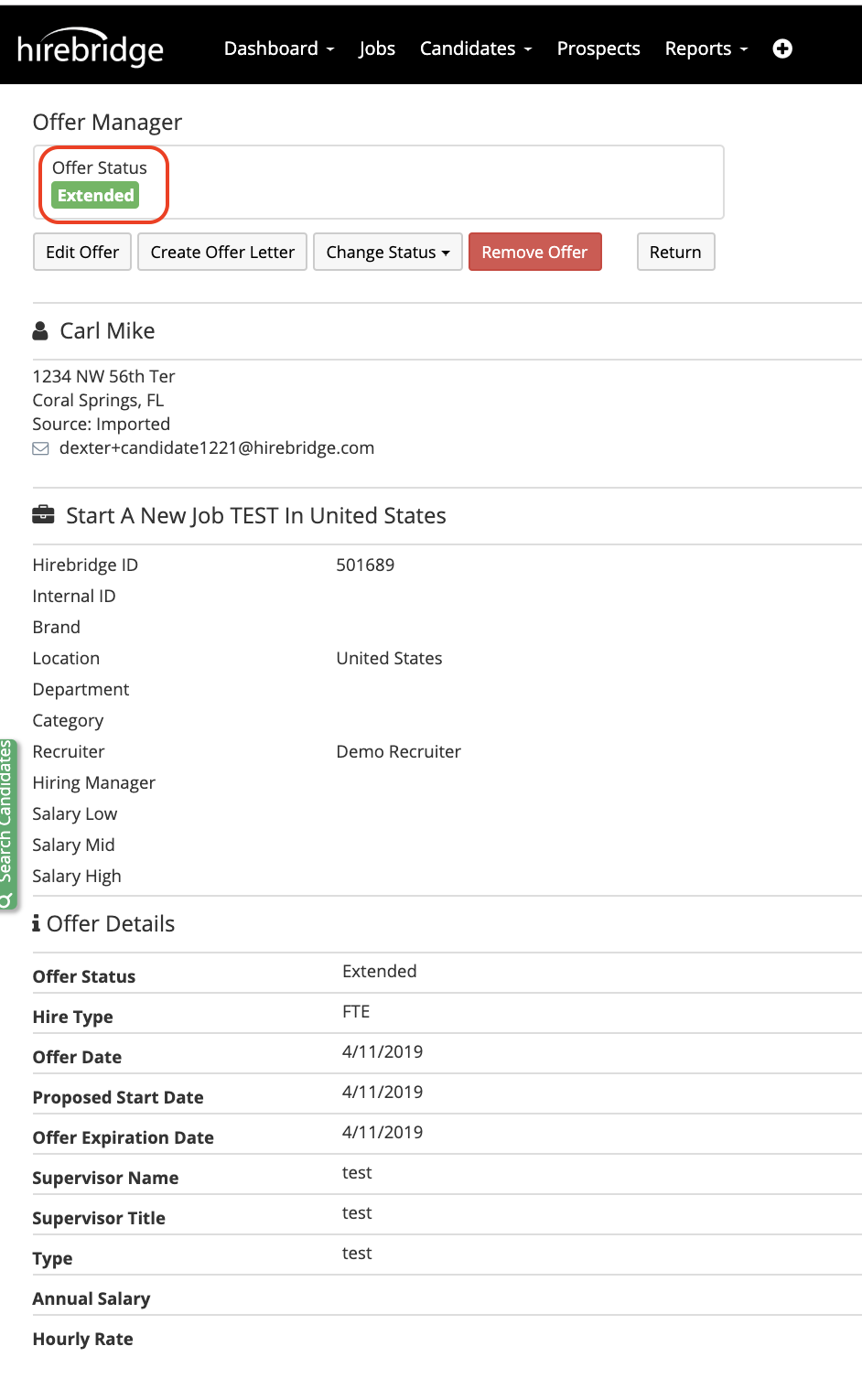
This article will guide you on how to create an offer to the candidate.
Based on company settings offers might require approvals.
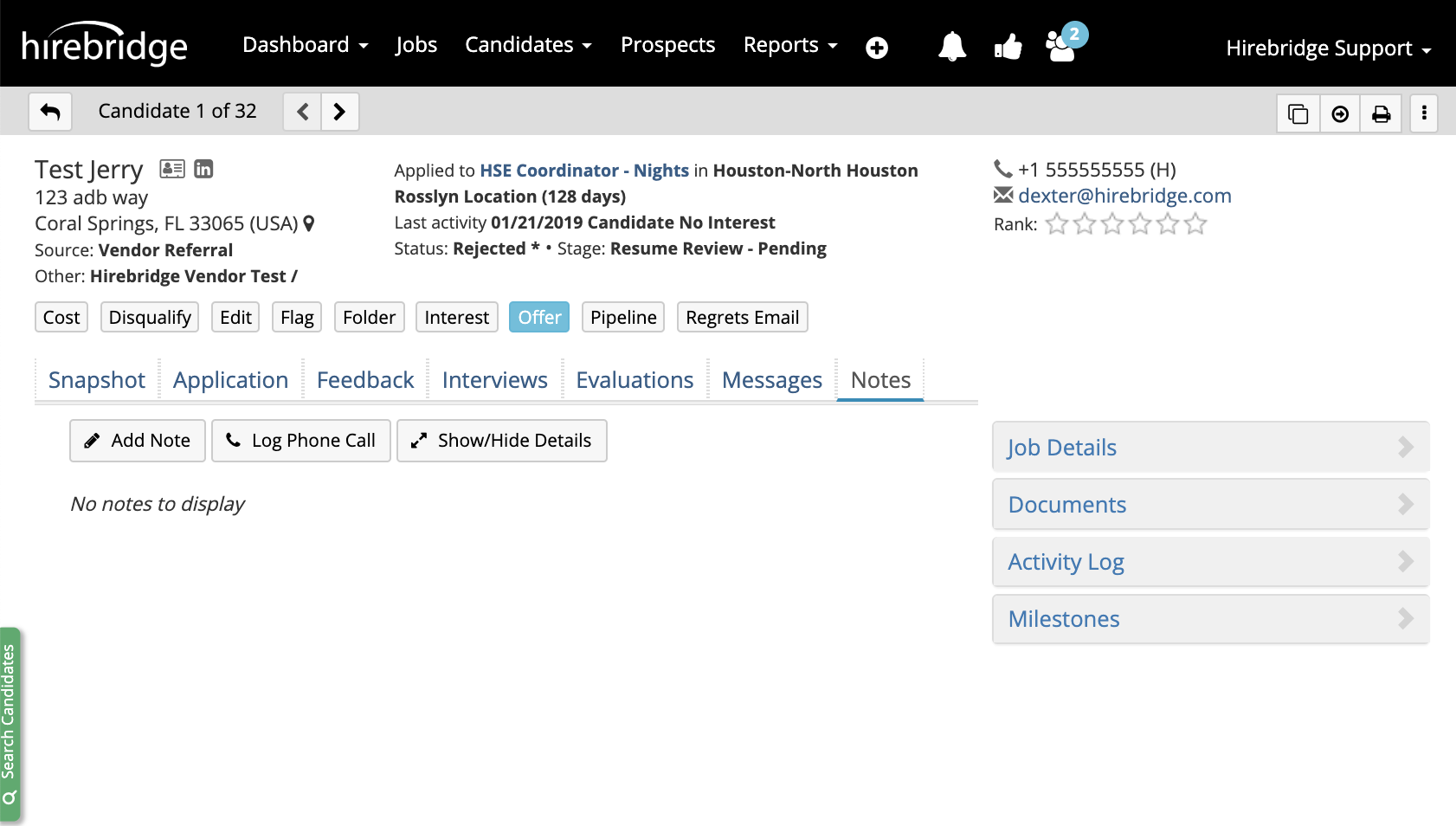
- To create an offer select the Offer tab in the candidate profile.
- This will now take you to the Offer Editor page where you will need to populate all of the fields required by the company.
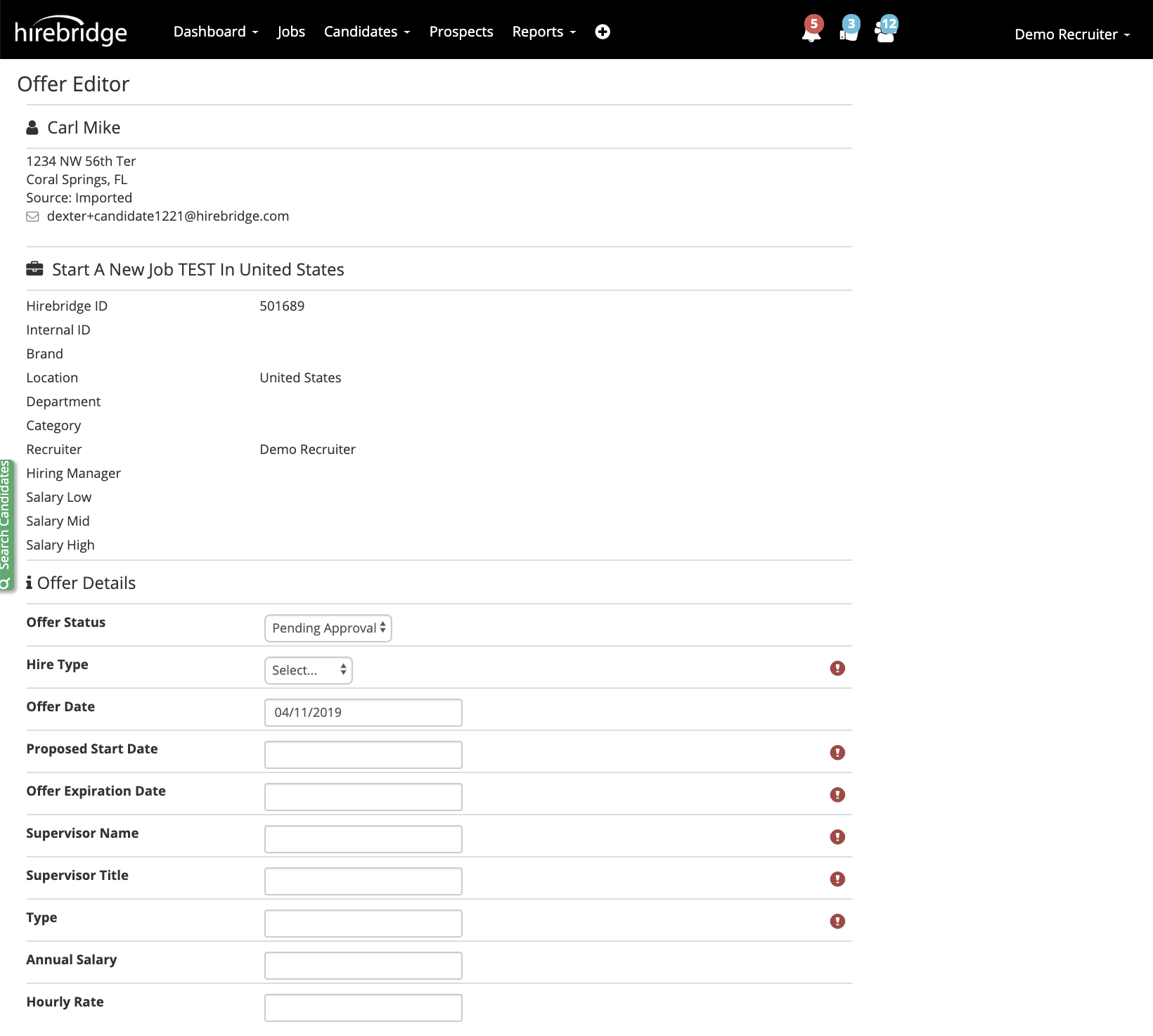
- At the bottom you are allowed to attach the candidate documents before approvals.
- The next step will be to select the list of approvers.
(Based on company approval settings there will approvers already selected based on role, pre-made approval chains or approvers that you will need to select to have the offer approved.)
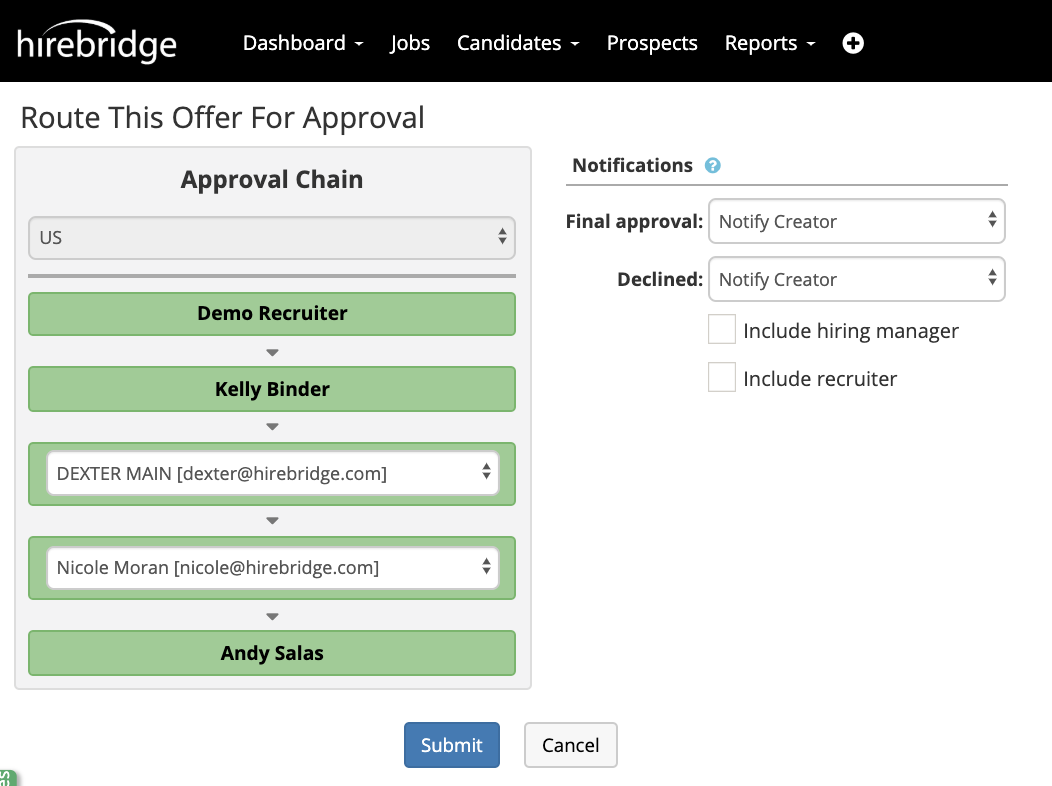
- After selecting the approval chain you can adjust the offer approval notification setting.
- Once satisfied with the approval chain select submit to start the approval process.
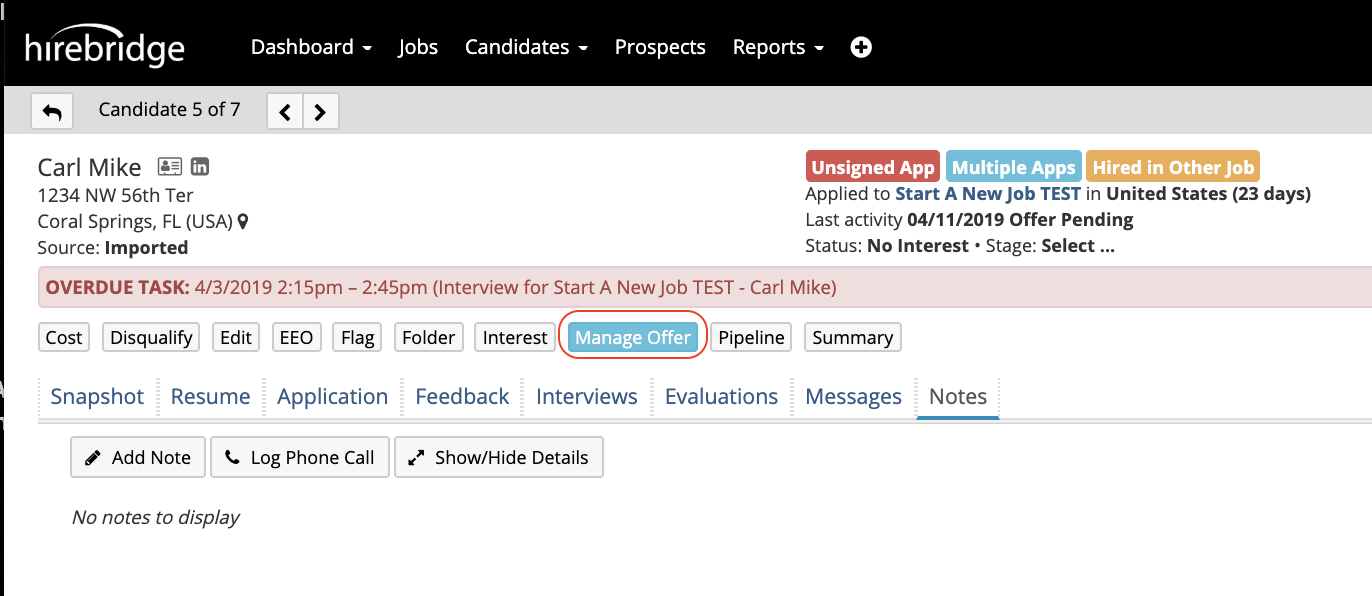
To view the history or the status of the approval select Manage Offer.
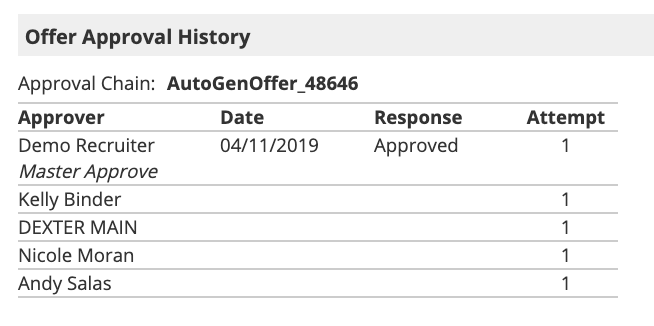
At the bottom of the page there will be a section labeled Offer Approval History. This section will allow you to review the approvers date response and attempts.
After the having the offer approved the manage offer section will display the candidate's current offer status.