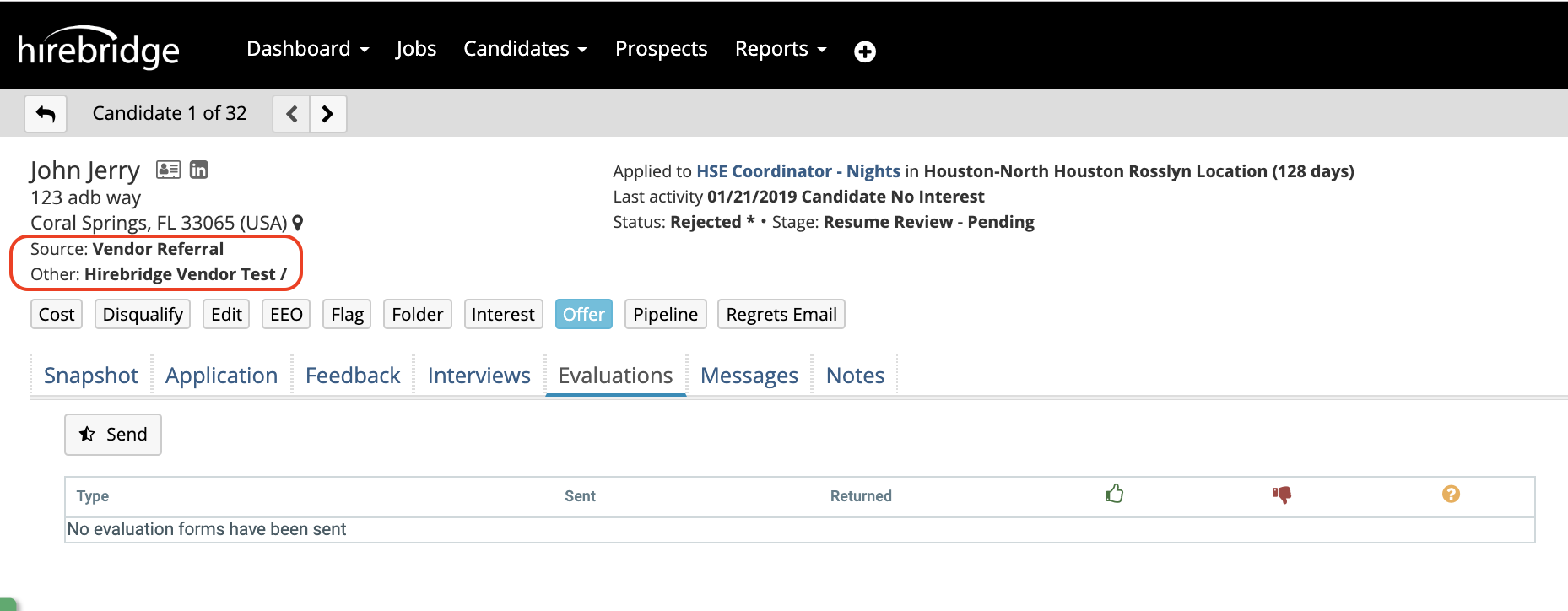
This article will guide you on how to edit a candidate source.
To edit a candidate source select the Edit button in the candidate profile.
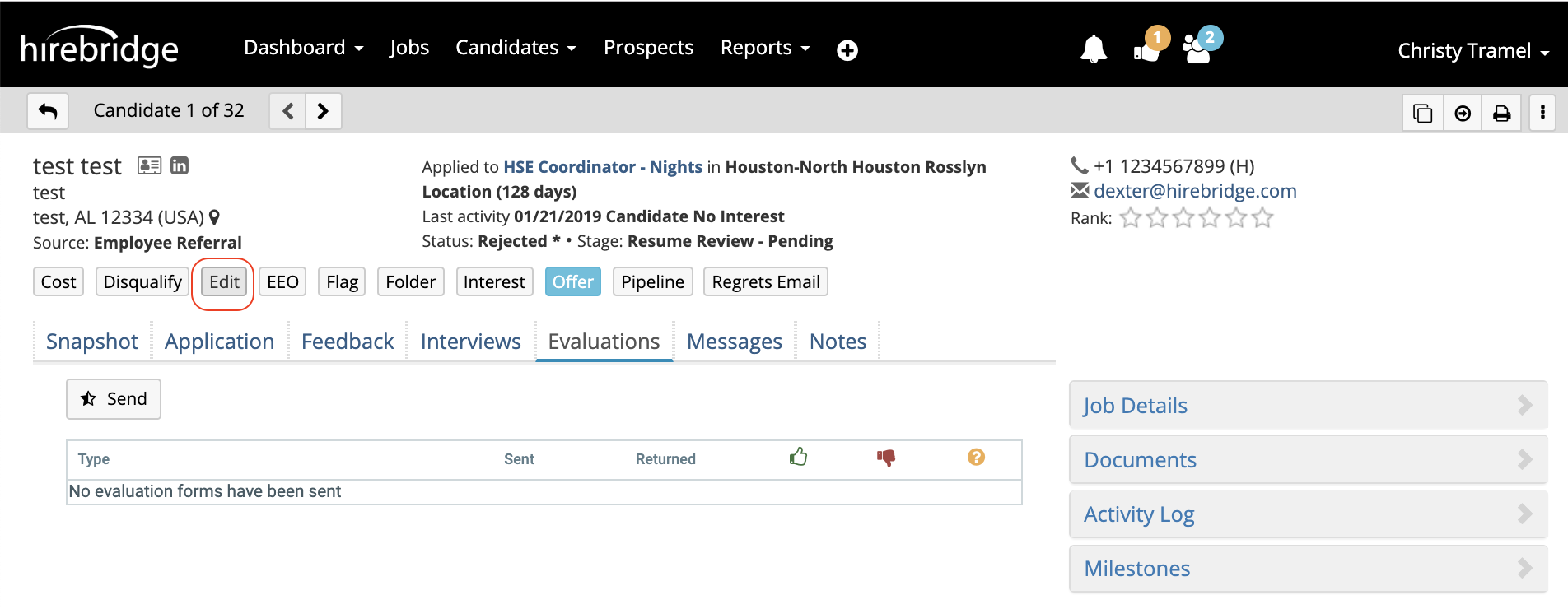
After selecting Edit the edit candidate page will load, allow you to make changes to the candidate information.
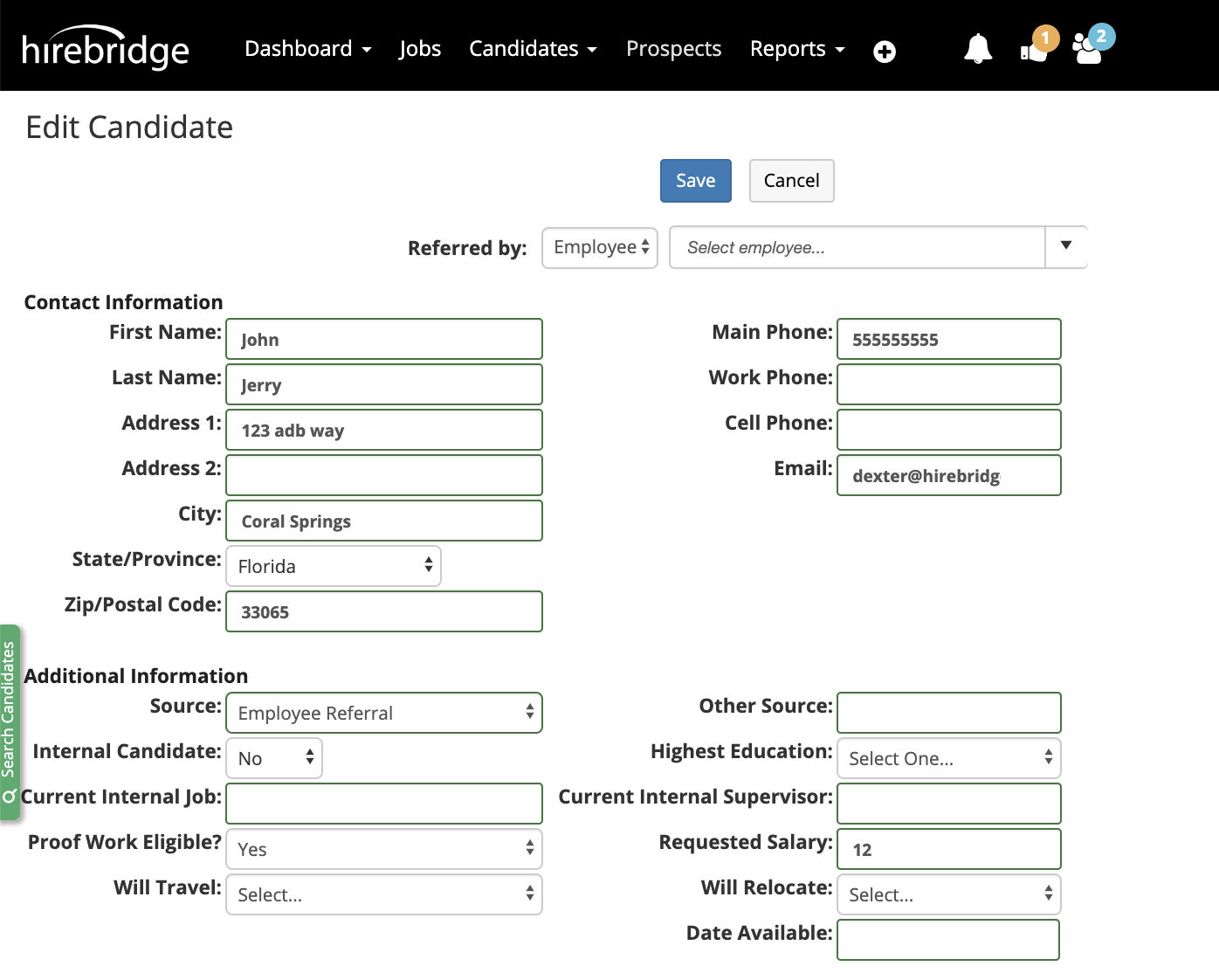
- To edit the candidate source select the source dropdown list. From the selection select the source that you would like to attach to the candidate.
- If the candidate was referred by a vendor or employee at the top you can use the textbox and type the name of the individual who referred the employee.
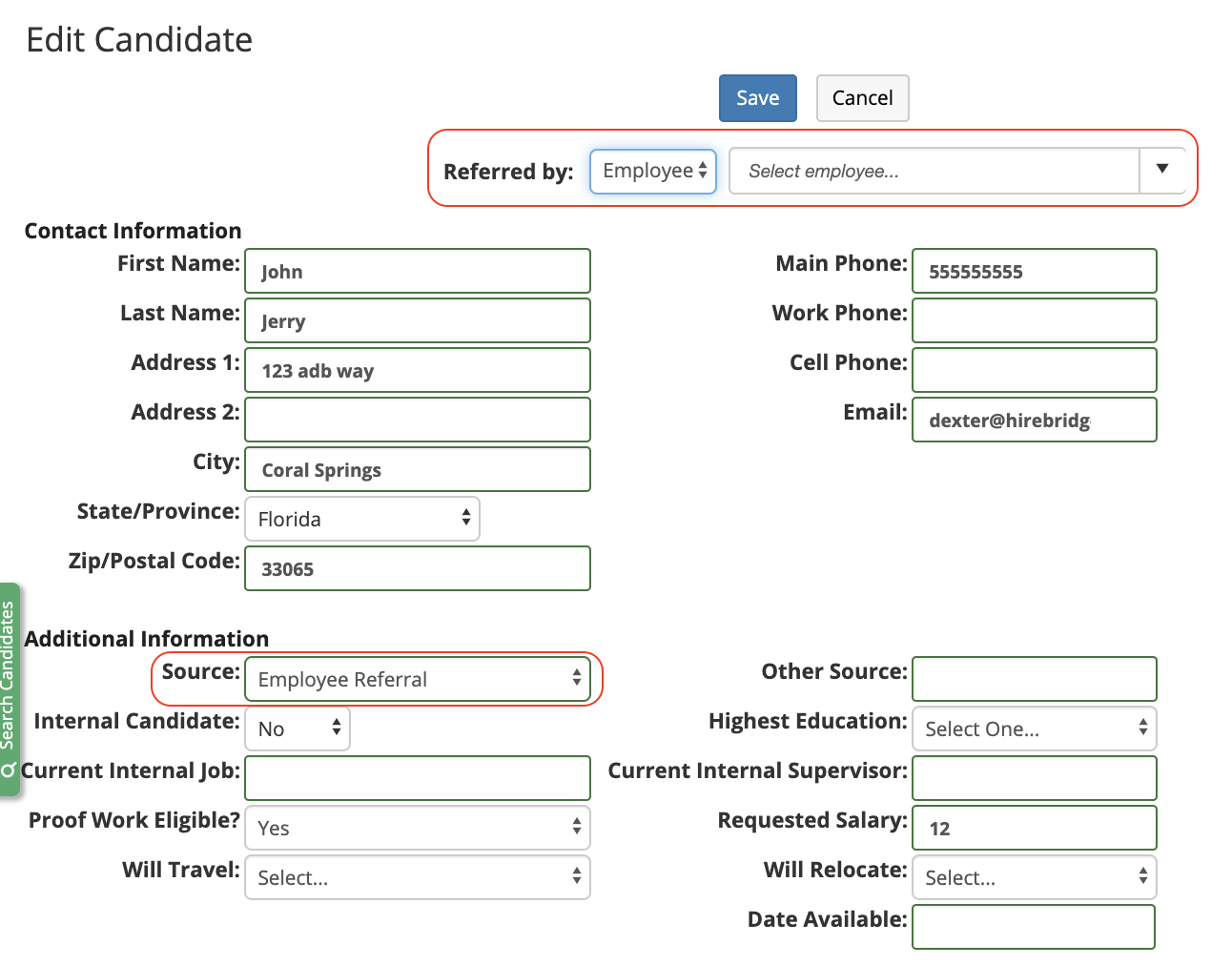
- If an employee or vendor is selected from the list it will then attach candidate to employee.
- This will allow you to keep track display how many candidates that employee or vendor submitted.
- After completing the changes as desired the candidates information will be updated. To verify this go back into the candidate profile to view the changes.