This article will give a quick overview on how to add a question set to a requisition
Note: To attach a question set to a requisition you will need to have question sets created and requisition editor rights.
Once you have question sets created you can attach them to a requisition by going into the requisition editor page.
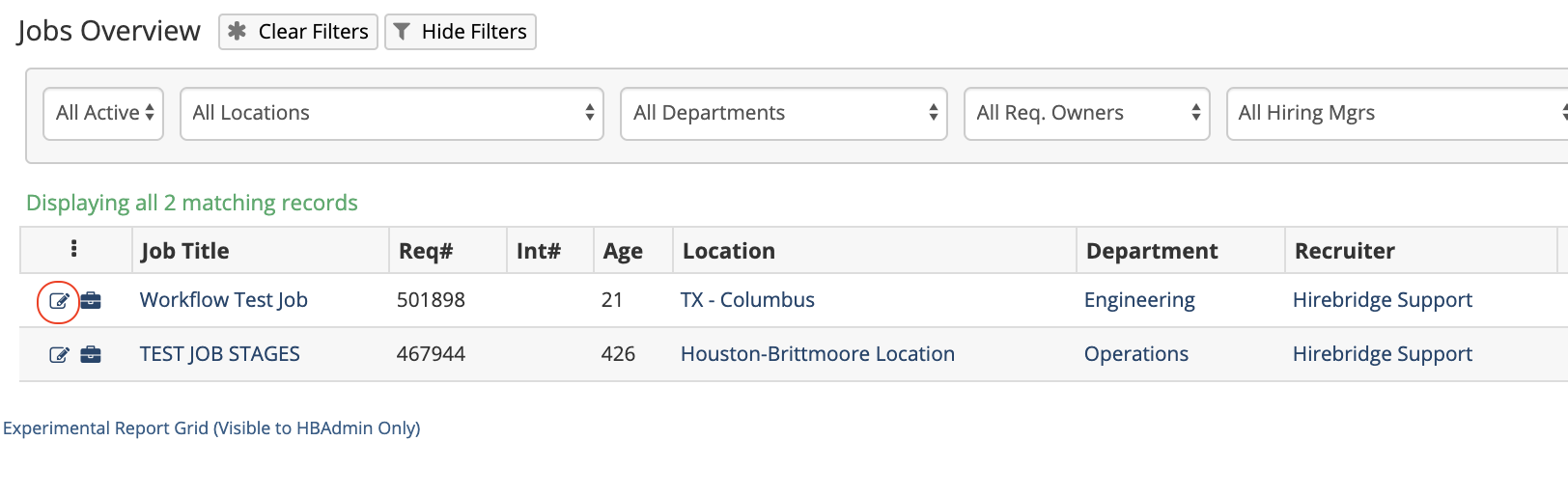
On the requisition editor page, scroll down to the applications settings section. This section will allow you to select the type of question sets to attach for external and internal applicants.
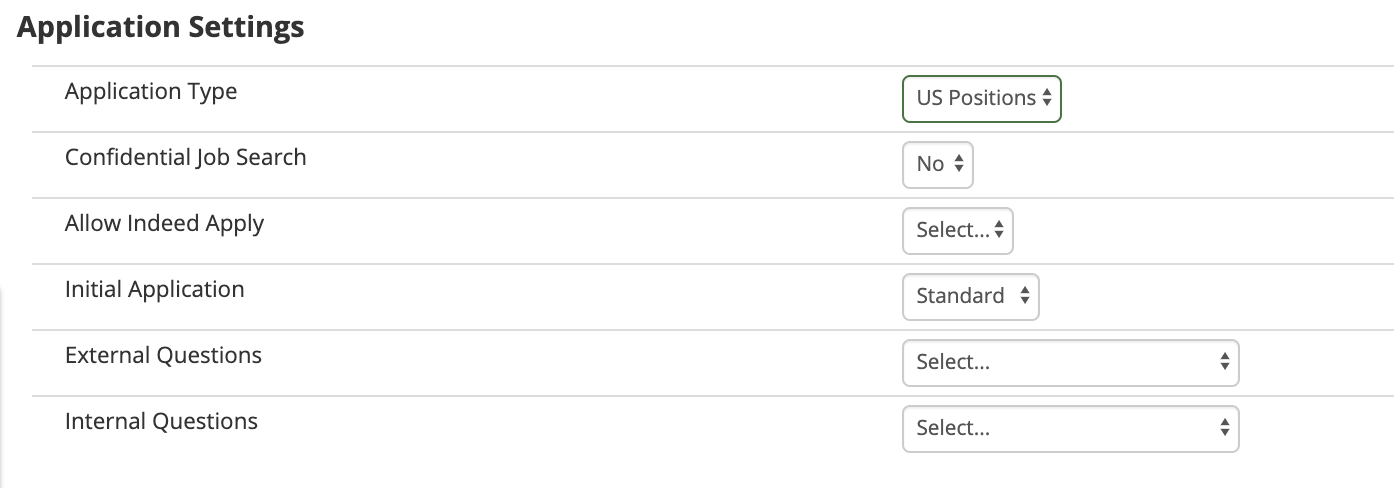
Select from the dropdown the type of question set you would like to attach to the requisition.
After attaching the question set select Save, all applicants will now receive the question set.