This article will cover how to create a dynamic requisition approval chain using the new search feature.
If your company currently requires approvals and is currently set to dynamic they will reach a page like the one listed below.
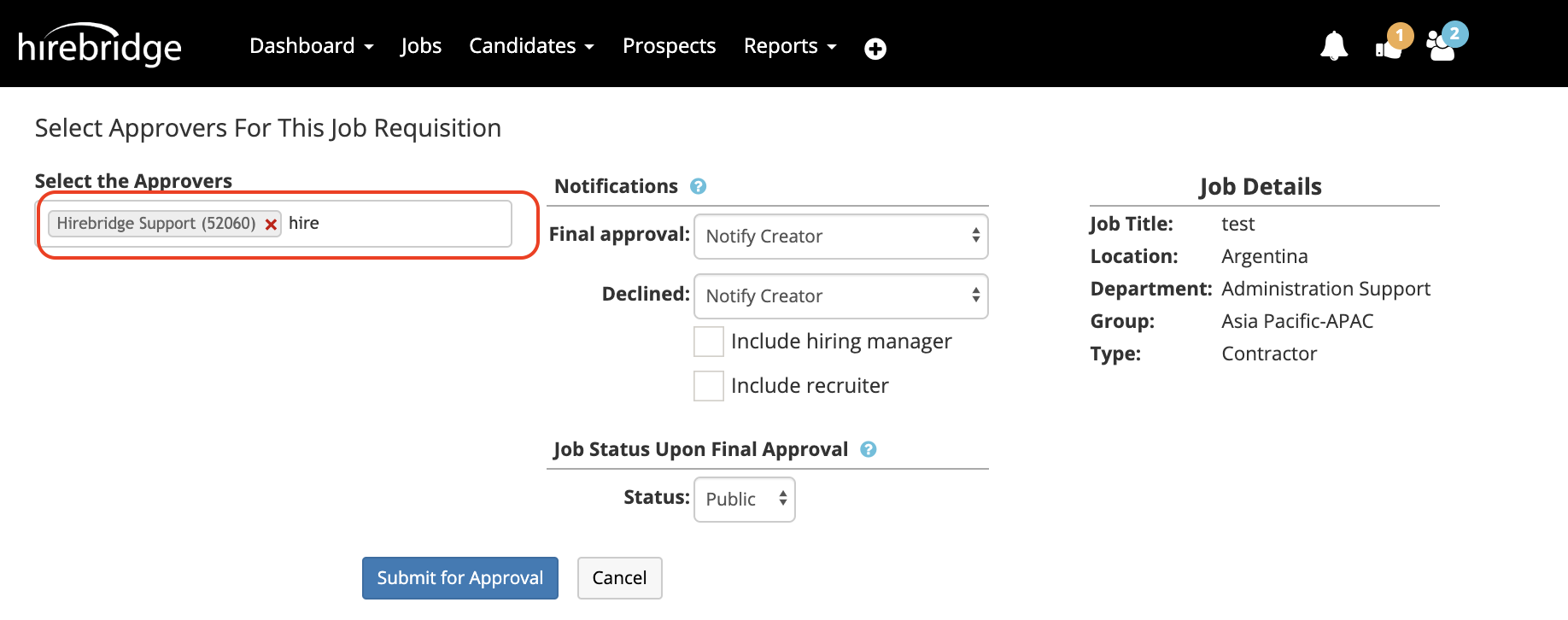
To select the approvers that you would like to attach in the textbox below Select the Approvers type the name of the individual that you would like to approve the requisition.
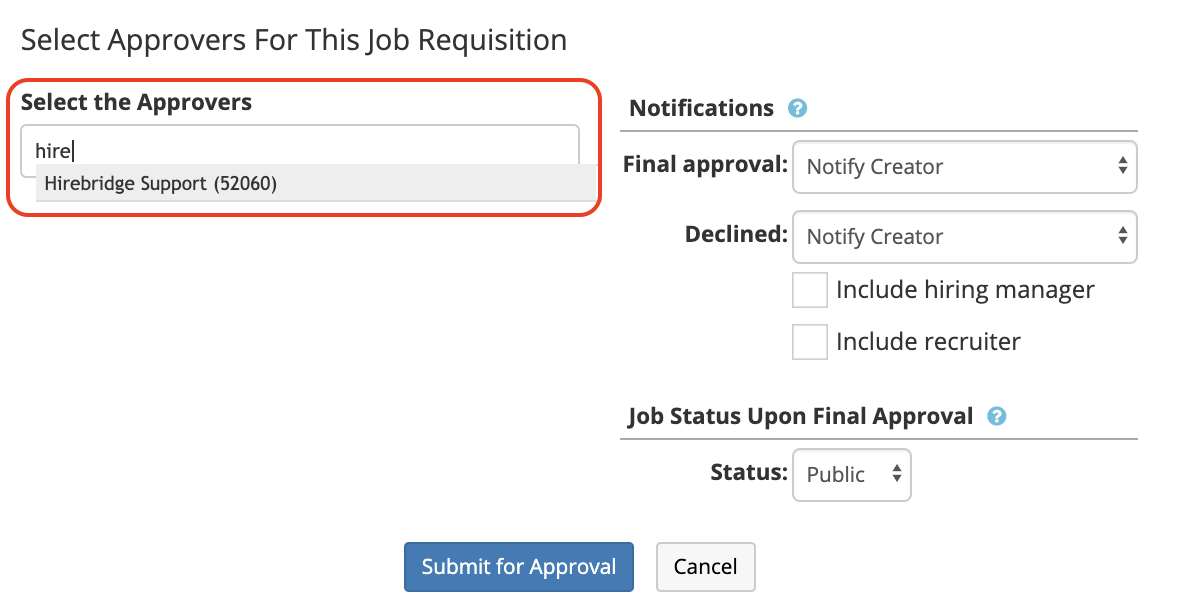
Once you start typing the individuals name a dropdown list will appear where you will be able to select and attach the user. Once the user is attached a red X will appear next to their name allow you to remove them from the approval chain.
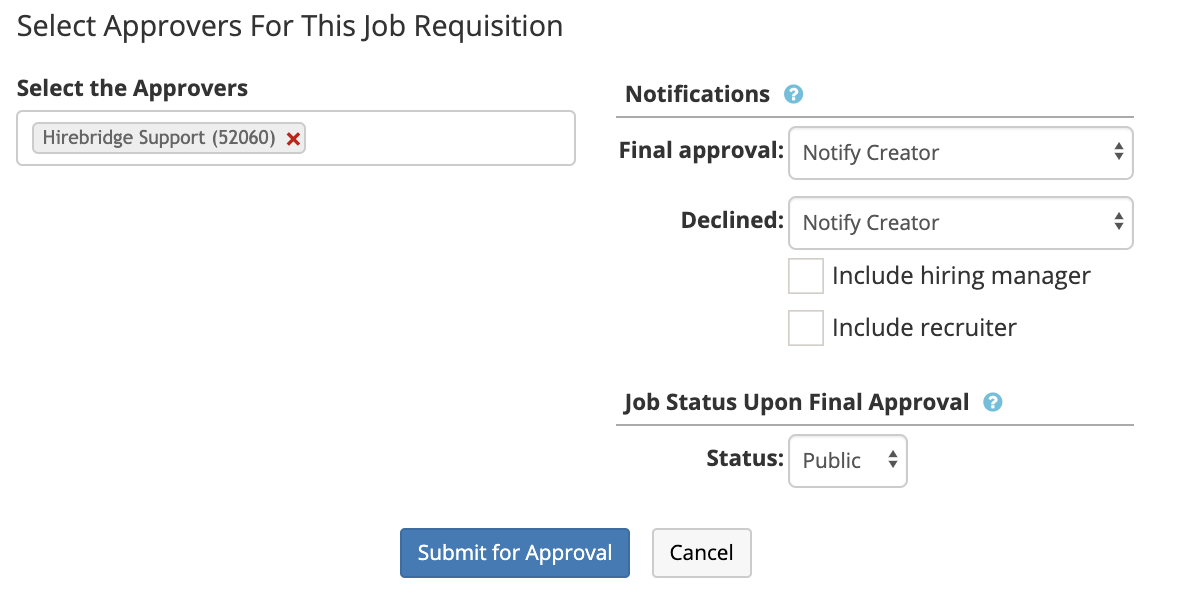
The next steps would be to set the notifications to the individuals you would like to notify if the requisition gets either approved or declined.
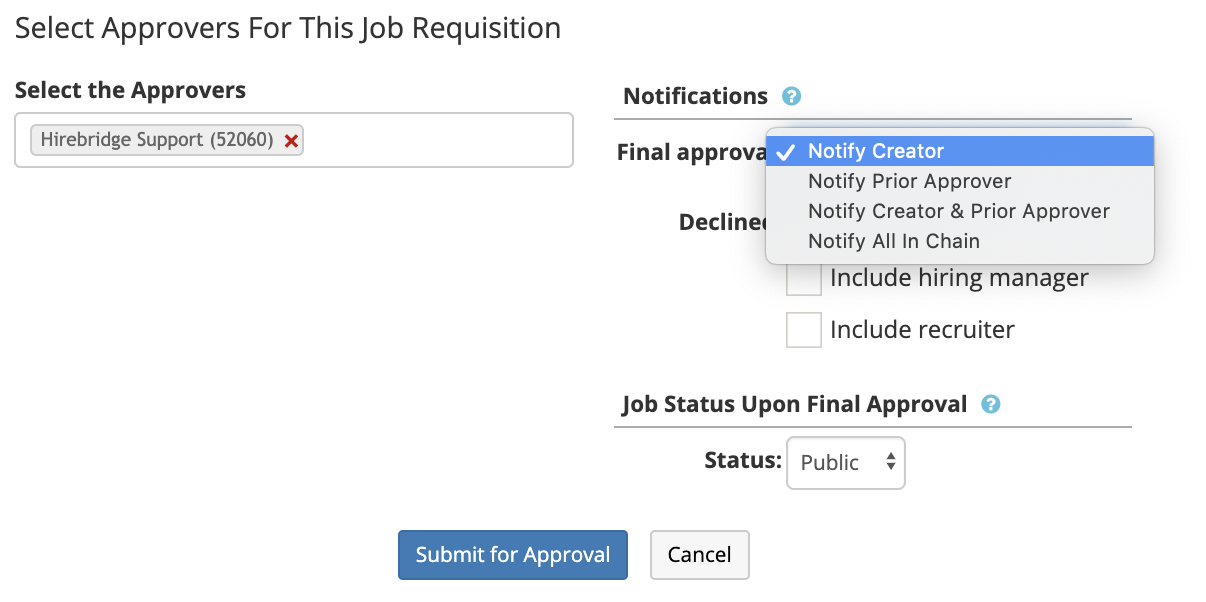
The checkboxes below the notifiers also will allow you to include the recruiter or hiring manager.
The final step before sending the approvals through the approval chain is to select the status of the requisition after it has been approved. Once this is selected you can then submit the requisition for approval.