This article will cover how to connect your Hirebridge account with LinkedIn.
- The first step is to select your username on the top right corner.
- After you have selected your user name select "Preferences"
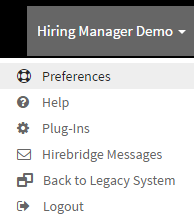
- You will now land on the "User Preferences" page where you can edit what interface you land on when logging in.
- Next, select the "Connections" tab.
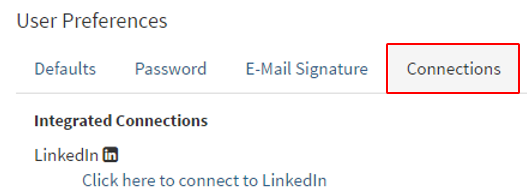
- This tab will now give you the link to where you can connect your Hirebridge account with LinkedIn
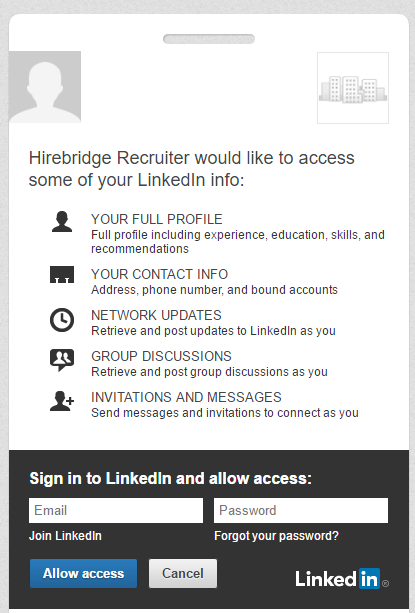
- Once you have connected to your Hirebridge account, you will land back on the connections tab.
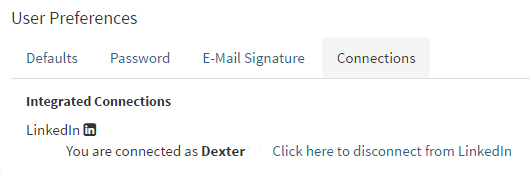
- There will also be a notification on the bottom letting you know that youre Hirebridge account is connected to LinkedIn..