This article will guide you on how to download merge candidate records.
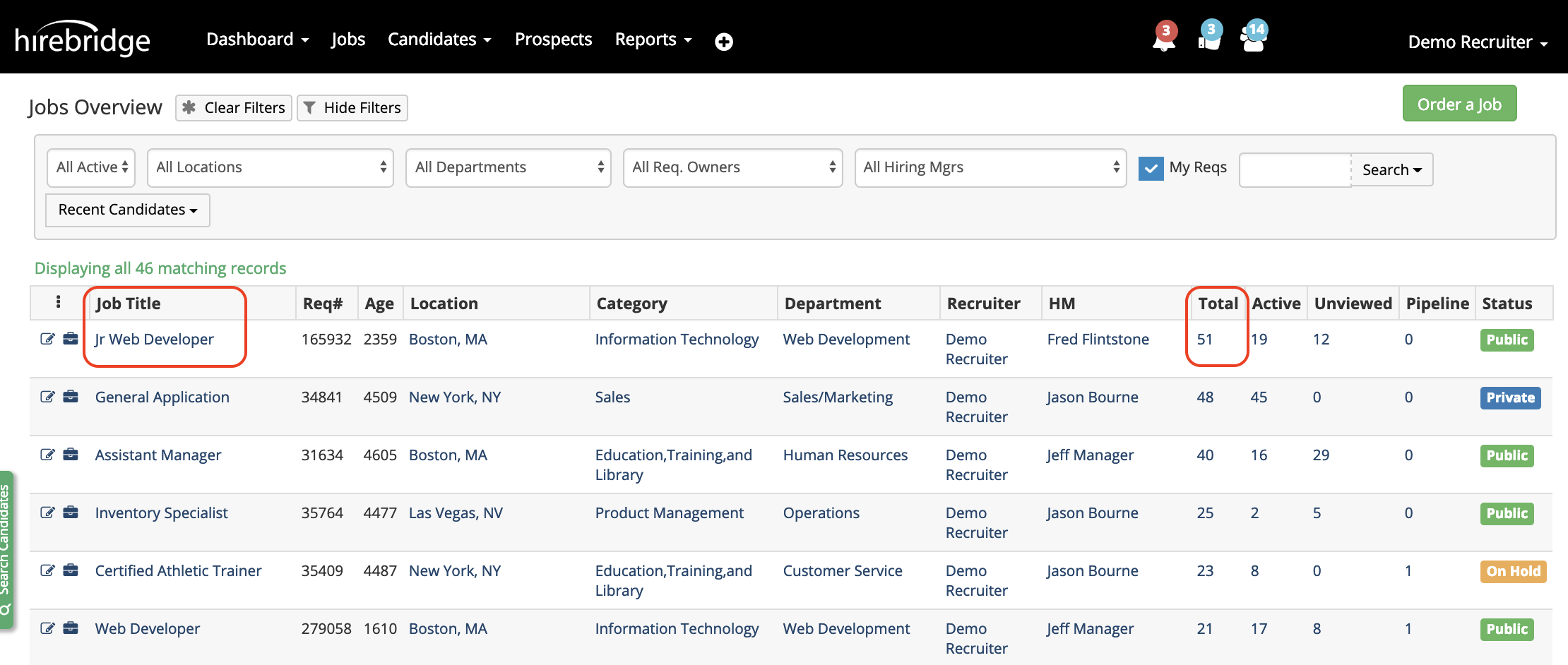
- The first step is to go into a requisition with a list of candidates.
- Next select the Job Title or Total number of candidates within the requisition.
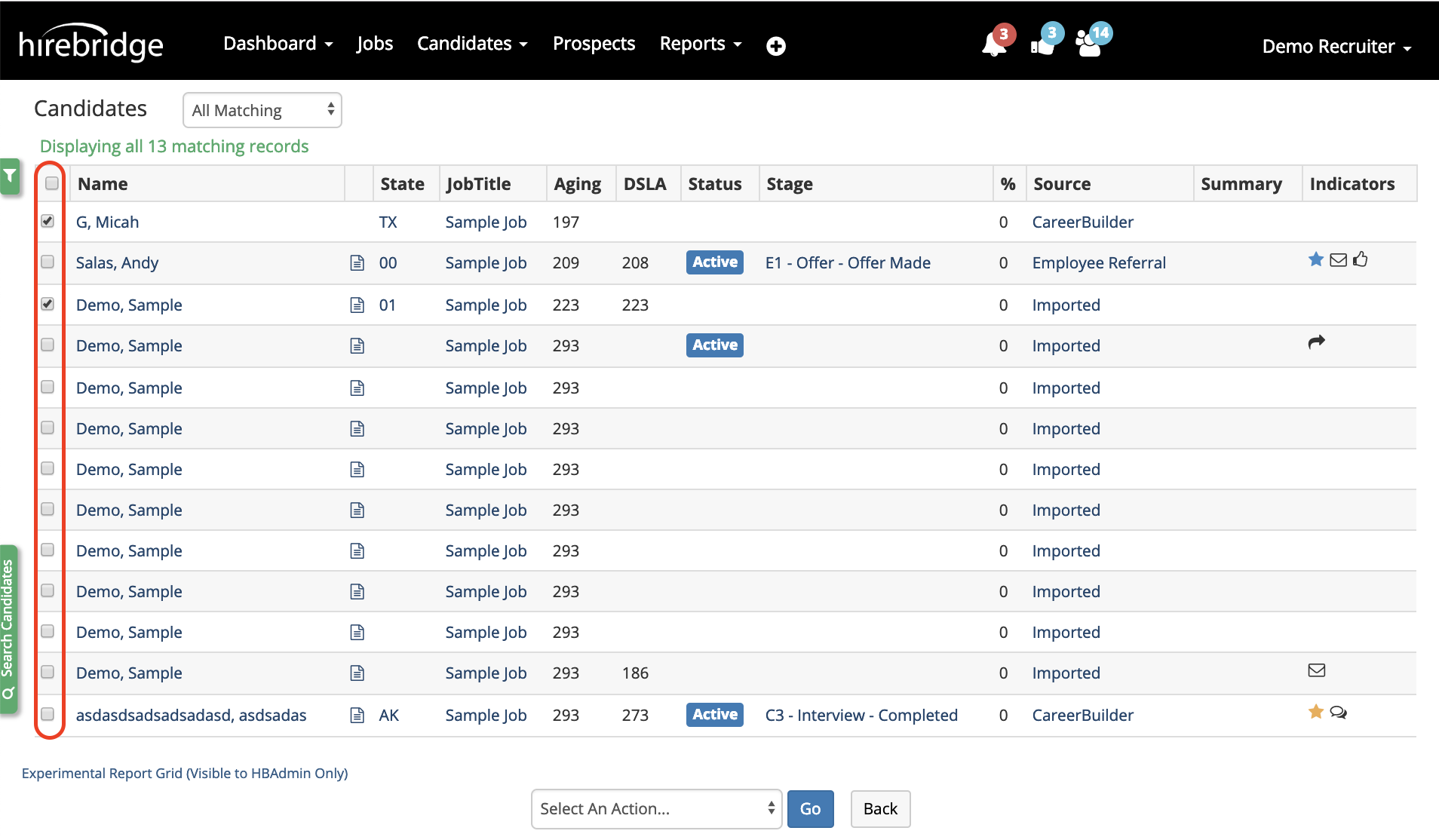
- One you are in the candidate list, on the left of each candidate is a checkbox.
- To Select All of the candidates listed check the box next to the Name title.
- To merge candidate records check each box next to the candidate you want to merge into one profile.
- The next step is to select an action from the drop-down list at the bottom of the page.
- Select Merge/Link Candidate Records to merge the candidate records.
- This will then load the merge candidate page where you will need to select the master candidate record.
- Once the Master record is selected, click Merge Records.
Once the candidate record is merged it cannot be undone.
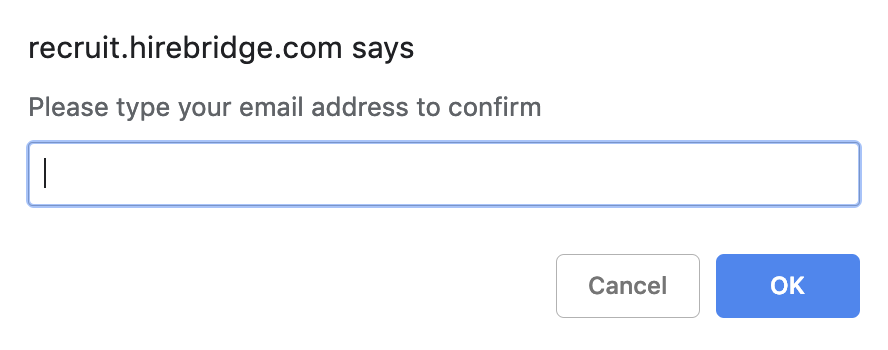
- After selecting Merge Records the system will then require you to enter your user email to verify this change.
- The candidate will then be merged into the master profile and you will then be redirected to the candidate list.