This article will guide you on how to setup up Apply with LinkedIn.
This is an option that will allow candidates to apply using their LinkedIn credentials.
- To setup this feature select your username in the top right corner
- From the dropdown list select Administration.
- In the Career Center section select Apple with LinkedIn Setup

- This will now guide you on the requirements needed to have apply with LinkedIn setup
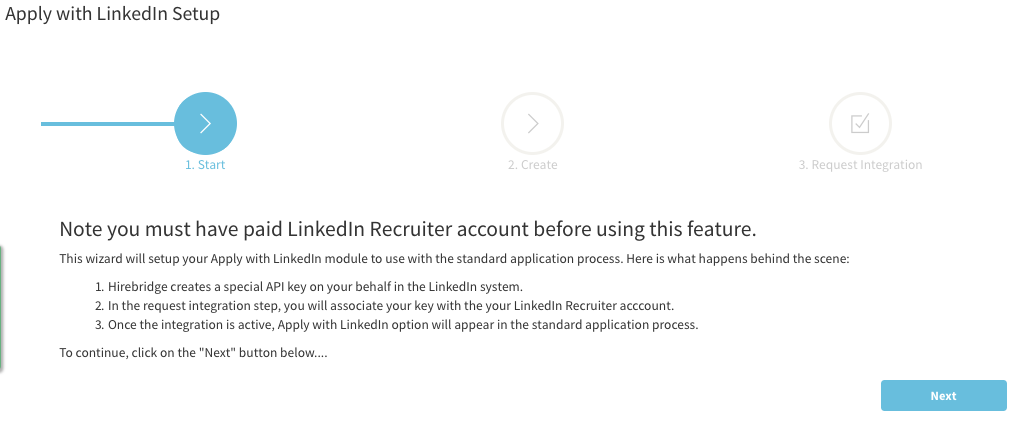
- After completing the setup, candidates will now be able to complete their application using their LinkedIn information.
Below is an example of what the candidate will see in the application.
- In the application the candidate will reach a section that will give them methods in which they can apply.
- The Linkedin apply option will become available for the candidate
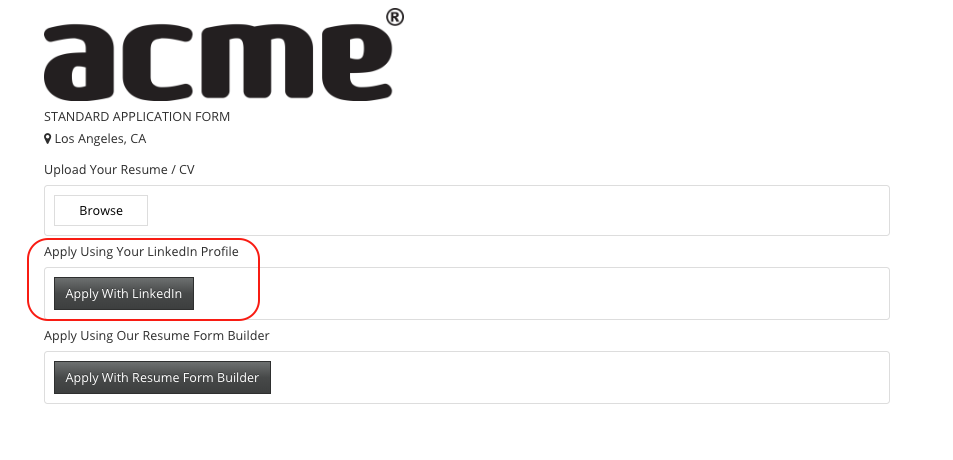
- If the candidate selects Apply With Linkedin they will then be prompted to log in using their Linkedin credentials.
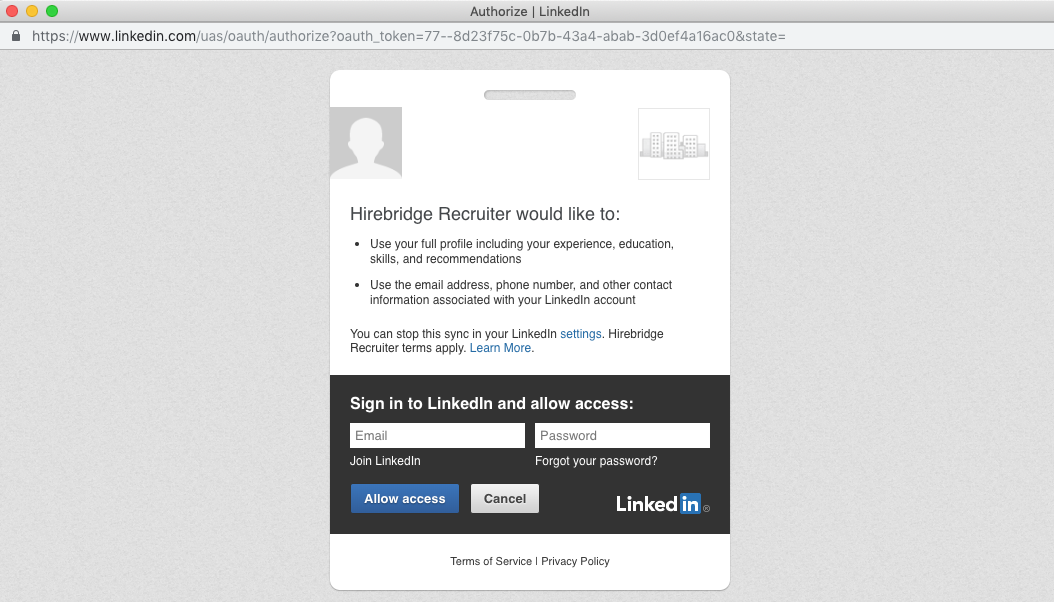
- After the candidate logs in using their Linkedin credentials most of the fields will be populated with the information provided from Linkedin.