This article will cover how to sent a candidate to the Manager.
- First, we need to access a candidate profile.
- Once you are in the candidate profile select the "Messages" tab.
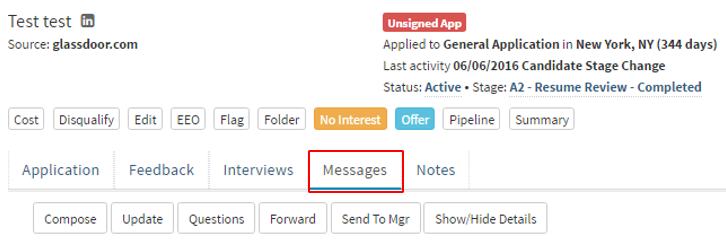
- After you have selected the "Messages" tab more option will become available.
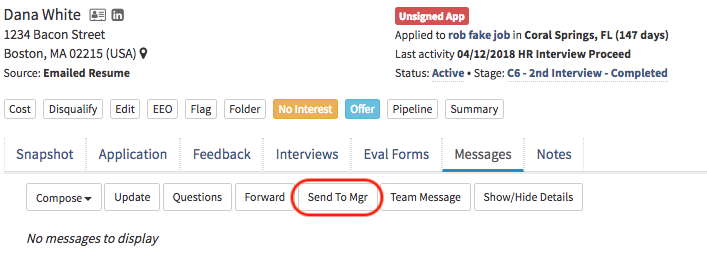
- Select the "Send To Mgr" tab outlined in red in the picture below.
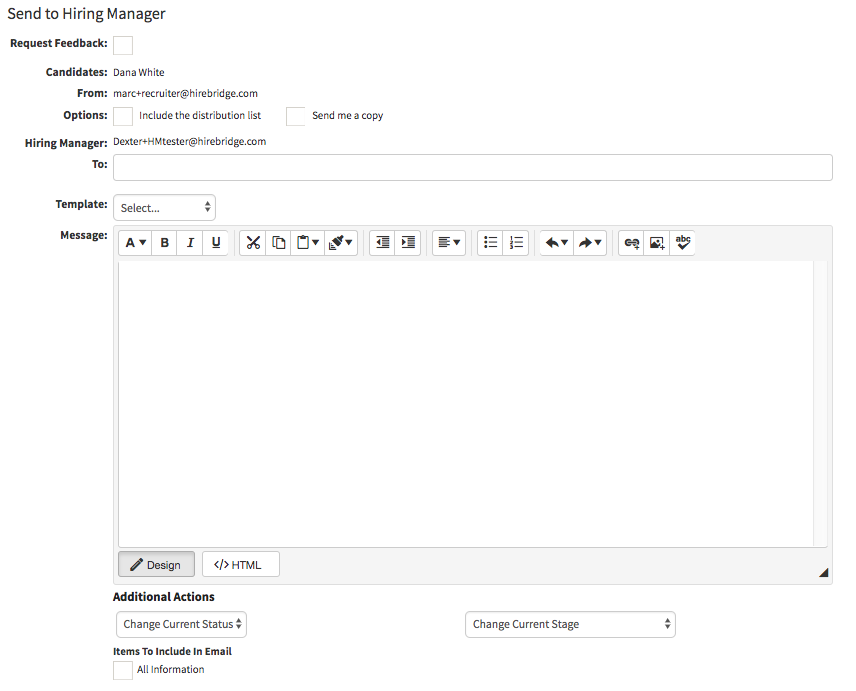
- A new page will load that will allow you to attach a message to send to the Hiring Manager.
- At the bottom you can also select which Candidate Documents you would like to attach with the candidate profile.
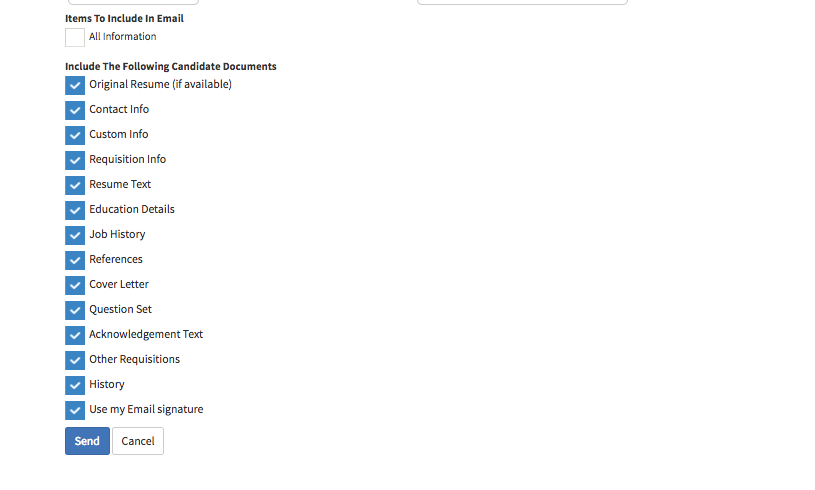
- Once you have created the message you would like to send to the Hiring Manager and selected the candidate documents you want to include select Send at the bottom.
- This will now take you back to the Messages tab where you will be able to review the message.
- The Hiring Manager with receive an email with all of the selected candidate information.
- There will be a button where the Hiring Manager is able to provide feedback to the recruiter in regards to the candidate profile.
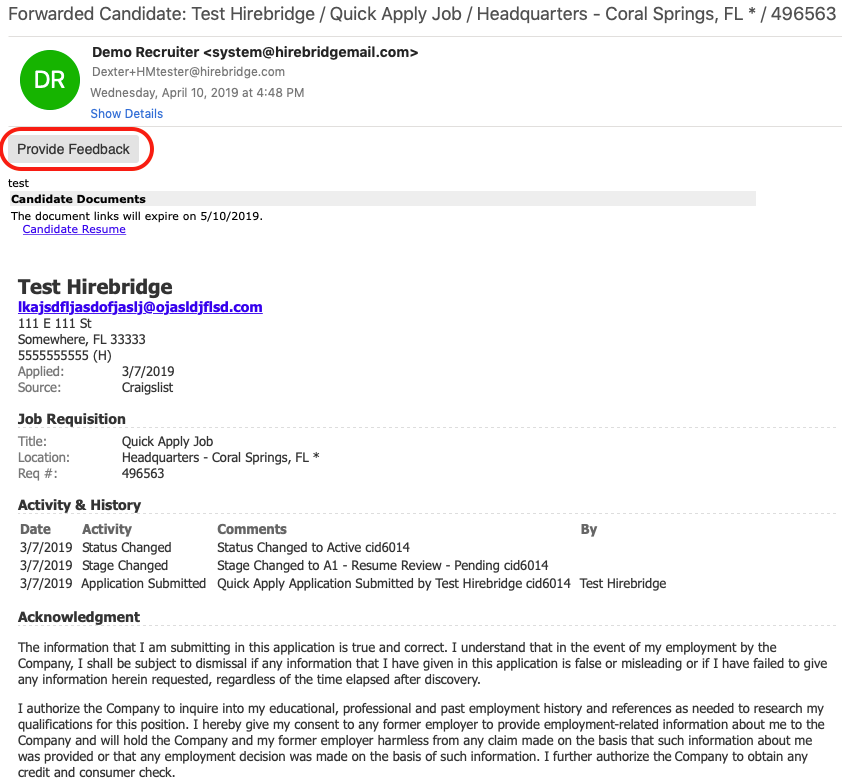
- When the Hiring Manager selects the Provide Feedback link.
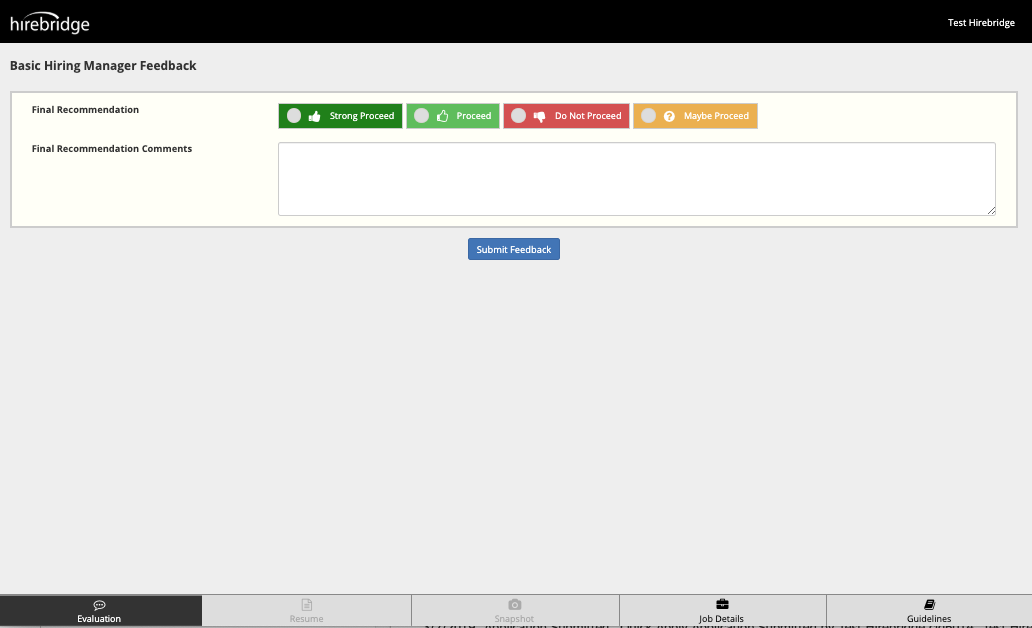
- It will load a feedback form where Hiring Managers can review the Resume, Job Details, Snapshot of the candidate profile, and Guidelines for the feedback.