This article will guide you on how to setup your candidate portal.
- This page will allow you to setup and customize the candidate portal.
- Starting from the "Self-Withdrawal" tab on the left we will cover each section and review the features of that section.
Self-Withdrawal Tab
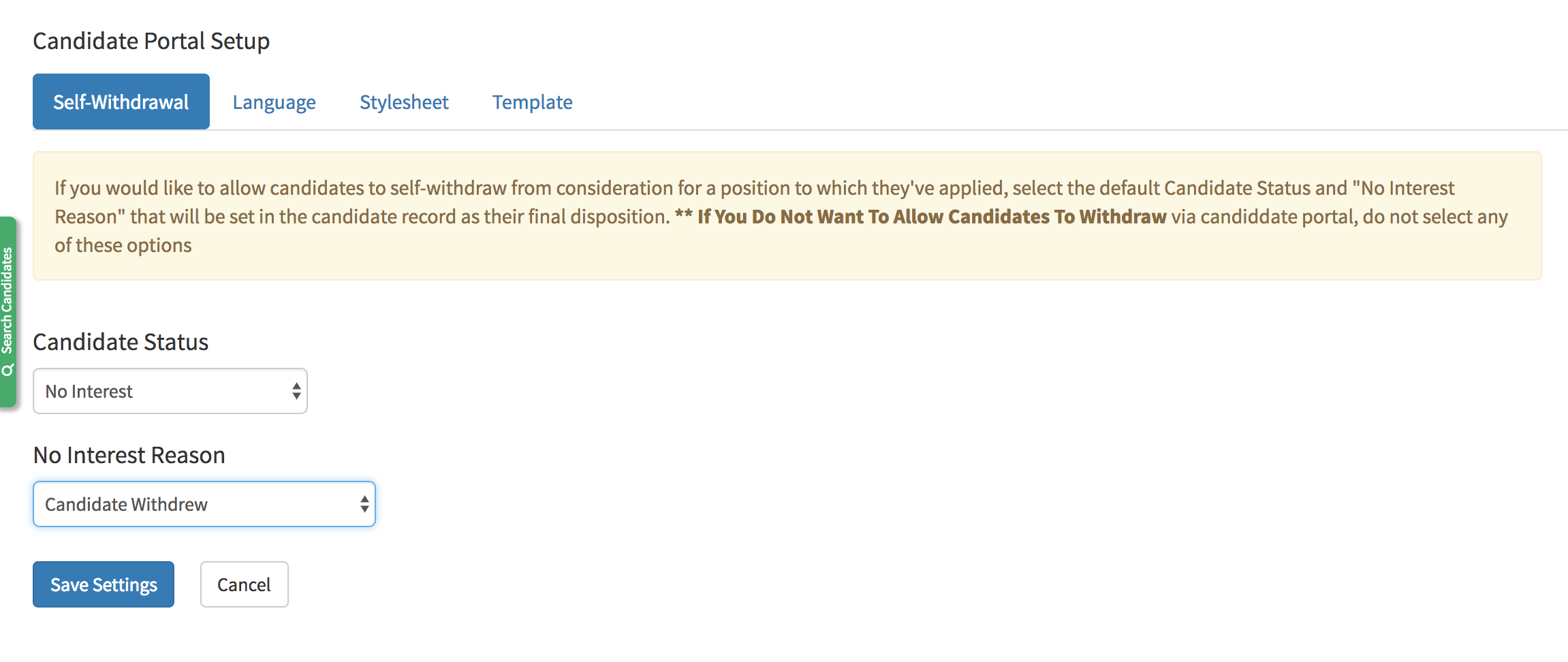
- The self withdrawal tab allows you to select the Candidate Status once the candidate has withdrawn their application.
Language Tab
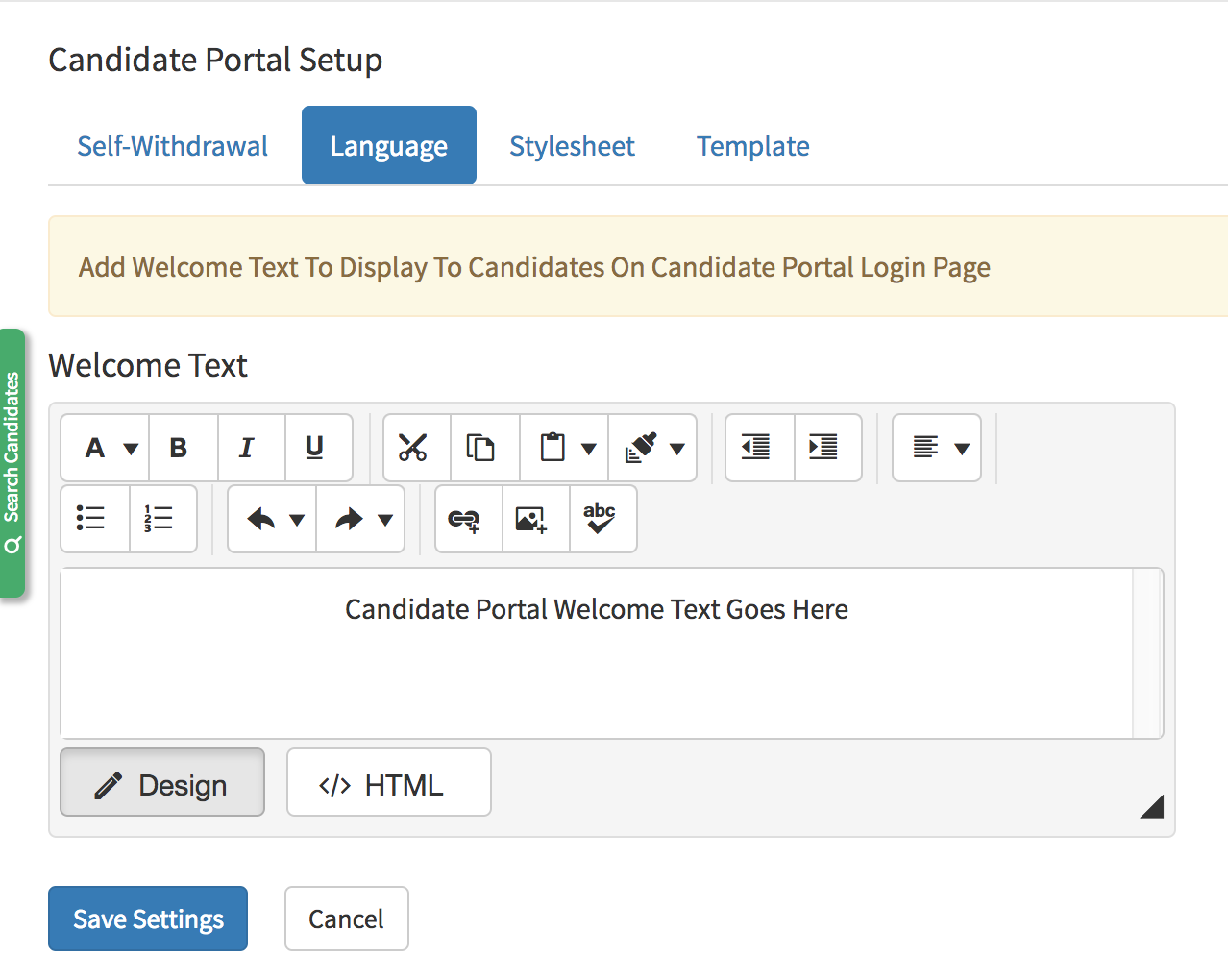
- The Language tab will allow you to include welcome text on the left side of the candidate portal.
Stylesheet
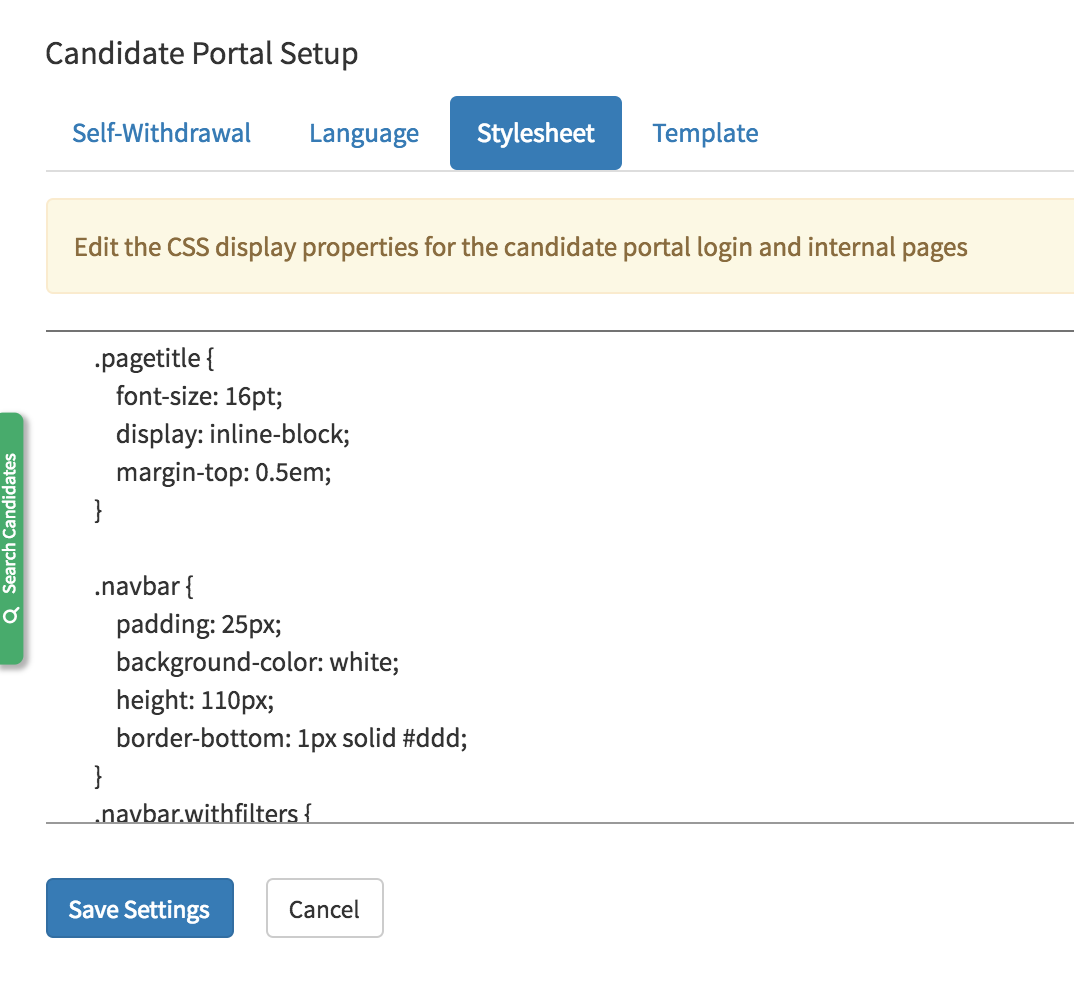
- The Stylesheet tab will give you the ability to edit the candidate portal css.
Template
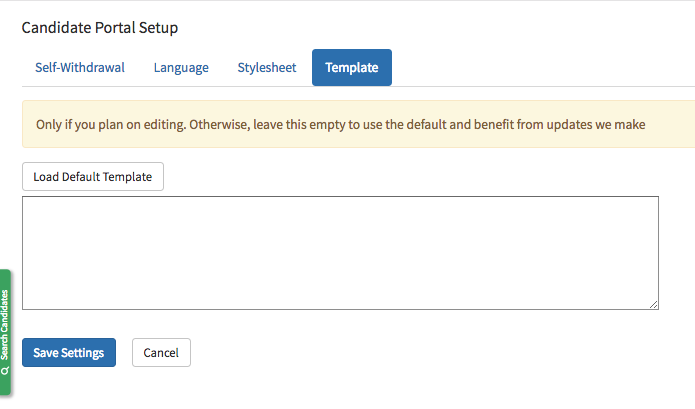
- This tab will allow you to edit the candidate portal template to arrange the webpage.