This article will give an overview of the Vendor Portal and how to submit candidates.
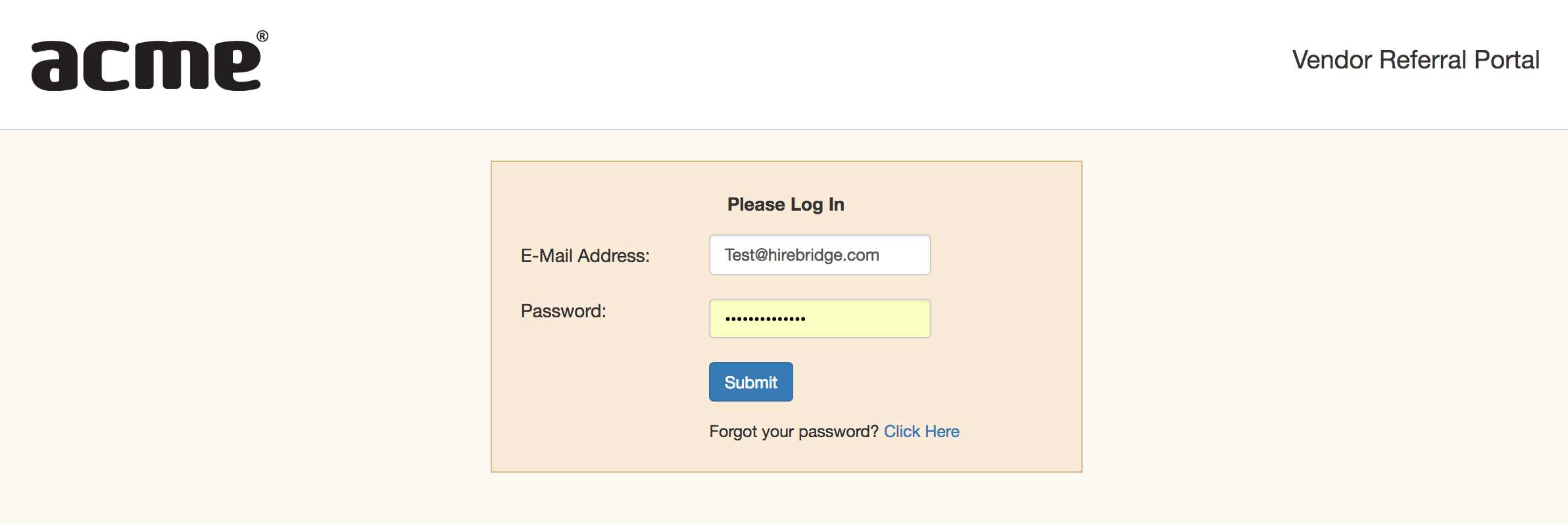
- After a vendor account has been set up, they will receive an email that will include the vendor portal link.
- This link will allow the candidate to access the Vendor Portal login page.
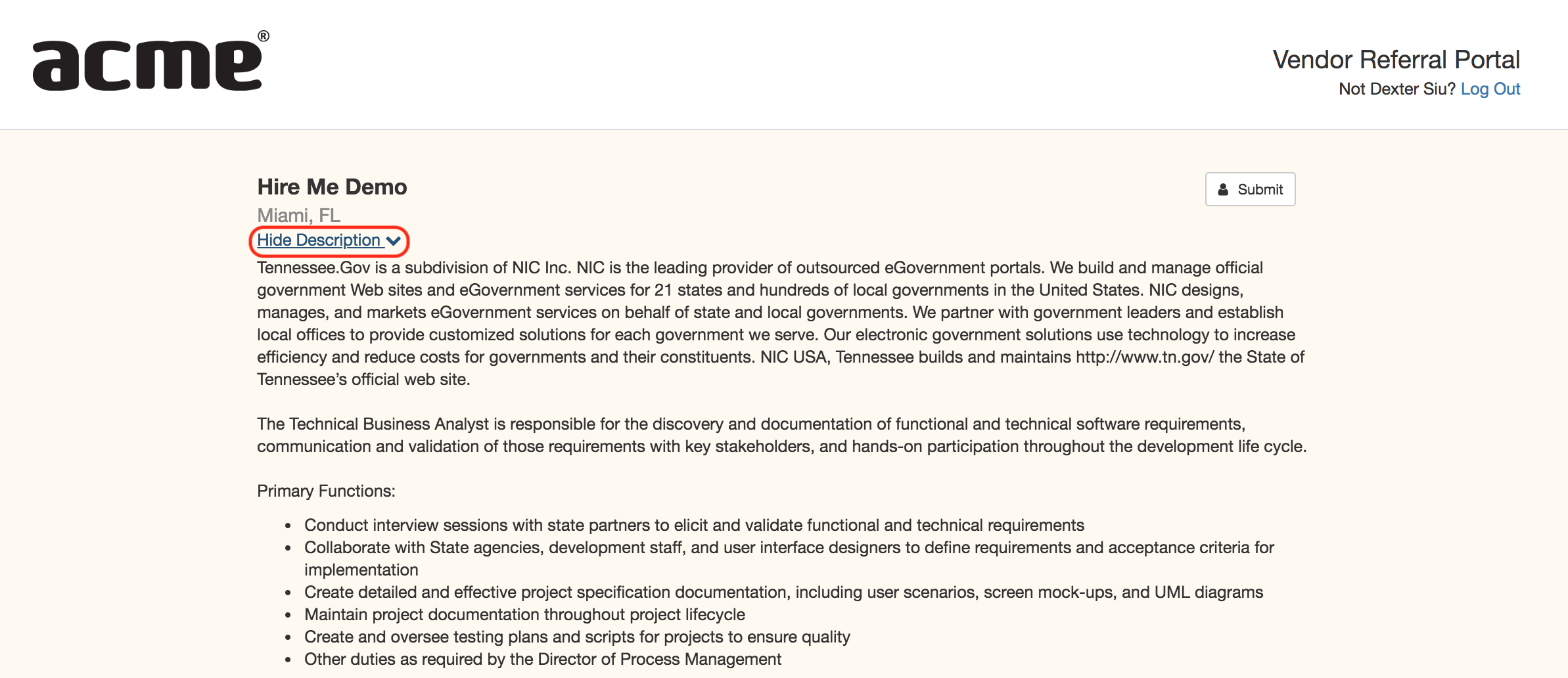
- Once the vendor is logged into their account they will be able to view the jobs they are attached to submit candidates.
- The vendor is able to view the job description by selecting the View Description button that will display all of the requisition details.
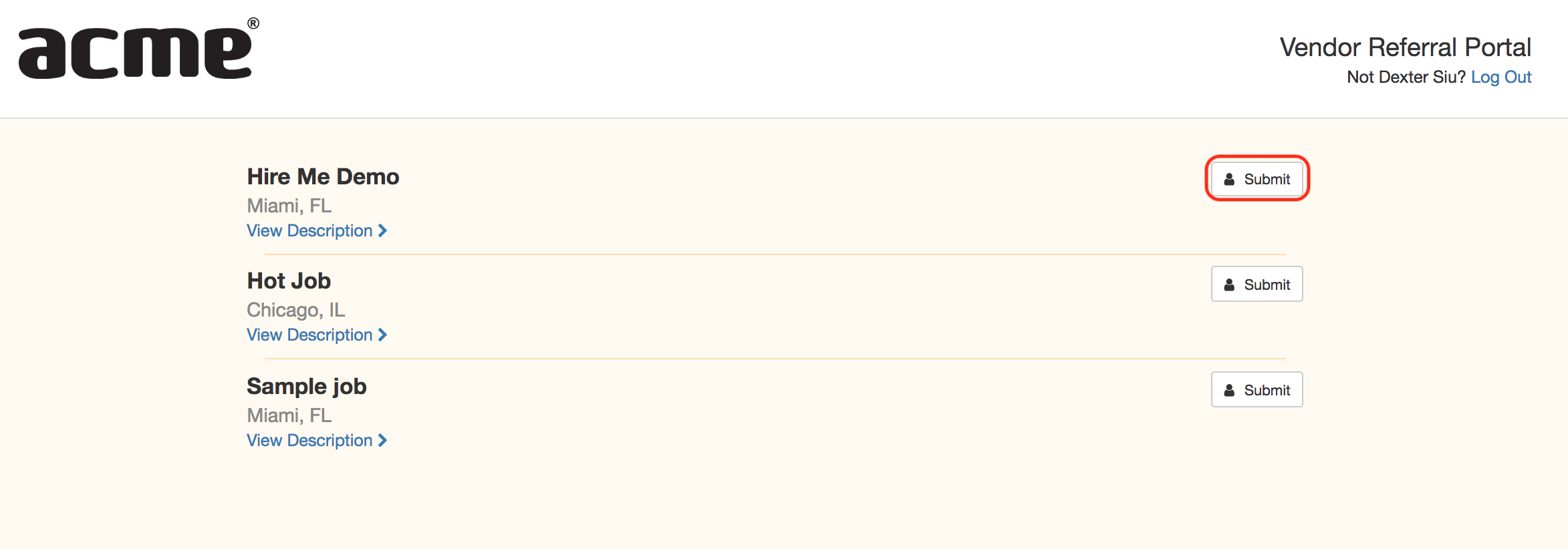
- To submit a candidate the vendor will need to select Submit. (Outlined in the image below)
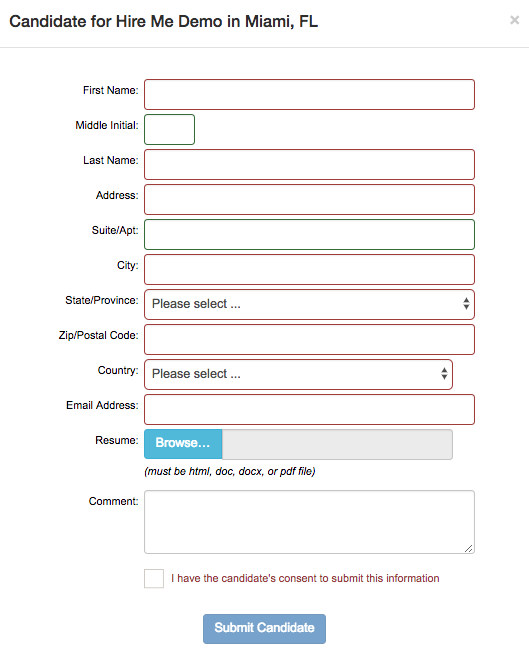
- Once selecting Submit the vendor will be required to submit candidate information.
- Once the candidate information has successfully been submitted a confirmation pop-up will appear.
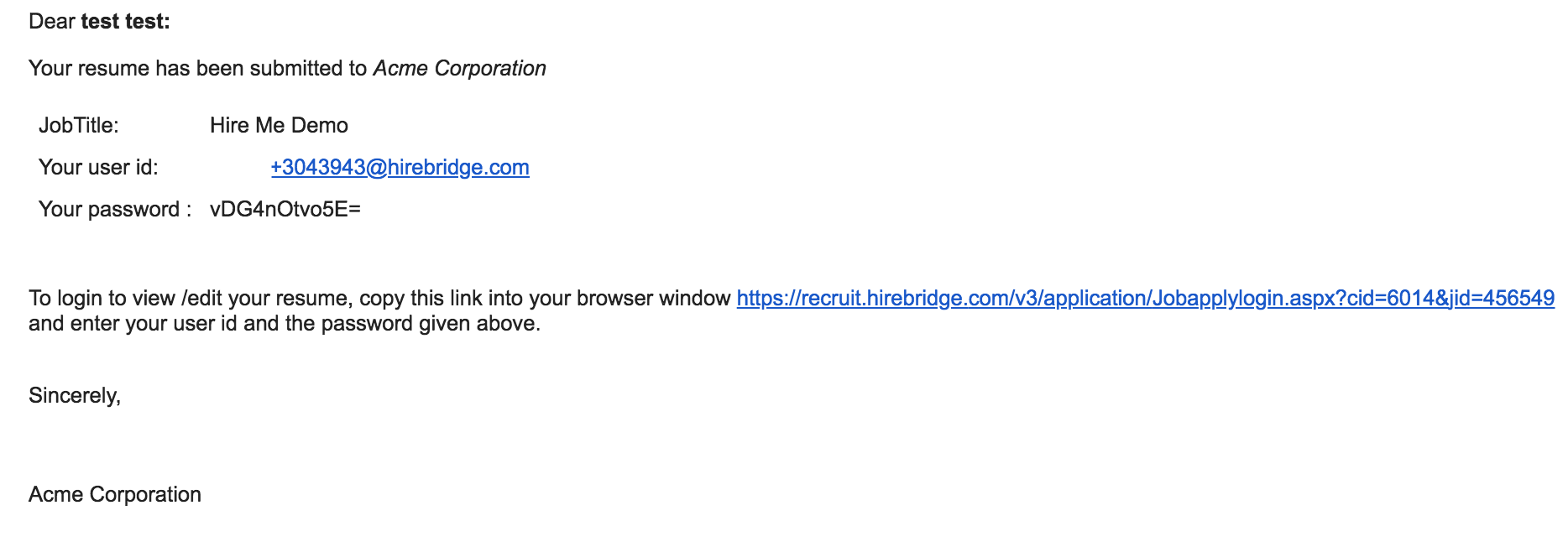
- The candidate will then receive a confirmation email notifying them their resume has been submitted.
- The candidate will also receive their login credentials and the link to the original job.
(Sample image below)
- The login credentials will allow the candidate to update their profile information when using the link provided within the email.