This article will cover the Data Retention tab of the GDPR setup page.

The data retention tab will allow the company to set timers on how long they can retain the candidate information. Each section will have the option to select length to retain the candidate information.
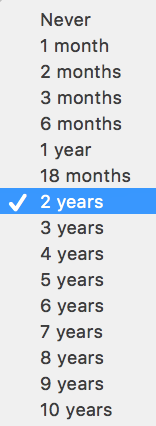
- Candidates who have provided consent (Single Job)
Select from the dropdown list how long you would like to hold the candidate data before being moved into a delete queue.

- Candidates Who Have Not Provided Consent (Legitimate Interest)
Select from the dropdown list how long you would like to hold the candidate data before being moved into a delete queue.

- Candidates Who Have Provided Consent For Future Jobs
Select from the dropdown list how long you would like to hold the candidate data before being moved into a delete queue.

Once the timers to determine how long the company will retain the candidate information has been set select Save Settings.
- Limit Candidate View
Option to show a limited view of a candidate if GDPR compliance is required and consent has expired.
