This article will guide you on how to set up a standard application and its process.
In the add/edit job page, you are able to change the application to a Standard apply by scrolling down to the Application Type section. Select Standard from the dropdown list to have the full application process. (Image provided below)
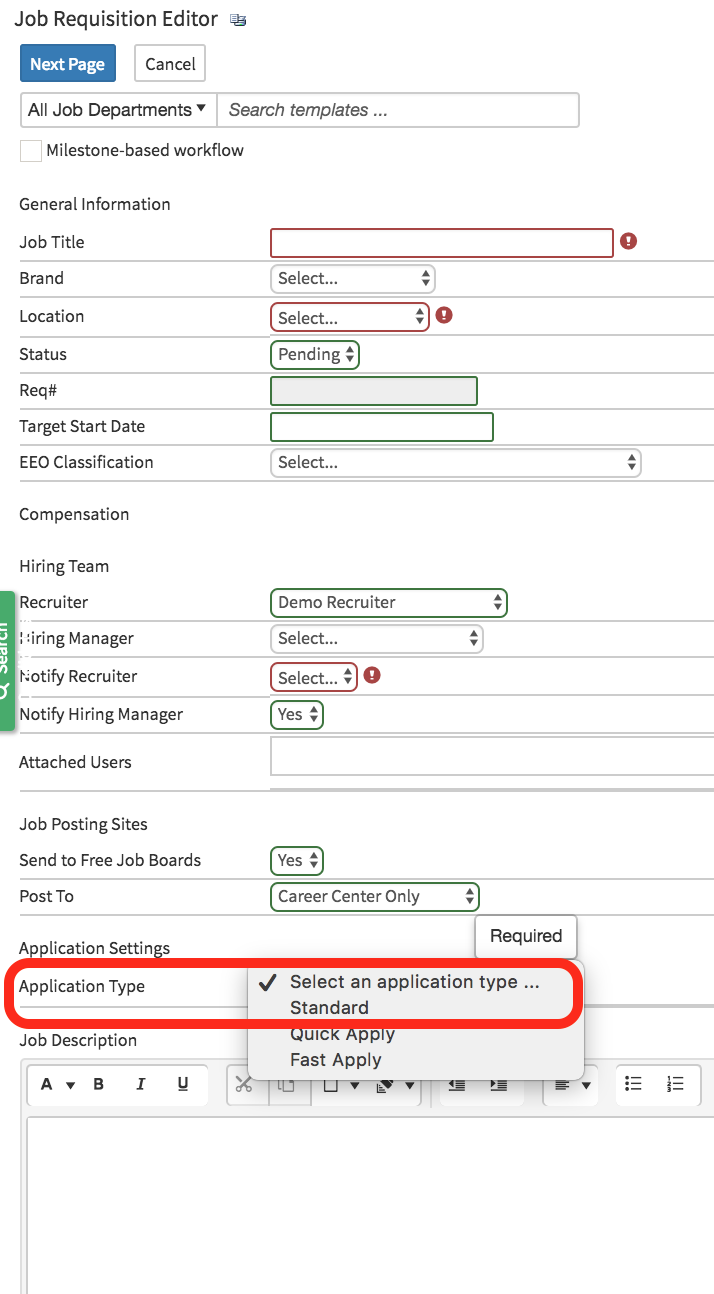
Standard Application Process
- In the first step of the standard application process basic candidate information is required.
- Depending on company set up some applications may vary.

- After the candidate has filled out the basic and required information the next step is to select Next.
- The next page will then allow you to select the method in which you would like to fill out your application.
- Browse - This will allow you to upload your resume
- Apply with Linkedin - Uses your Linkedin profile to populate
- Apply With Resume Form Builder - This method will allow you to manually enter and populate each field manually.

- For this example, we will use the Form Builder method.
- After selecting the form builder method the candidate will now need to fill their experience, education, and references.
- Note: if using another method most of these fields will be populated from your resume or Linkedin profile.

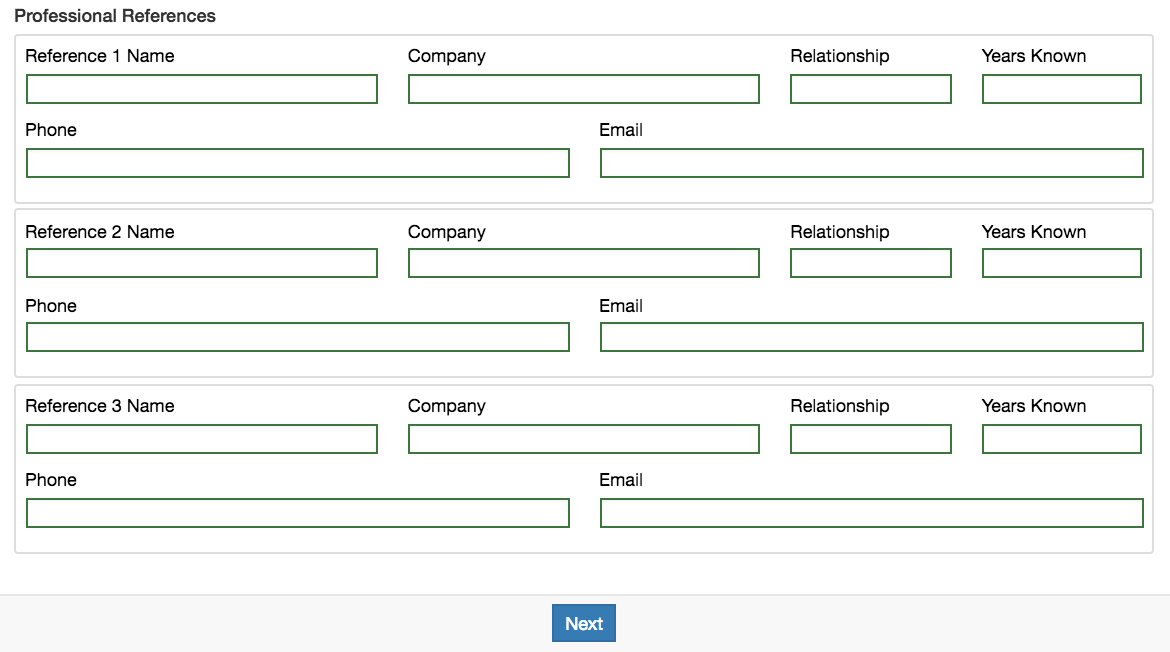
- The next step will now allow the candidate to upload your resume.

- After the candidate has uploaded the resume, the next step is for the candidate to sign the Candidate Acknowledgement.
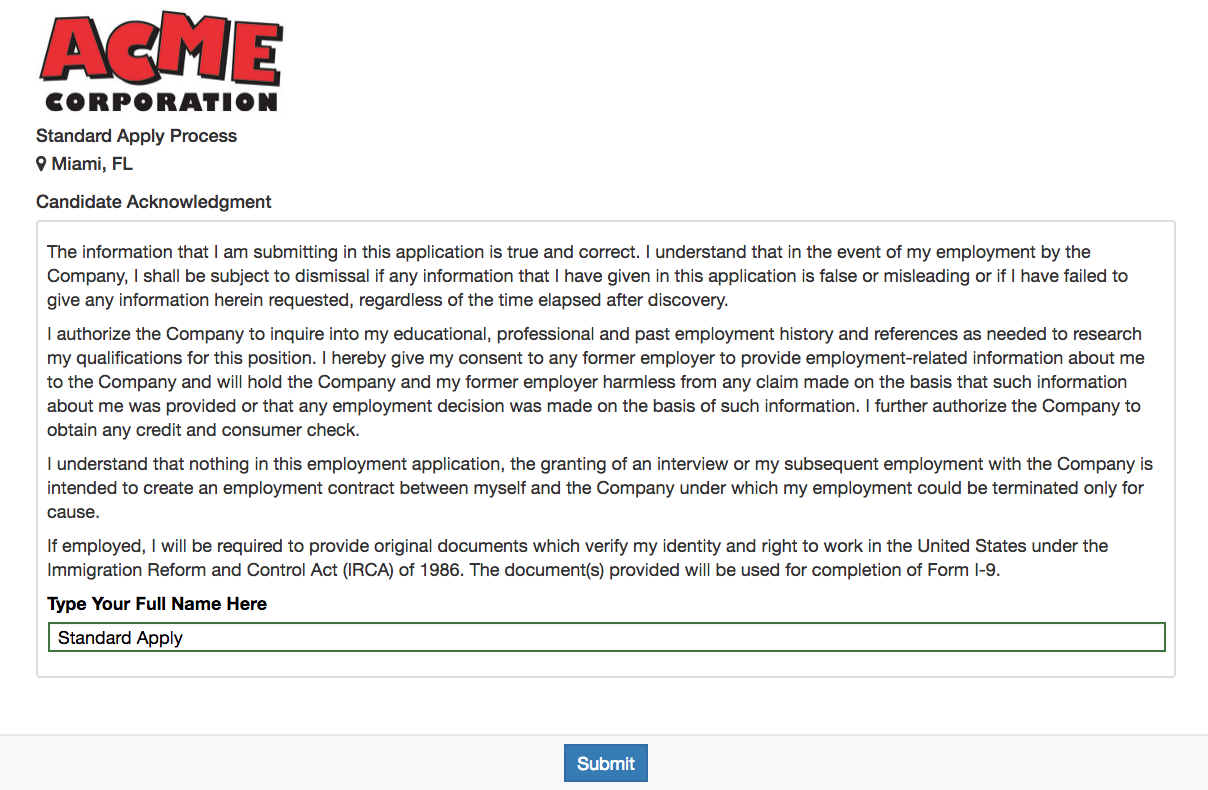
Once the candidate has signed the application they need to select Submit.
The candidate's profile will now be submitting into the Hirebridge system.