This article will walk you through on how to create a new confidential job posting and how to turn current postings into confidential.
Confidential Job postings will only be available to team members that are attached to the requisition. Candidates within the confidential requisition will also only be available to attached team members.
Link on how to attach users to requisition:
To create a confidential job select the "Plus" icon in the navigation bar and then select "Add Job".

To edit a current job to make confidential select the "Paper & Pencil Icon".
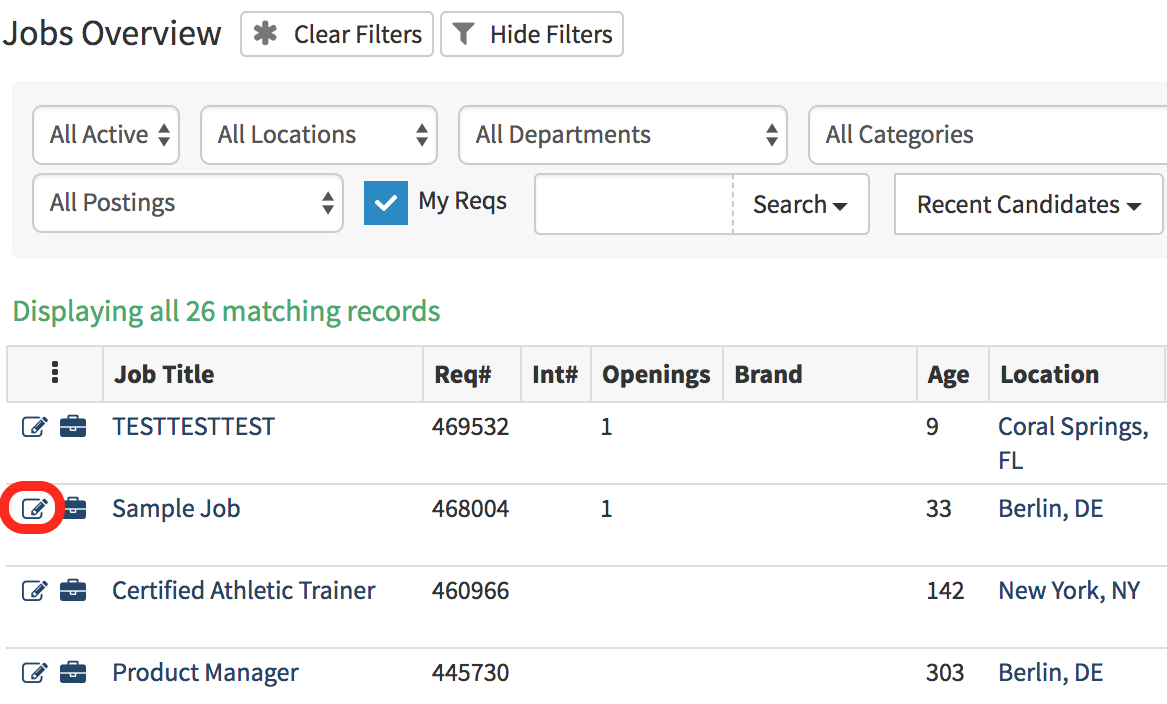
Note: If you do not see this option on the requisition form, please contact your Hirebridge Administrator.
- The "Add Job" and "Paper & Pencil" icons will both take you to the requisition editor form.
- On this page scroll down to the "Application Settings" section.
- Next to "Confidential Job" select from the dropdown list yes or no to make the requisition confidential.
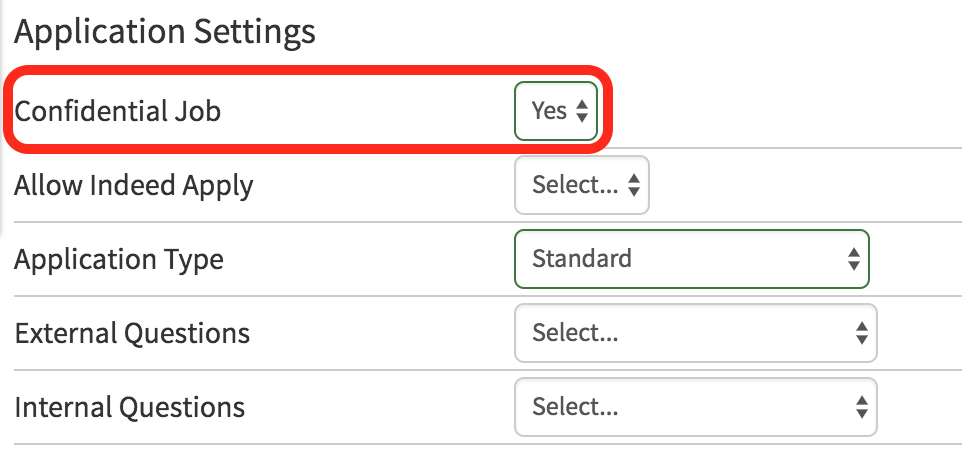
After selecting to have the requisition confidential select the blue "Save" button at the top or bottom of the page.
Video: