This article will guide you on how to schedule a candidate video interview.
- The first step to scheduling a Video interview is to find a candidate profile.
- Once on the candidate profile select "Interviews".
- This will now load the interviews tab where you will select "Video Interview"
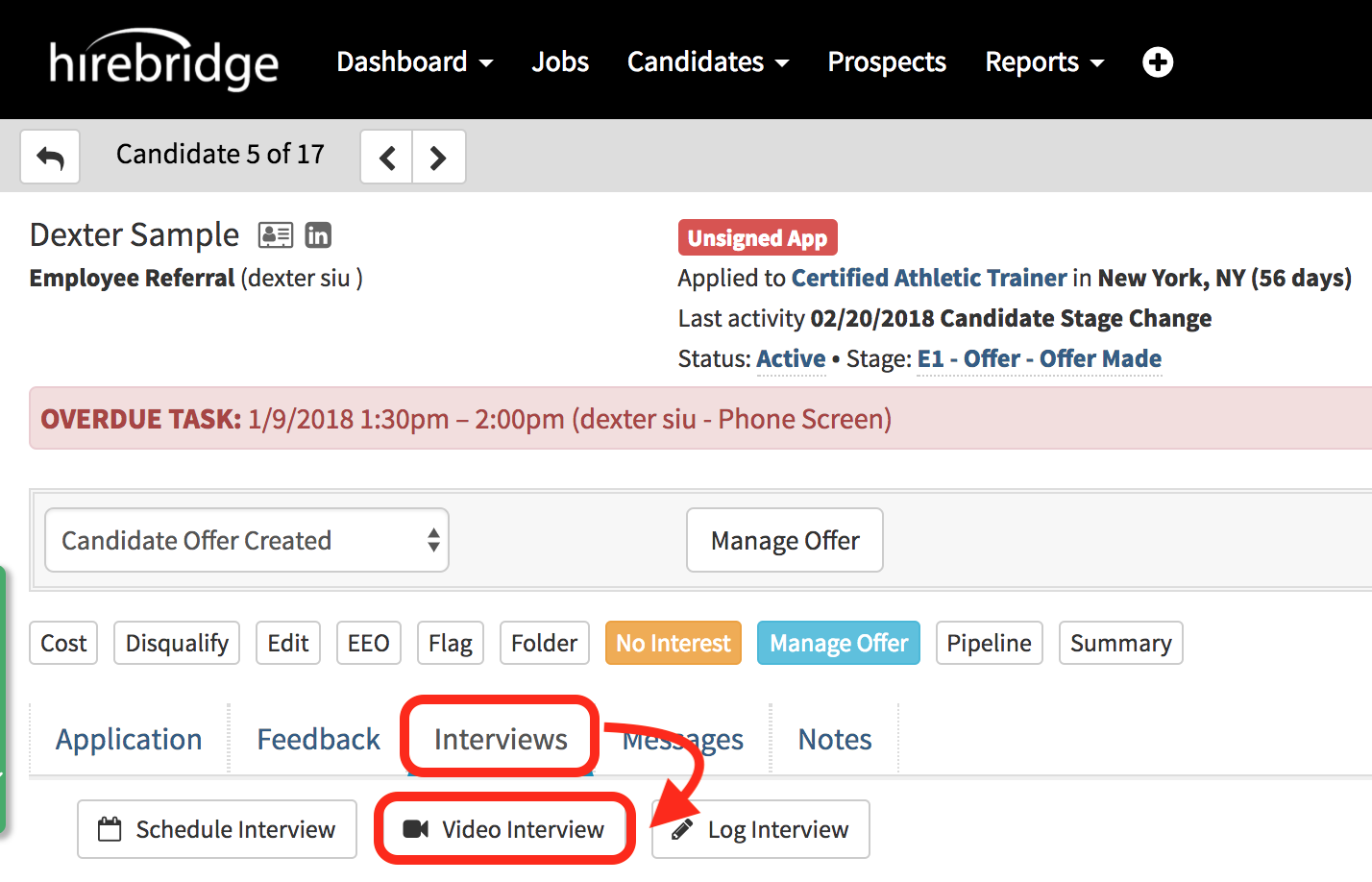
- After selecting the "Video Interview" button it will now take you the video interview request form page.
- On this page, the recruiter and the candidate name and email will be displayed
- Once the information is verified select "Send to SparkHire".
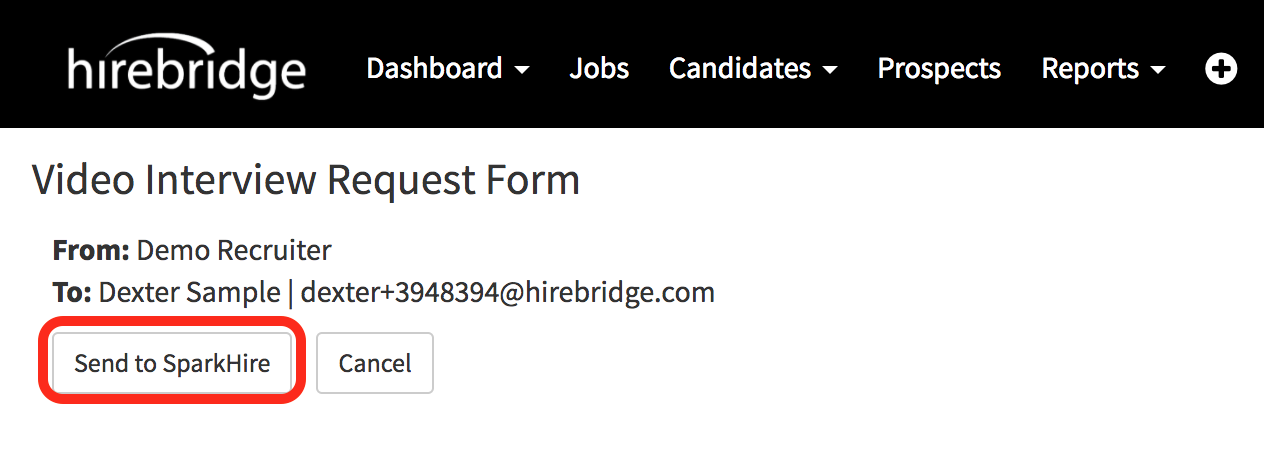
Once the button is selected the page will redirect to the candidate profile.
- The candidate will now receive an invitation email for a video interview.
- The email will give the detail on who is interviewing the candidate along with the position and the date/time.
- The candidate has the option to accept the interview at the end of the email by selecting "Accept Interview Invitation".
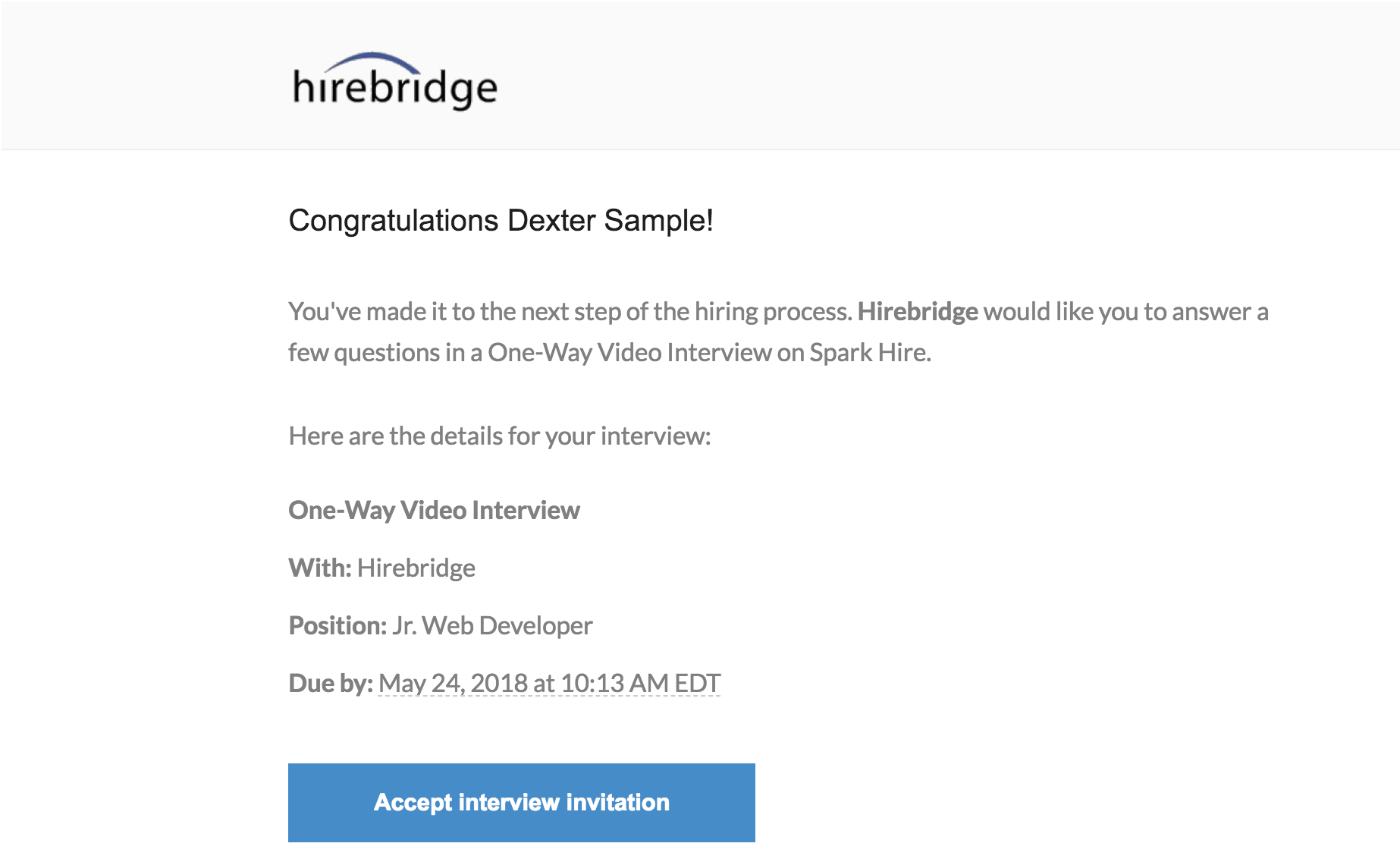
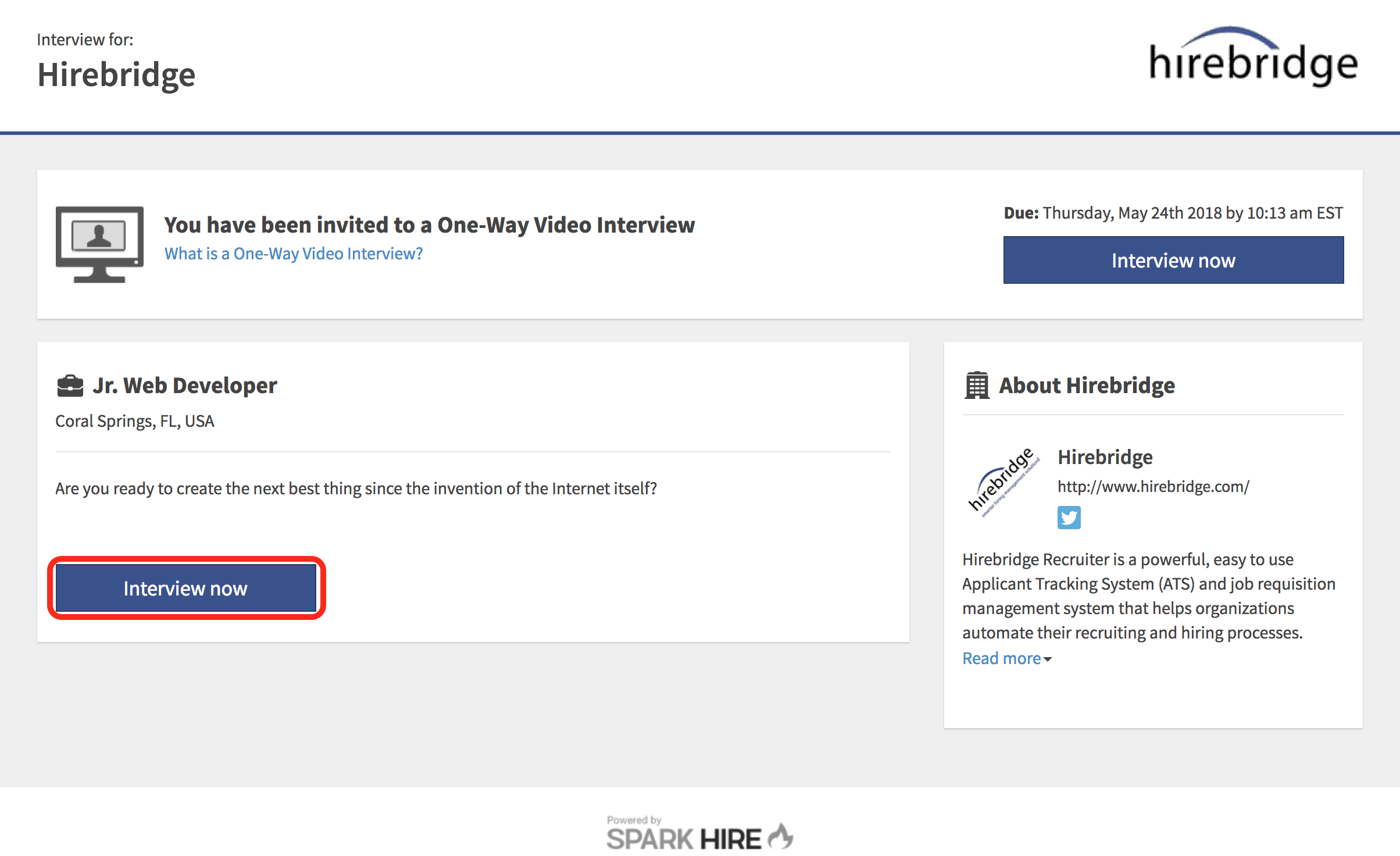
- After the candidate selects "Accept interview Invitation" they will be redirected to the SparkHire page where they are able to interview.
(Image provided below) - Once the candidate selects the "Interview Now" button the candidate will need to create a SparkHire account.
- The candidate will have the option to create an account either using LinkedIn or Manually create an account.
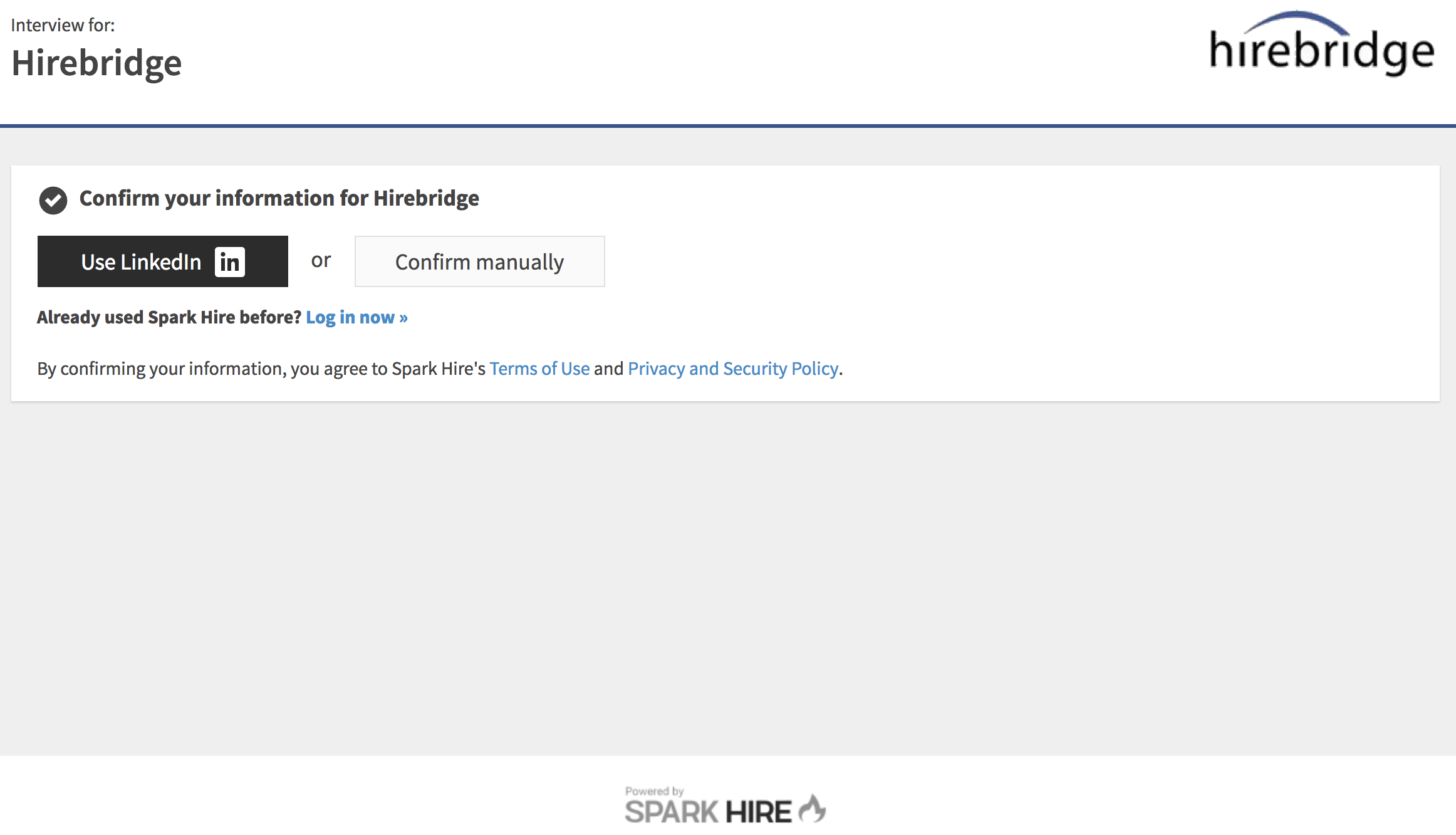
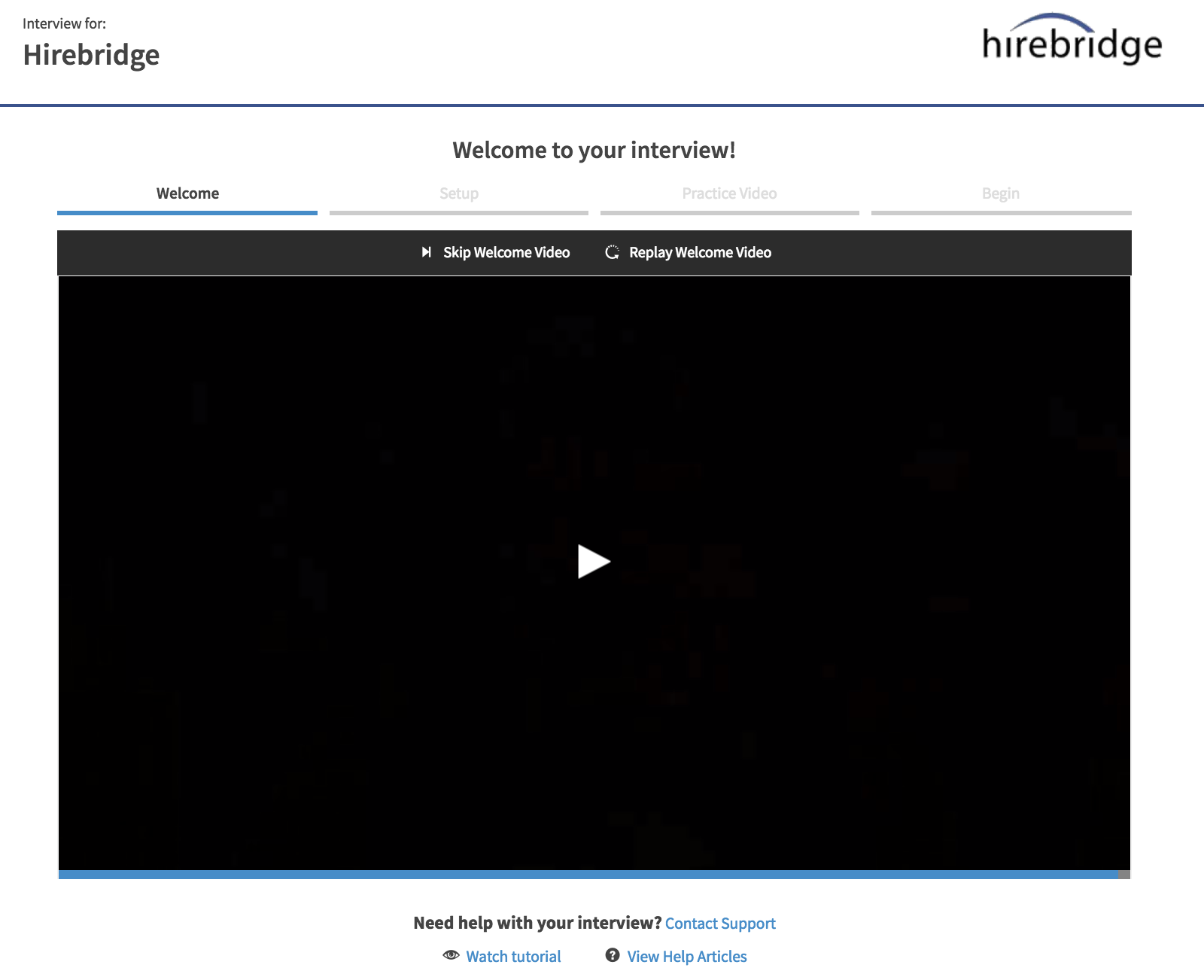
- Once the candidate profile is created for SparkHire they will now be able to go through the video interview process.
- There will be a short video to guide the candidate through the interview process.
(Image provided below)
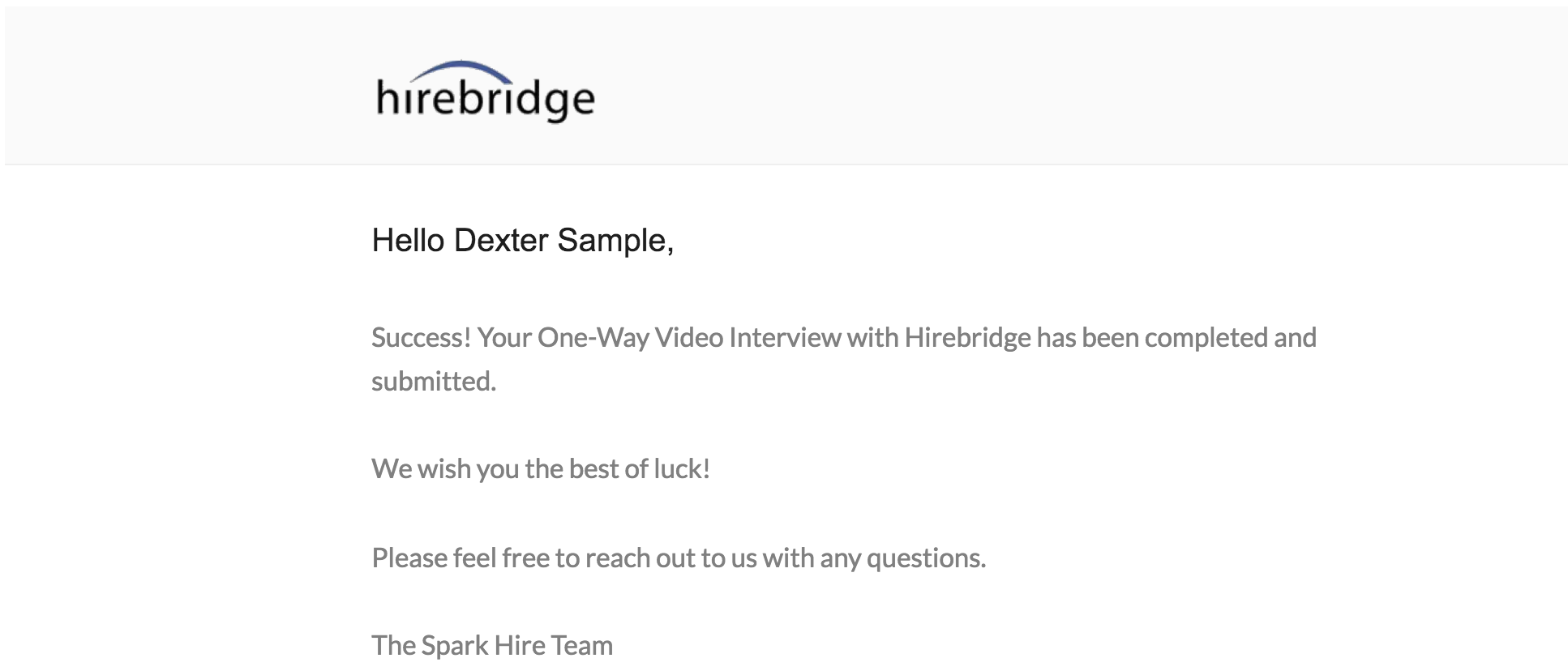
- After the candidate completes the interview they will receive a confirmation email that they have completed their interview. (Sample image below)
Once the interview is complete the Recruiter/Hiring Manager is able to view the candidate responses by going into the interview log.
- Select the "Interviews" tab then select the logged interview URL.
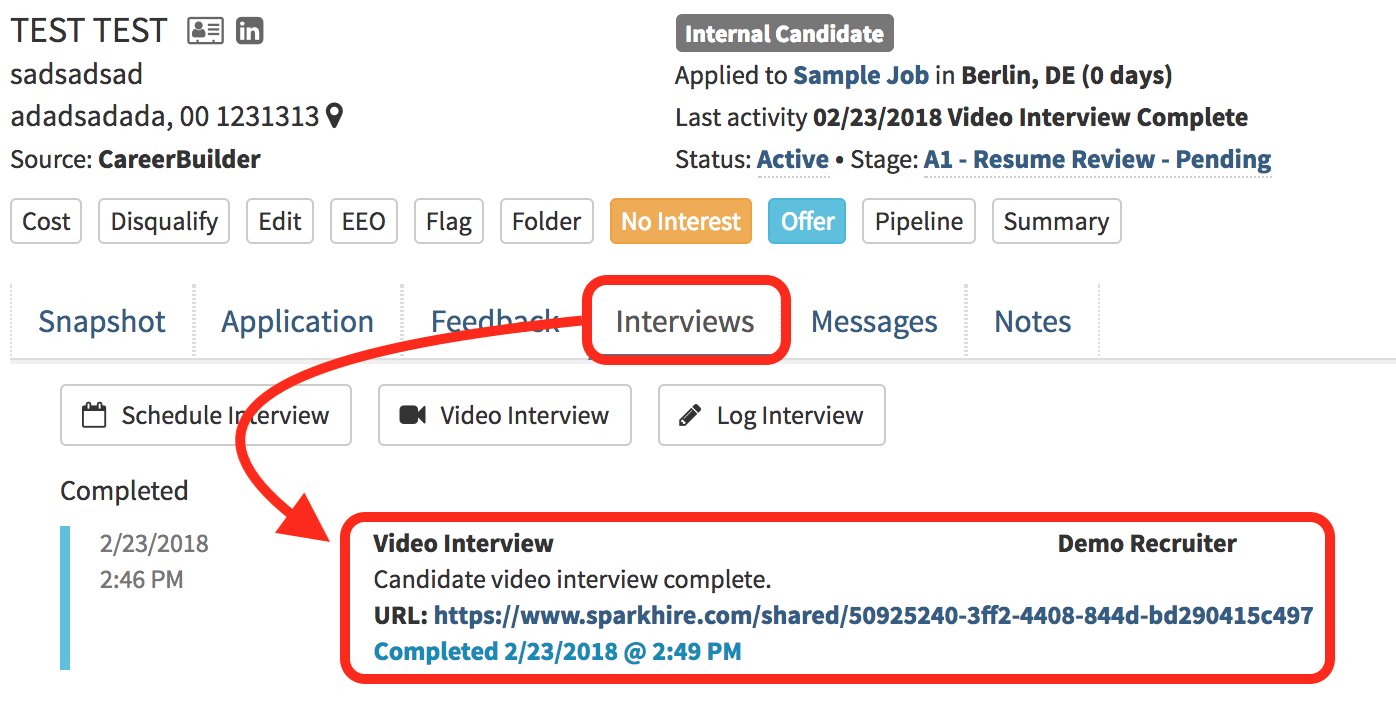
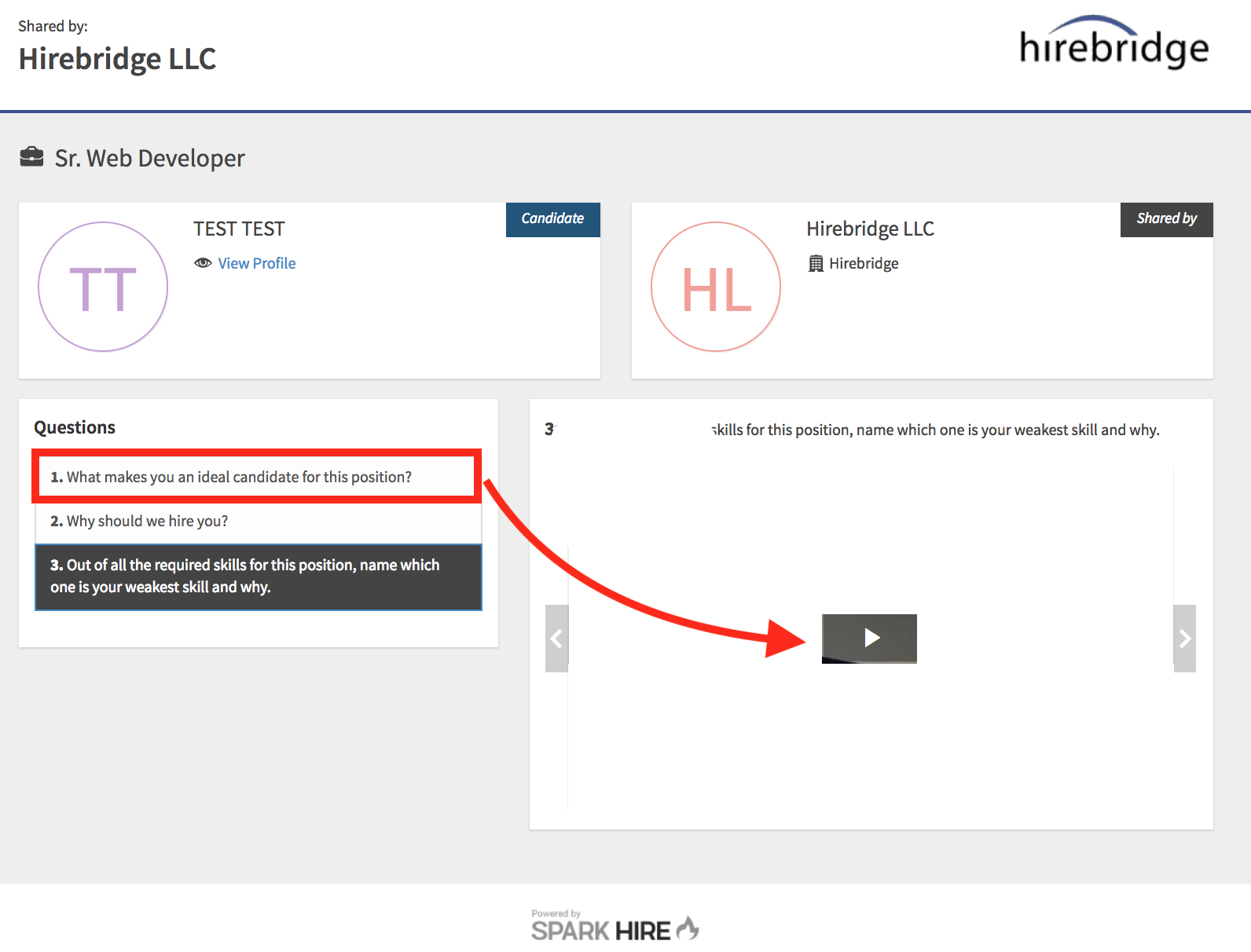
- Selecting the URL will take you to the Video Interview response page.
- This page will allow you to select each question that was asked and then allow you to review the candidate response by selecting the play button to the right.
Below is a video guide on how to schedule a candidate video interview.