This article will guide you on how to hire a candidate
Hire Process
- Create an offer for the candidate and submit it for internal approval
Steps to creating a candidate offer - (Offer Approval) - If the offer is approved for the candidate, the next step is to create an Offer Letter for the candidate.
Steps to creating an offer letter for candidate - (Offer Letter) - Send the Offer Letter created for the candidate
- If the candidate accepts the offer the "Hire" button will appear.
- Selecting the "Hire" button will then require the candidate Hire information to be filled.
After completing steps 1-4 of the hiring process, the "Hire" button will appear in the candidate profile or in the "Manager Offer" page.
(Image of the candidate profile)

Image of the "Hire" button in the "Manage Offer" page.

- Both of the hire buttons will take you to the "Hire Editor" page.
- On this page, you will need to fill in the required candidate hire fields.
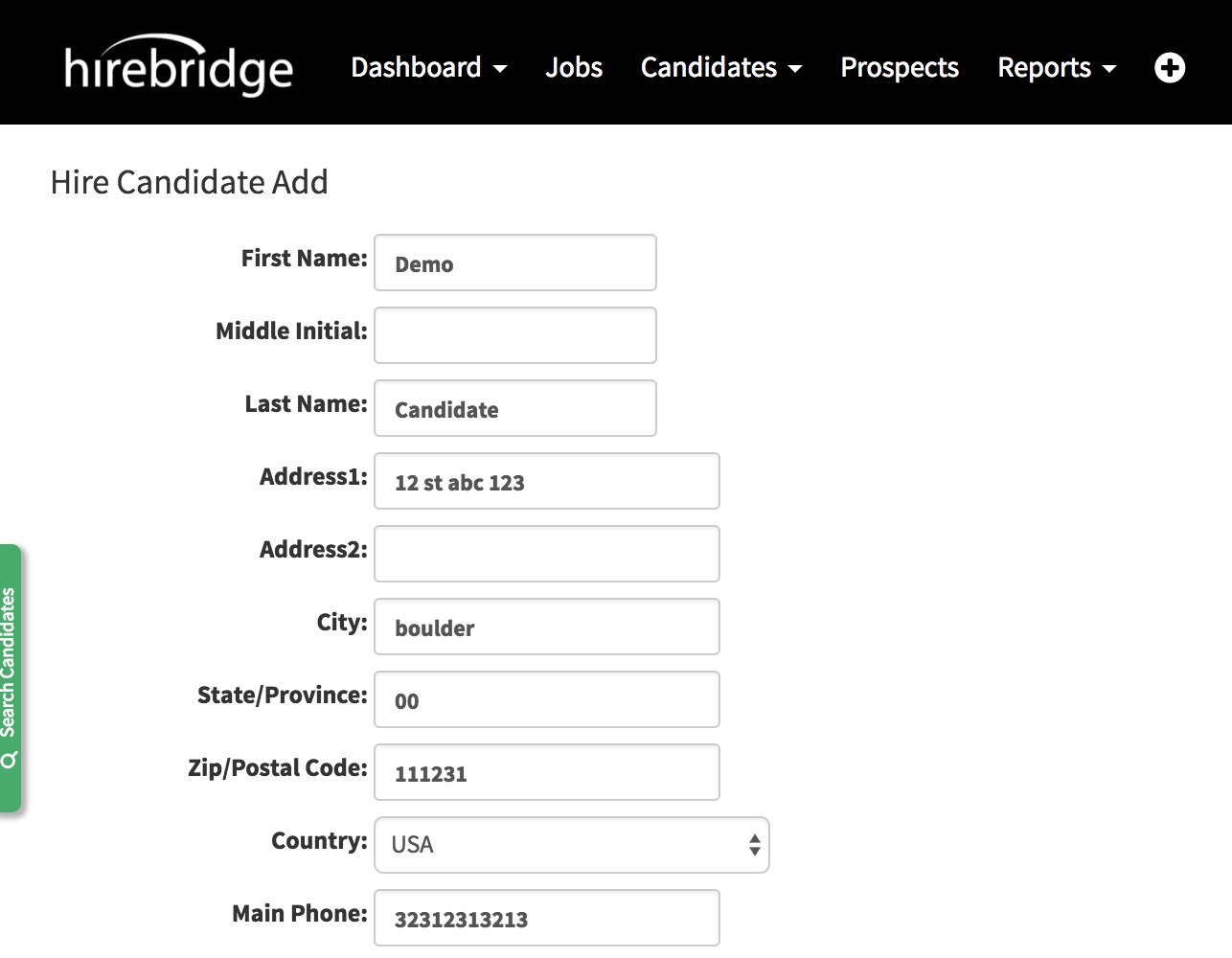
- After completing all of the required fields select "Save" at the bottom left of the page.

- After being saved the candidate profile will no be given the status of "Hired".
- The "Hire Edit" button will now replace the "Hire" button as well.

In the status column of the candidate listing the green "Hired" button will now appear in the row
