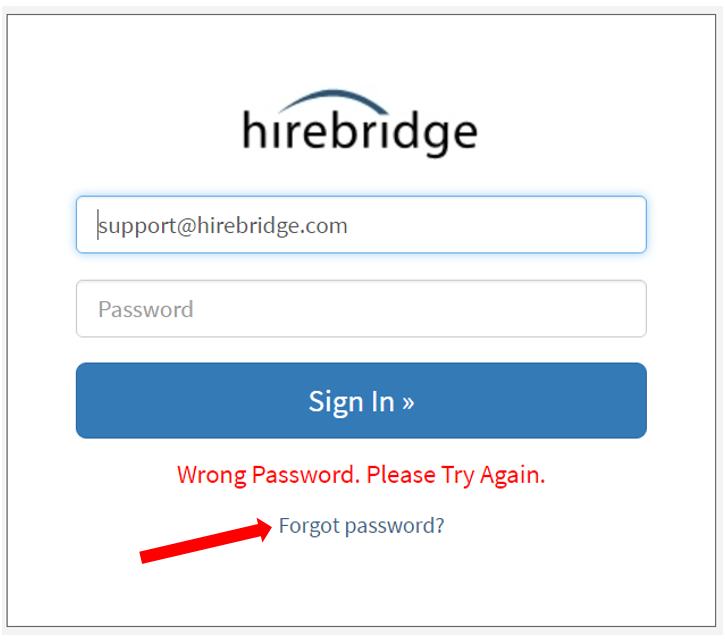
RECOVER A LOST PASSWORD / RESET YOUR PASSWORD
If you have lost your password, you will need to reset it in order to log into your account. To reset your password, you can have an email sent to you with a reset link. Passwords will not be sent via email, you must use a reset link for your password.
NOTE: For added security, this reset link will expire after 15 minutes. If you do not receive your email or cannot click on the reset link within 15 minutes, you can go back to the login page and click the Forgot Password link to have another email sent to you. You can request a password reset link as many times as you need in order to fall within the 15 minute security window.
To go to the login page and click the "Forgot password" link at the bottom of the login window.
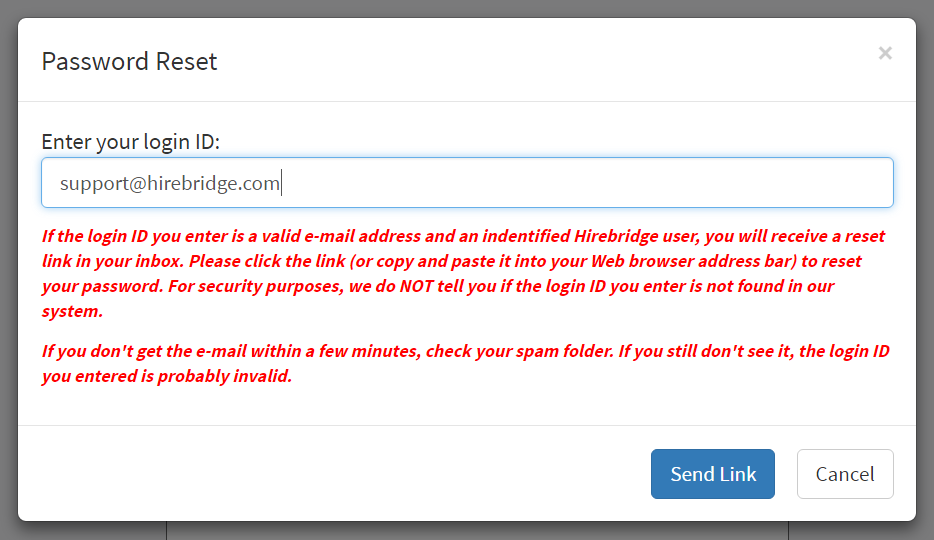
In the Password Reset pop-up window, ensure your correct email address appears in the window and click the Send Link button.
Check your email box for your email with the password reset link. This email is sent instantly, and will arrive in a moment, depending upon your network and your email program settings.
Click on the link shown in the email below to reset your password.
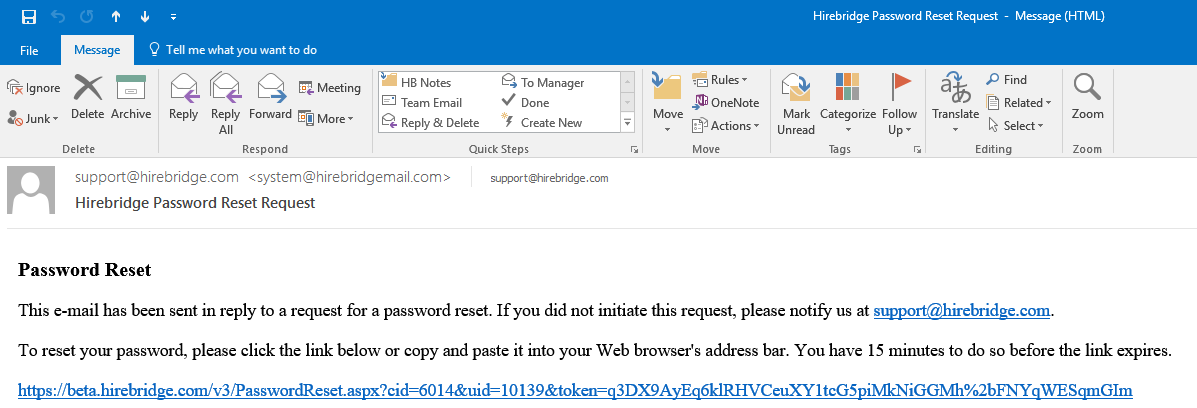
As noted, you have a 15 minute window to use this link to reset your password. If you cannot do so, please use the Send Link button on the Password Reset screen to have another email sent to you.
Clicking on the link will display the Change Password screen. Please enter your new password, then confirm your new password. Please keep a record of this new password and use it each time you log into your account.
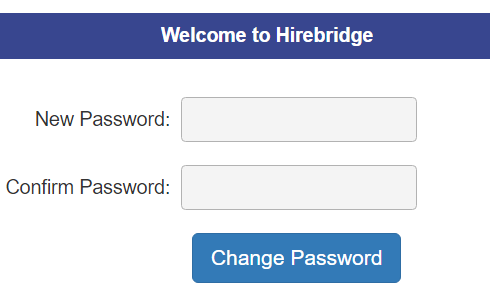
Click the Change Password button to go back to the Hirebridge login page where you can now log into your Hirebridge account with your email address and new password.
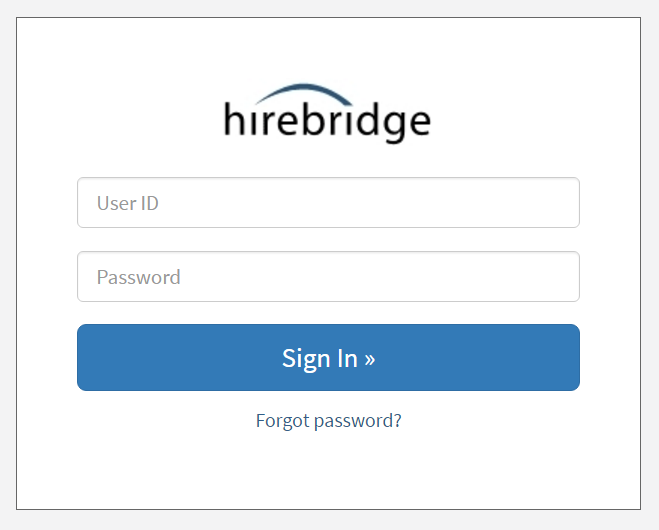
If your new password does not work, then it is not being entered correctly. You can use the Forgot Password? link to request a new password reset email and create a new password.
NOTE: Each user is responsible for their own accounts, including their password. For security, neither Hirebridge nor your company Admin team can reset or create your password for you. You must use the Forgot password link to have a password reset link emailed to you and create your own password.
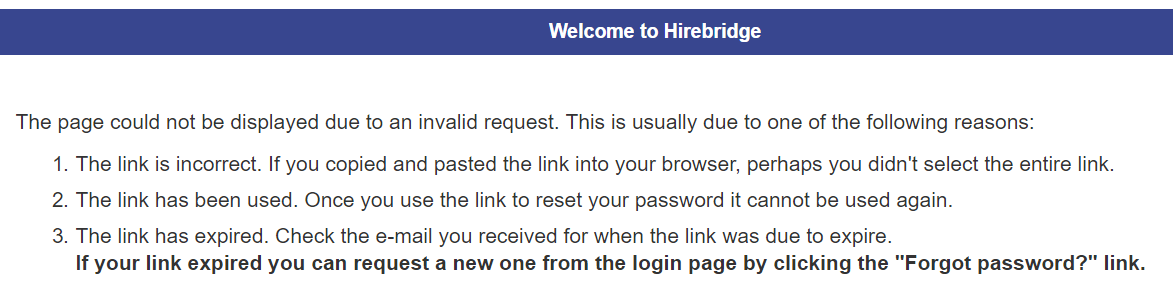
Once you use the link to create your new password it cannot be used again since it will expire. In addition, the reset link will expire after 15 minutes for security. If click on an expired link, you will reach the password error screen below.
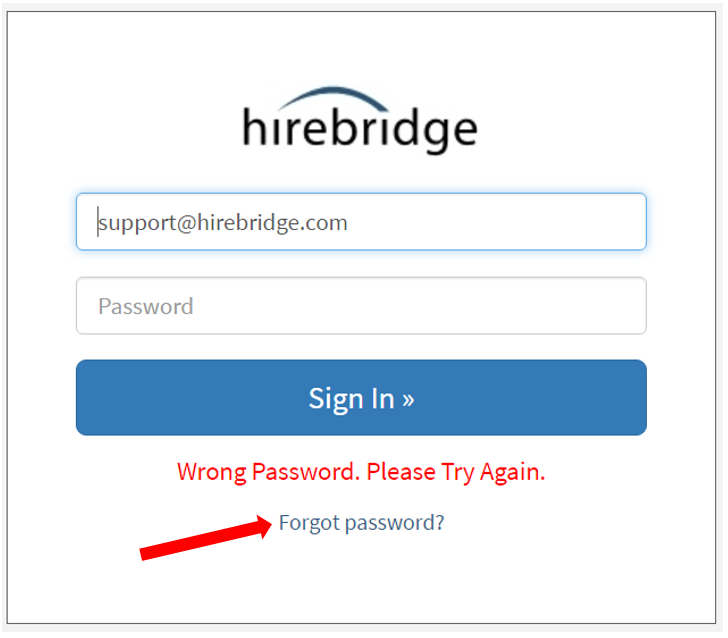
Please use the Forgot password? link on the login page (pictured below) to have a password reset email sent to you again. You can use the Forgot password? link as many times as you need in order to fall within the 15 minute time limit.