This article will cover how to set up Quick Apply.
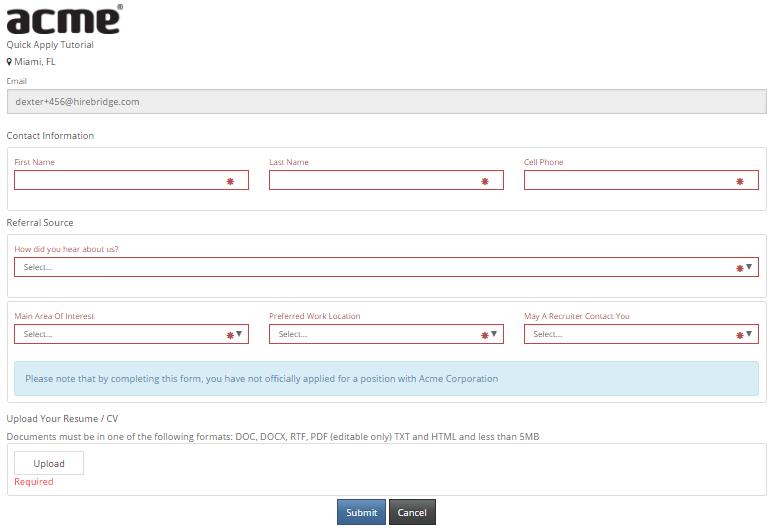
Quick Apply is a shorter application process.
This application will not require education or reference information. But information provided from the resume will be parsed. Question sets are available if attached to the job, along with EEO and OFCCP data collection.
(Below is a sample of quick apply)
Steps to Accessing the Quick Apply Setup
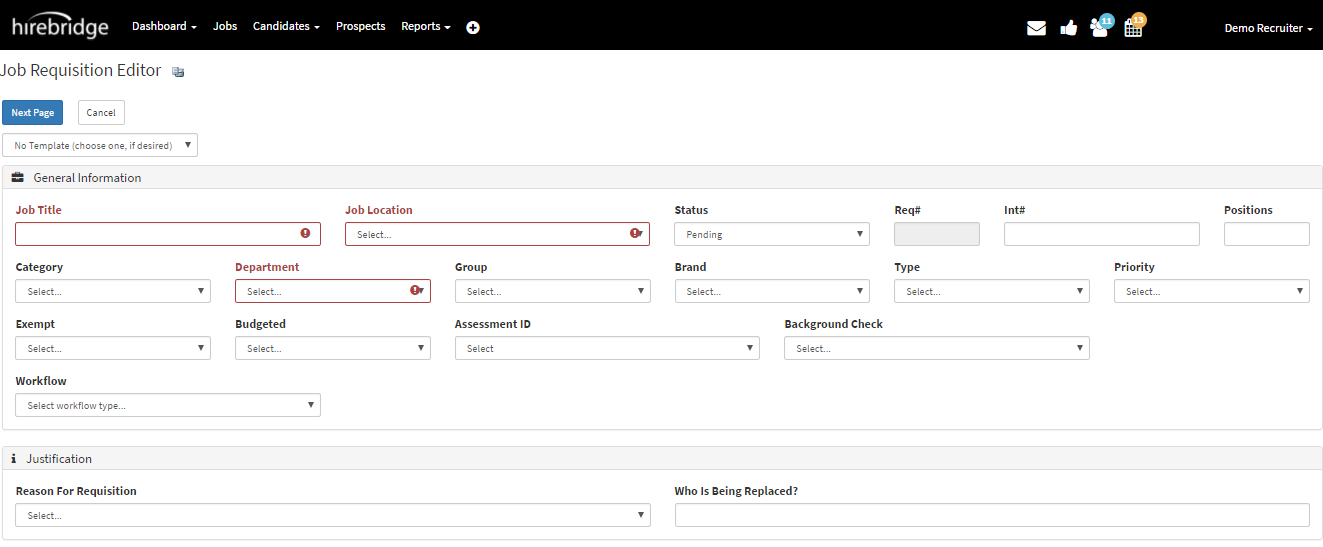
- The first step is to access the "Job Requisition Editor" page.
- This page can be accessed by either creating or editing a requisition.
(Below is a picture of the Job Requisition Editor page.)
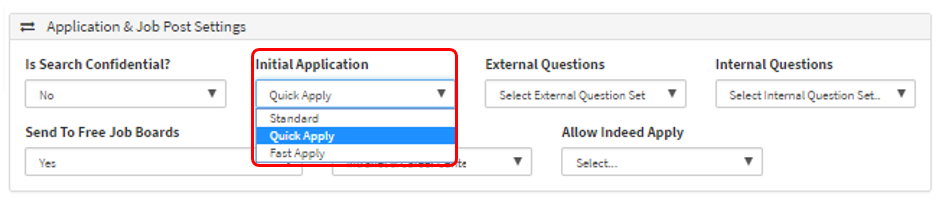
- On the Job Requisition Editor page in the "Application & Job Post Settings" section.
- You can select from the "Initial Application" drop-down list, what kind of application you would like the requisition to be.
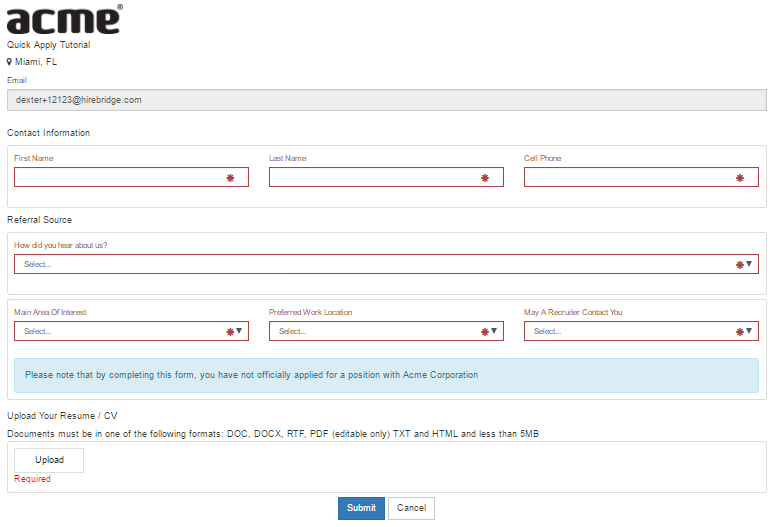
- Once you have selected "Quick Apply" and created the requisition the candidate will see an application like below.
Once the candidate has applied they will receive a notification that a confirmation has been sent to their email.

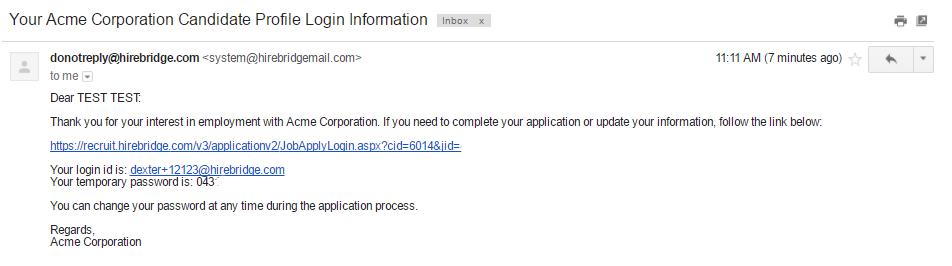
The candidate will receive two emails.
- The first email contains the candidate login information.
- The email also contains the link to the job the candidate applied to.
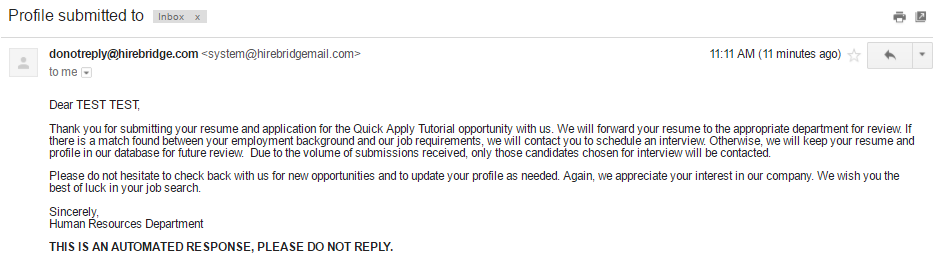
- The second email is the auto responder email.
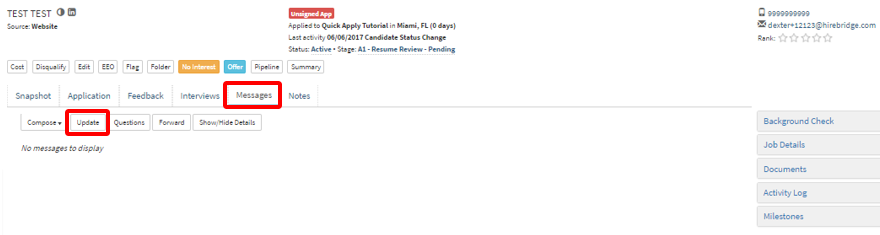
- Once the candidate is in the system you can now request the candidate to update their information.
- In the candidate profile select "Messages"
- After select "Update"
- a pop-up will appear allowing you to request more information from a candidate.
- This page also includes a link to where the candidate
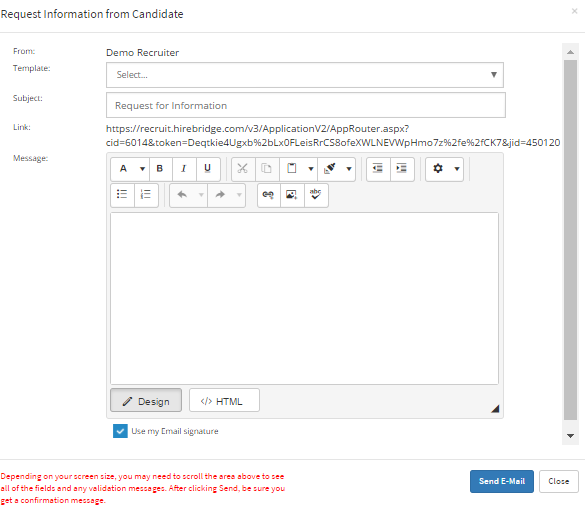
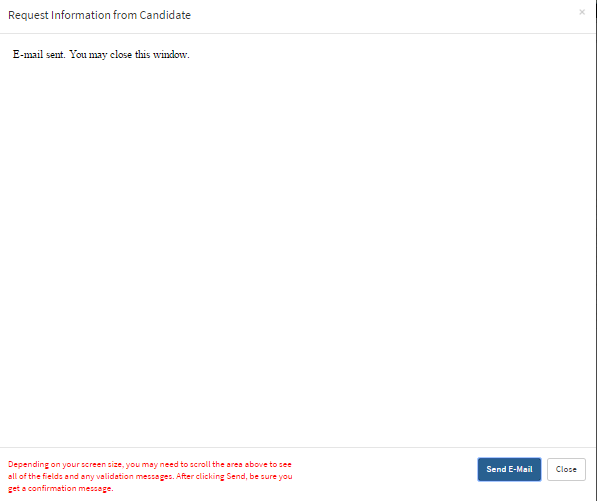
- Once you are satisfied with the message being sent to the candidate select "Send E-Mail".
- A confirmation message will now be displayed.
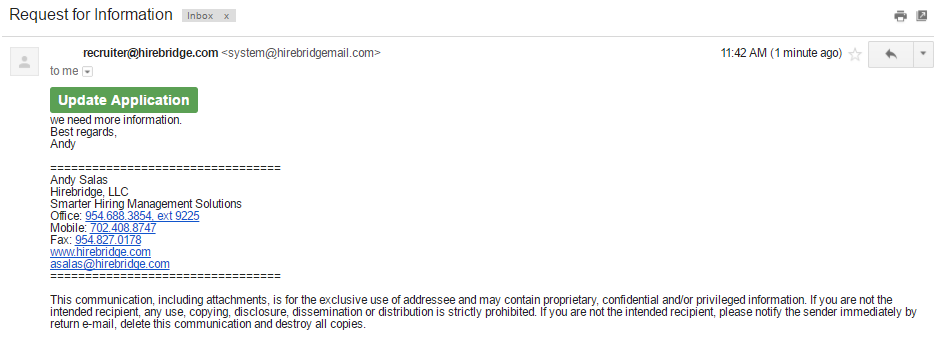
- The candidate will now receive an email with a link included called "Update Application".
- This link will take the candidate through the whole application process.
- Once the candidate has filled out the whole process they will see the notification that their information has been updated.
