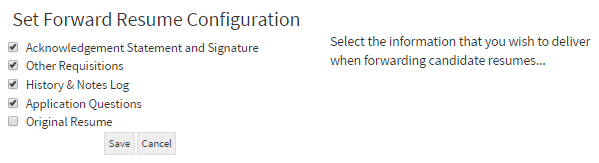
This article will cover the settings when forwarding a candidate.
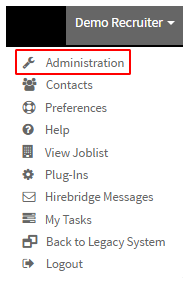
- To access the forward candidate settings, select your username located in the top right corner.
- A drop-down list will appear and select "Administration"
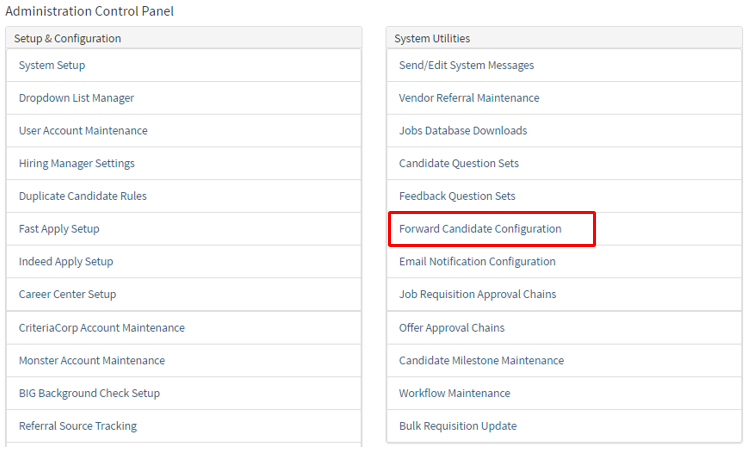
- This will take you to the "Administration Control Panel"
- On this page in the "System Utilities" column select "Forward Candidate Configuration"
- This will now send you to the "Forward Candidate Configuration" page where you are able to configure what candidate information is forwarded.
- Checking the checkbox below next to the content name will include the information when forwarding a candidate.