Adding Additional Parties to Job Requisition
This article will cover how to attach additional parties to a job requisition.
- In order to attach additional parties to a job requisition, you first need to find a job requisition.
- Once you have found a job requisition click on the small “Notepad” Icon to edit the job. (outlined below)
- This will now take you to the Job Requisition Editor page.
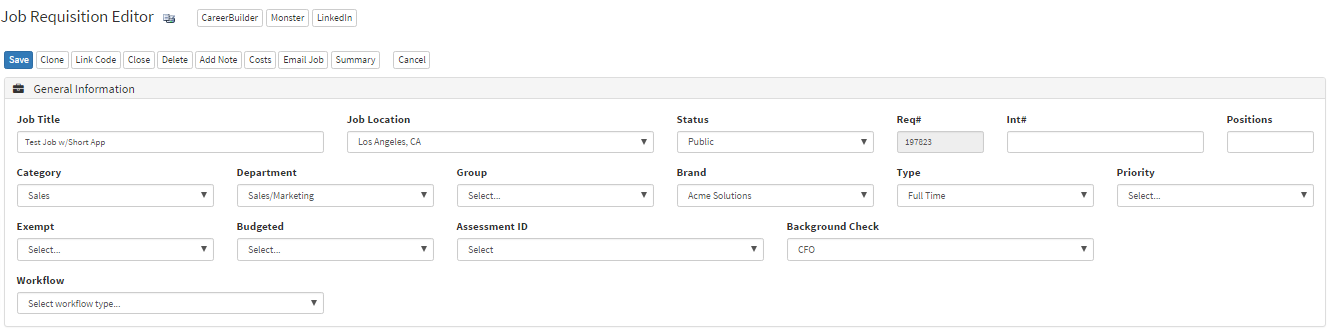
- In the Hiring Team section, this is where you manage the Attached Users, Parties to Notify, and Attach Vendors.
- In the picture below, in the section "Attached Users" is where you enter the names of people you want to attach. Typing the users name will give you a list of users related to the text you have entered. From the list is where you can choose who you would like to attach to the requisition.

- Parties to Notify also has the type-ahead feature where the text you type will give you a list of users with similar text.
- Attached Vendors also has the type-ahead feature where the text you type will give you a list of users with similar text.
- To remove a user simply select the red "X" next to the username.
Video Tutorial