This article will cover how to connect your Hirebridge account with other posting platforms.
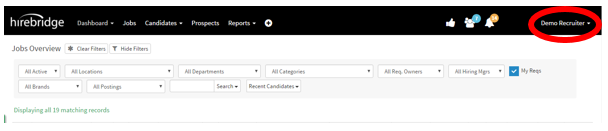
- The first step is to click your name in the top right corner, this will enable a drop-down menu.
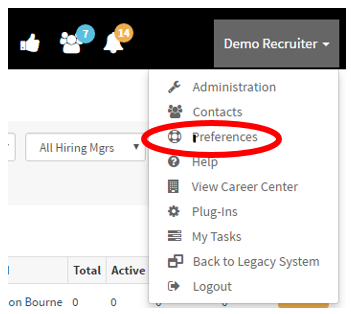
- Once in the dropdown menu click on “Preferences”
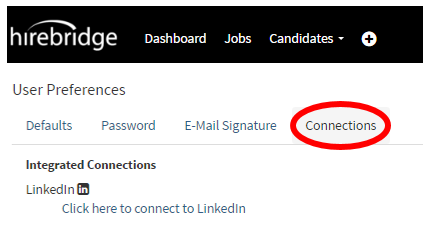
- After you clicked on the “Preferences” tab this will land into the “User preferences” page.
- Next step is to click on the “Connections” tab.
- This tab will allow you to connect to Hirebirdge account with the list of integrated connections.
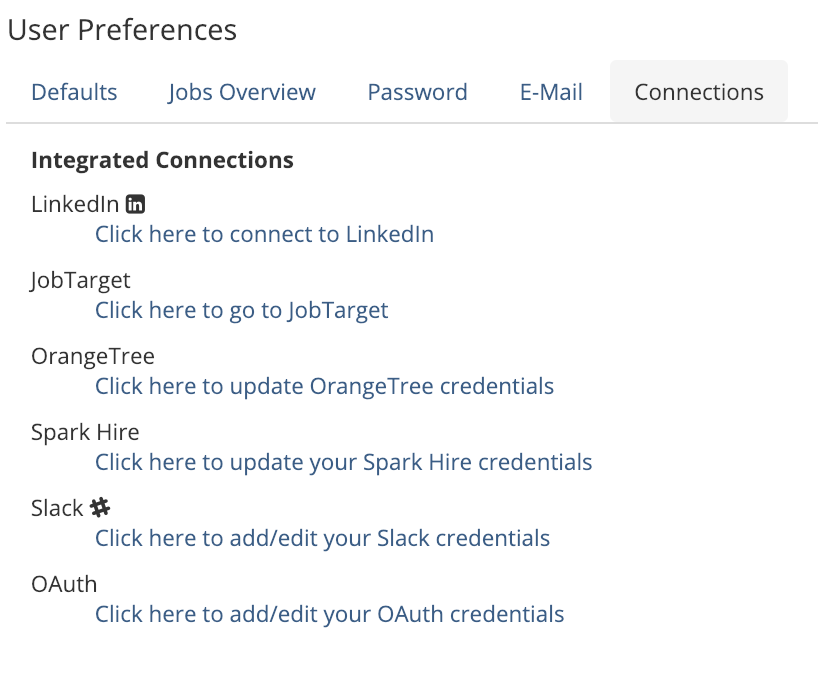
- To connect your account with to the list of integrated connections select the link below.
- This will then take you through the authentication process where you will need to provide the user credentials.