This article will cover the Calander Icon and its function.

- The bell icon lets you know how many tasks you need to complete and the number on top shows you how many tasks that need to be completed.
Selecting this icon will take you to the "My Tasks" page where you can view all the tasks that need to be completed.
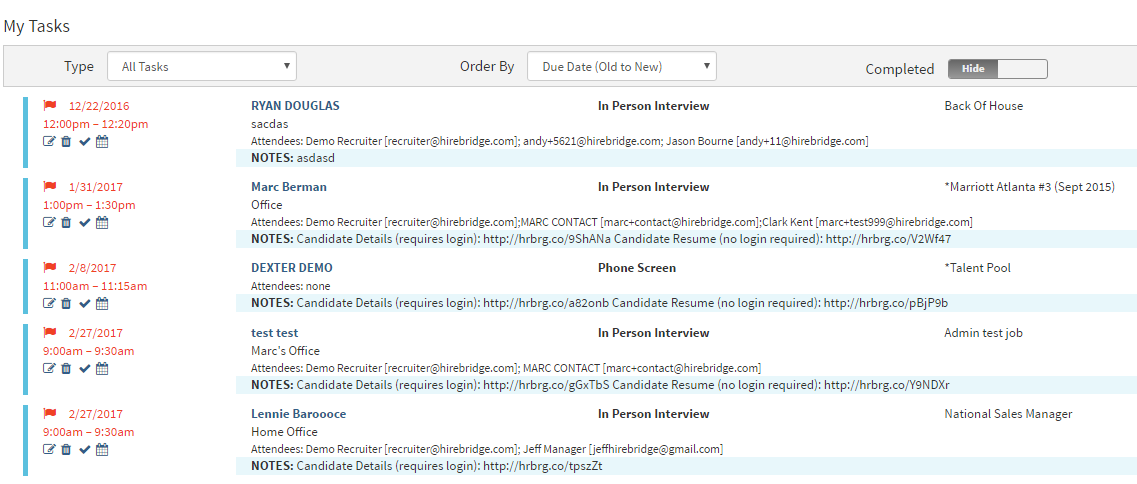
When tasks are completed the number will decrease.