This article will cover how to change a candidate stage
In order to change a candidate stage go to the candidate profile overview.
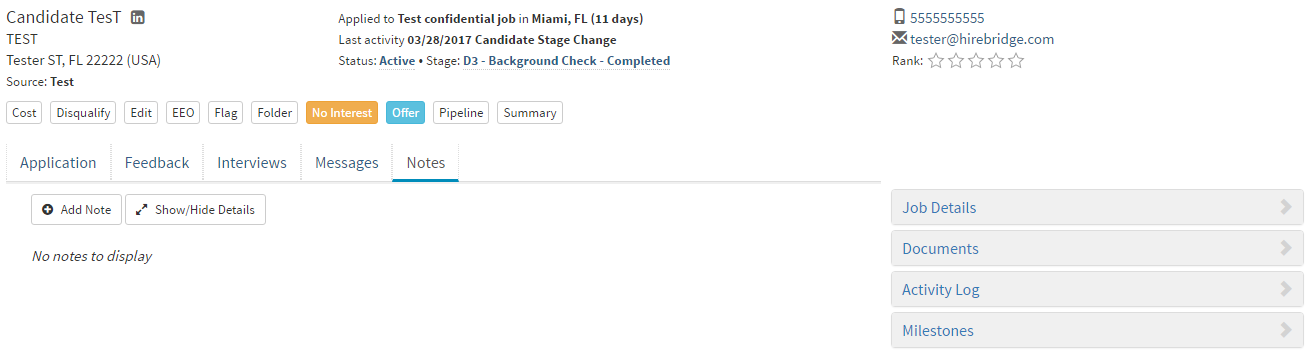
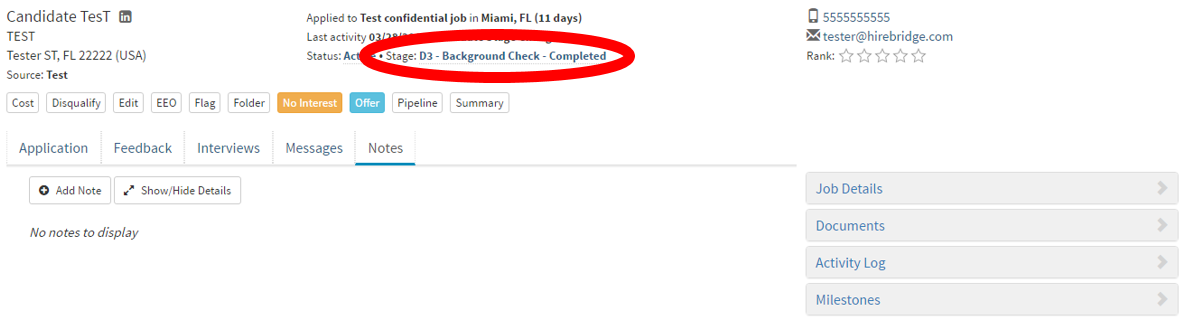
- Once on the candidate profile overview page, where it says "Stage" outlined in red below select the blue letters next to it.
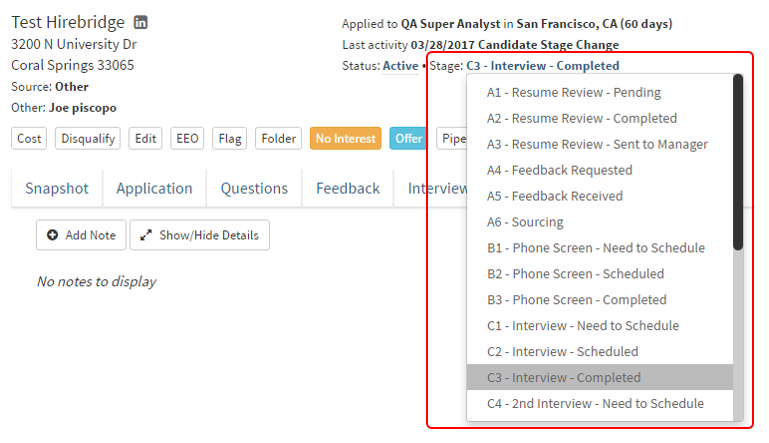
- This will now enable a drop-down menu with a list of stages you can select from.
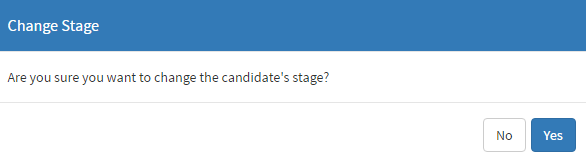
- Once you have selected a stage, a popup will appear asking to confirm the change to the candidate stage.
Some stage changes requires that you complete additional information.