- On the top right corner click on your username.
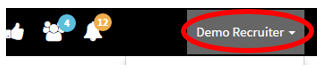
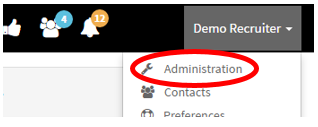
- After you have clicked your username a drop-down menu should appear.
- Go to “Administration”
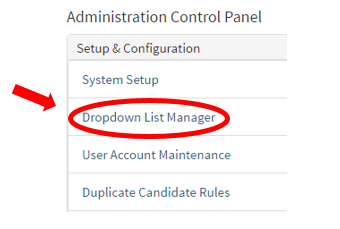
- On the left side, you should see “Dropdown List Manager” click on the link
- This is where you can edit drop down options for Requisitions, Location, Candidates, Contacts, and Custom Lists.
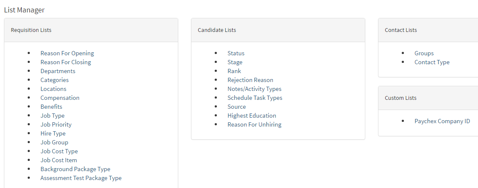
- For example, we will show you the "Departments" drop-down list manager.
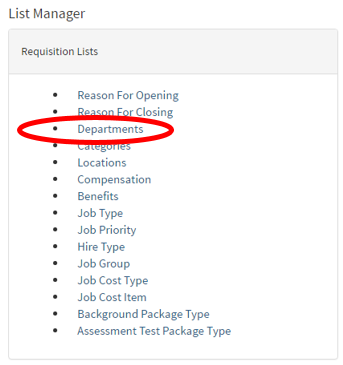
- Once the "Departments" link has been selected
- The Department List Manager page will load listing the current department list options.
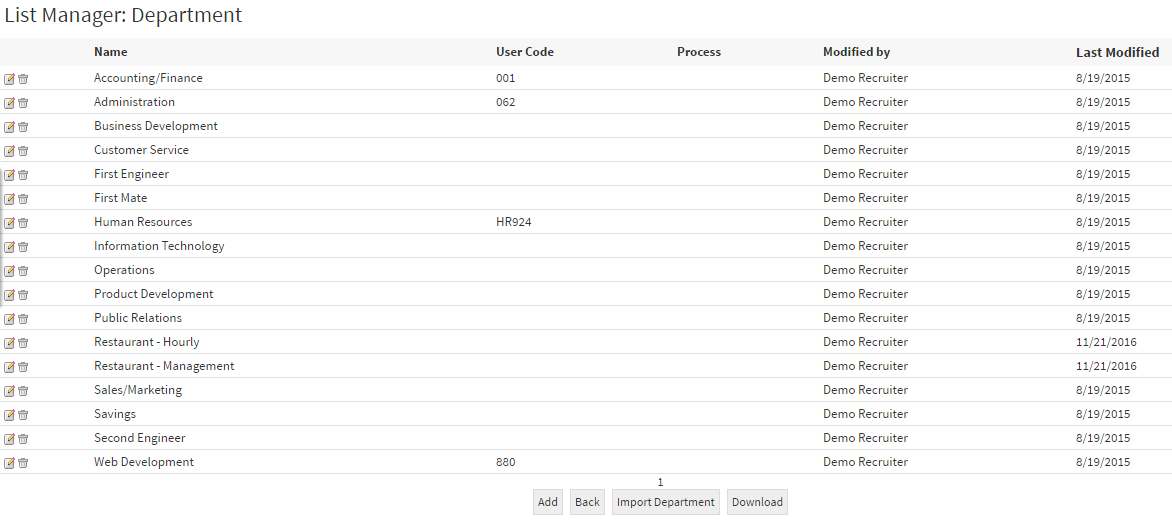
- Below list the icons and their functions on how to add, edit and delete departments.
 |
Allows you to edit reason for job requisition |
 |
Deletes reasoning for job requisition |
 |
Add a reason for job requisition |
 |
Back to the list manager |
 |
Allows you to import Reason for Job Requisition |
 |
Allows you to download all the reason for job requisition |