This feature would be used to quickly access your most valued/qualified candidates.
This article will cover how to pipeline a candidate.
- The first step is to find a candidate and select the candidate's profile.
- Once on the candidates profile select Pipeline outlined below.

- Once you have selected Pipeline the web page will reload and the "Pipeline" button should convert into a "Unpipeline" button. (Shown below)

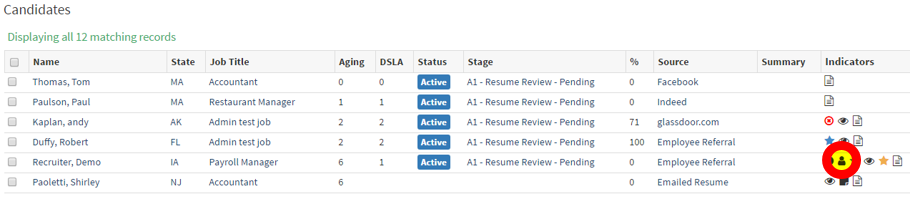
- Another way to verify that the candidate has been pipelined is by looking at the candidate list.
- Outlined below is a small person icon, this means that the candidate has been pipelined.