How to Change Status of Job Requisition
This article will cover how to change the status of a Job Requisition
- On a job requisition, click on the “Notepad and Pencil” icon. (outlined in red below)
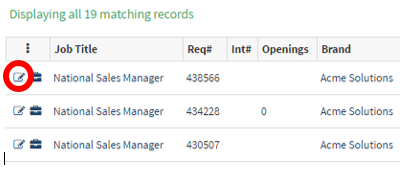
- This will now take you to the “Job Editor Requisition” page as pictured below.
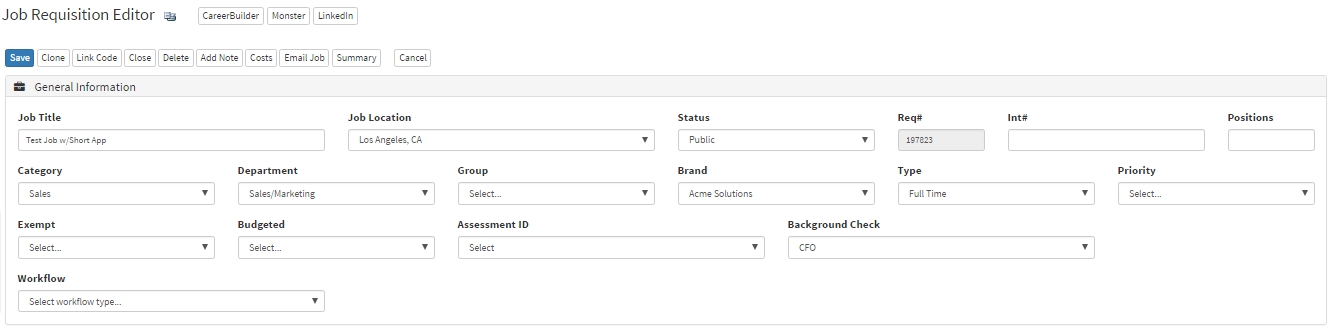
- The next step is to open the drop-down menu of the “Job Status”.
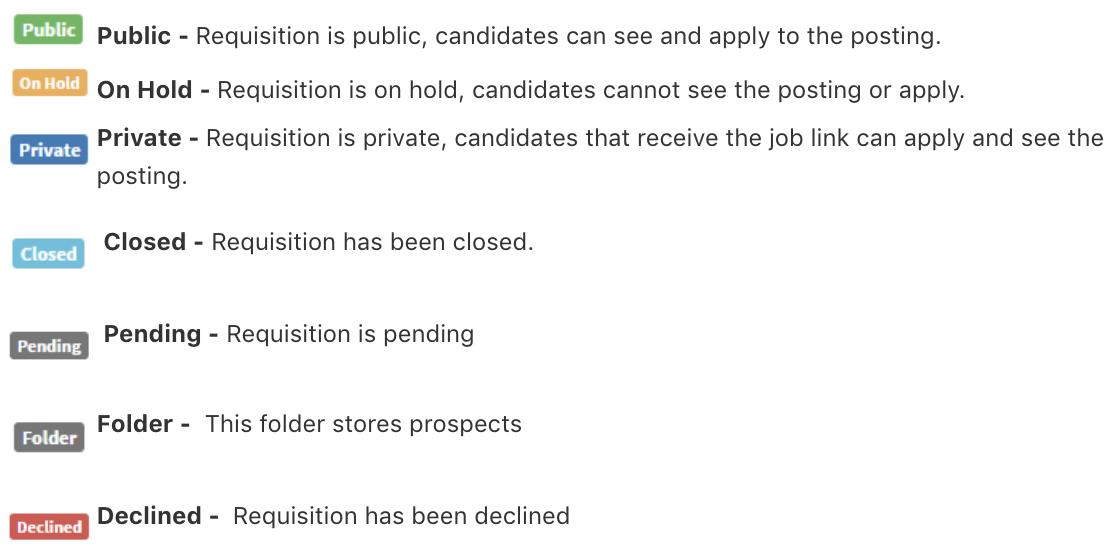
- This dropdown allows you to select if you want the status of the job to be private, public, on hold, or closed.
- For this example, we will select public.

- Once you have selected the job status click the blue “Save” button in the top left corner.
- The job requisition will now be saved as that status.
Below is a quick overview of the statuses and definitions.