Candidate Search
This tutorial will cover ways how to search for a candidate
- Once logged into your Hirebridge account there are two ways that you could search for a candidate.
- The first step is to select on the “Candidates” tab and click on the “Candidate Search” tab. (as shown below)

- Once you have clicked on “Candidate Search”, it will now take you to the Candidate Search page. This is where you can search for candidates based on Job Requisition, Date Range, and Distance information.
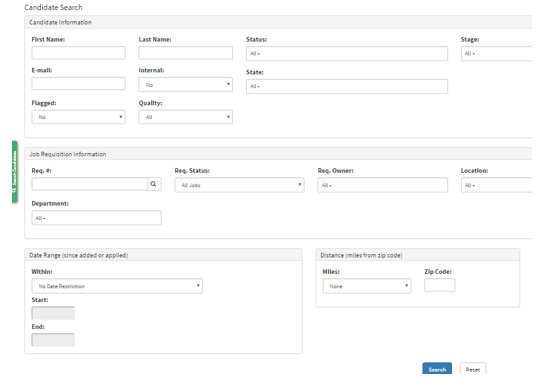
- The second way to search for a candidate is simply by click on the green “Search Candidates” tab on the left side of the screen. (as shown below)

A small side menu should pop up like the picture below. This will now allow you to search for candidates quickly based on the certain fields provided.
