Drop Down List Manager
The dropdown list manager is where you can Edit/Add any dropdown list option.
- On the top right corner click on your username.
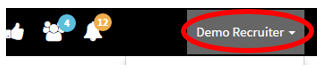
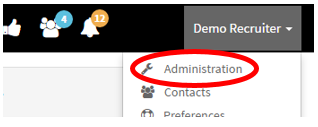
- After you have clicked your username a dropdown menu should appear.
- Go to “Administration”
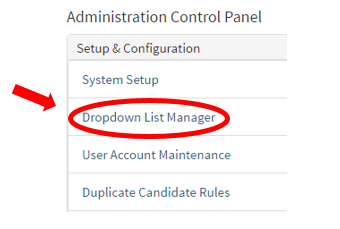
- On the left side you should see “Dropdown List Manager” click on the link
- This is where you can edit drop down options for Requisitions, Location, Candidates, Contacts, and Custom Lists.
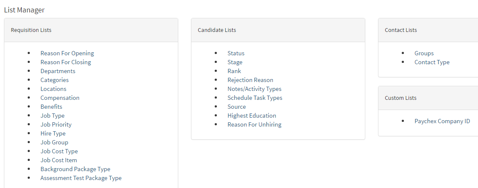
- For example, we will be editing the Job locations dropdown list.
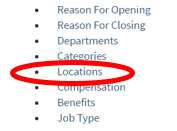
- Once in the Location Editor you can either add a new location, Import Locations via CSV file, or download all of the locations in a CSV file.
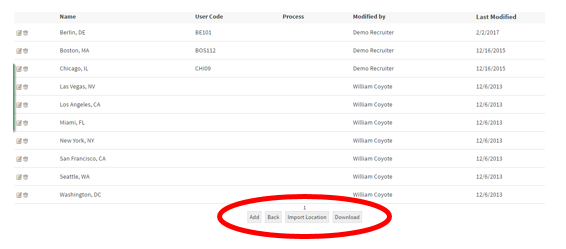
- After clicking the “Add” tab you will now have to fill out the required information for that specific location.
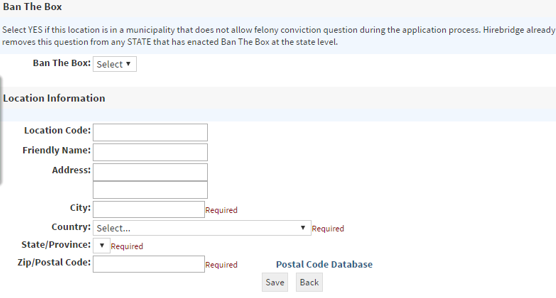
(Friendly Name is that name that will be displayed on the job posting)
Watch how it's done: