How to view Career Center
In this tutorial will show you how to view the company Job list.
This is where candidates will go to view jobs that are available
- Once logged in on the top right corner it should have your name.
- Click on your name and a drop-down menu should appear.
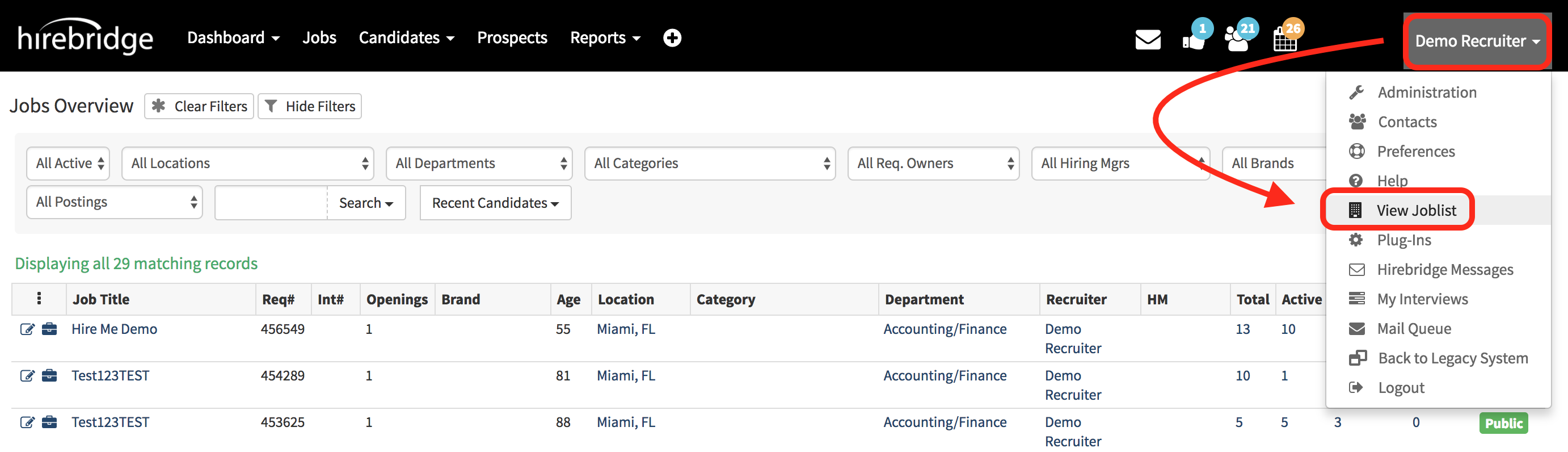
- Once the Dropdown menu has loaded click “View Career Center” this is where you can see all of the public job openings.
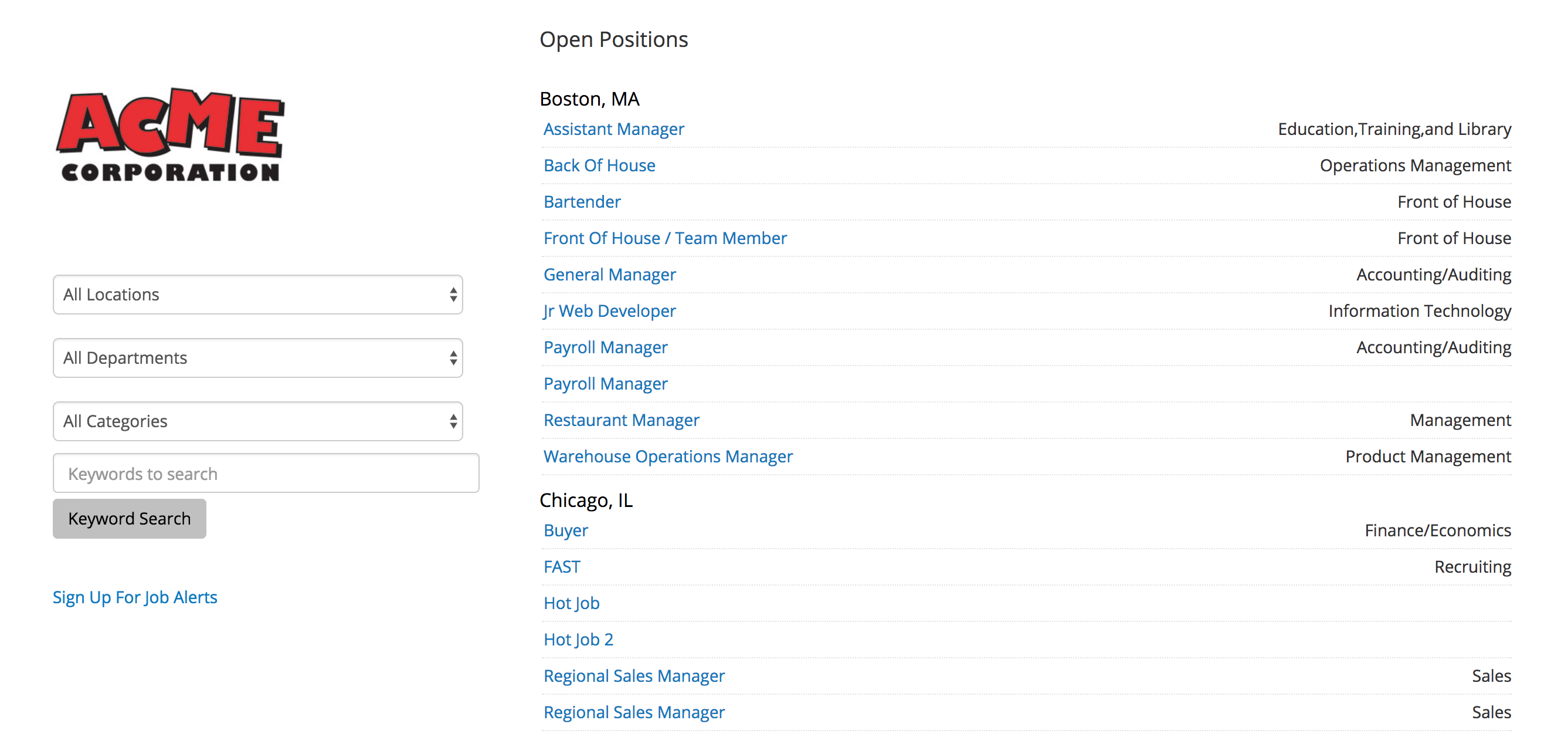
- Selecting one of the requisitions will take you to the requisition description page.
- After on the description page it will also allow you to access the requisition application.