How to edit a Requisition
There are a few ways you could edit a job requisition
First, I will go over multiple ways to access the job editor page.
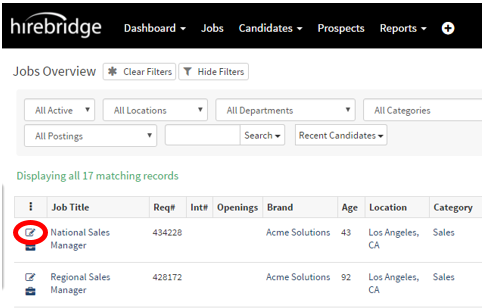
- On the Jobs Overview page, click on the “Notepad and Pencil” Icon to quickly edit job requisitions.
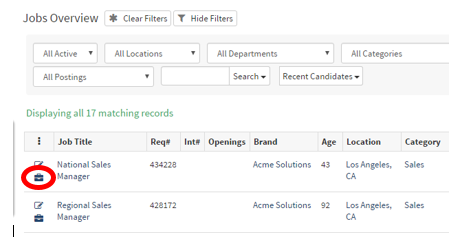
- You could also click the “Briefcase Icon” below the "Notepad", then click on the “Edit Jobs” button on the job requisition page.
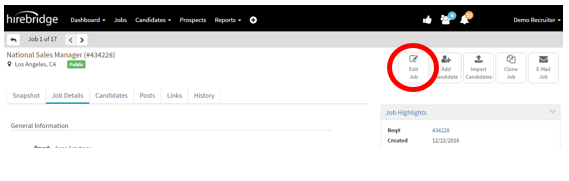
These are multiple ways to access the Job Requisition Editor page as a Hiring Manager.
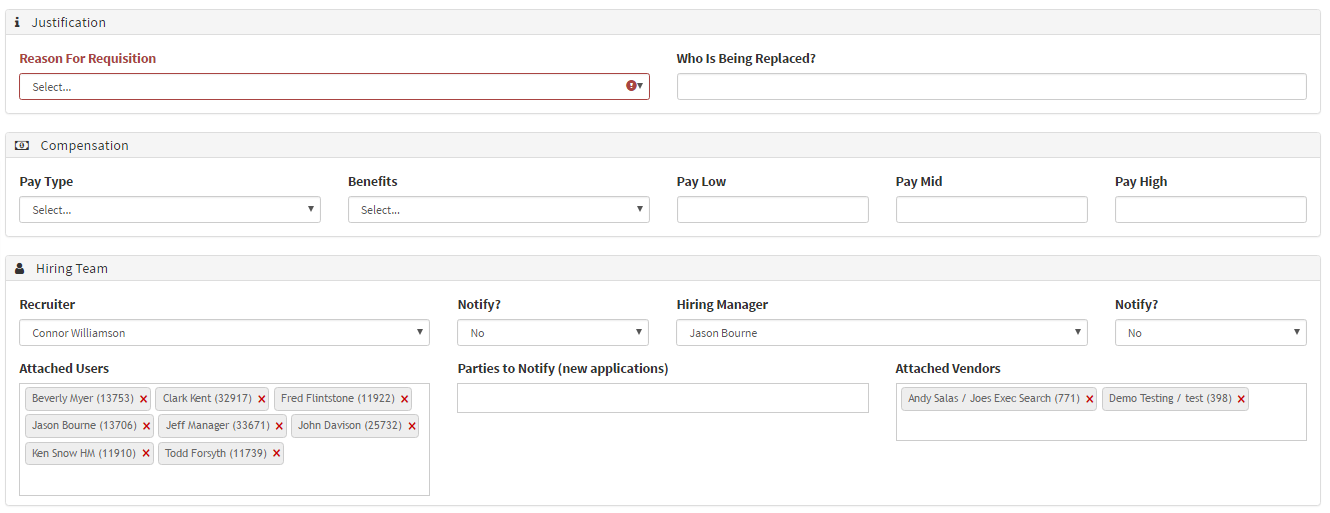
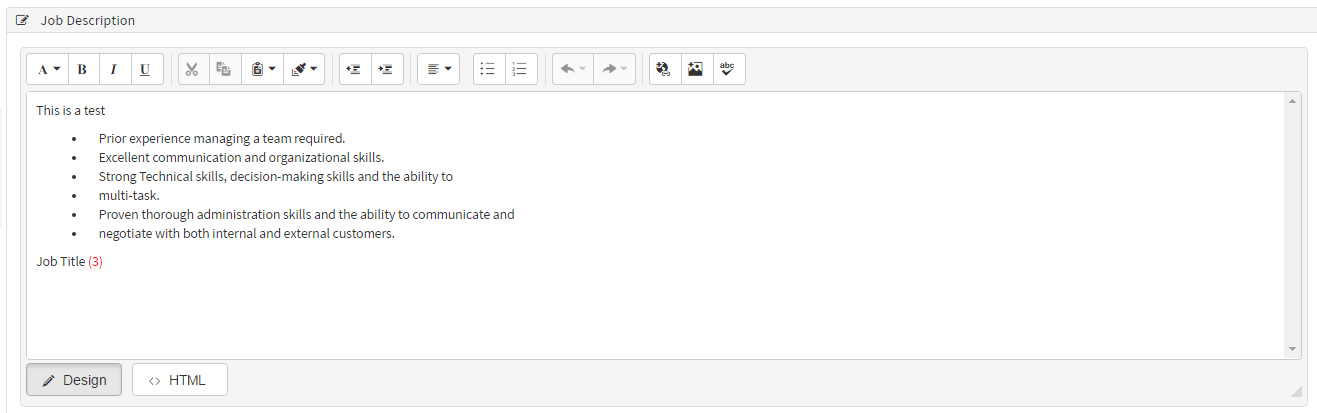
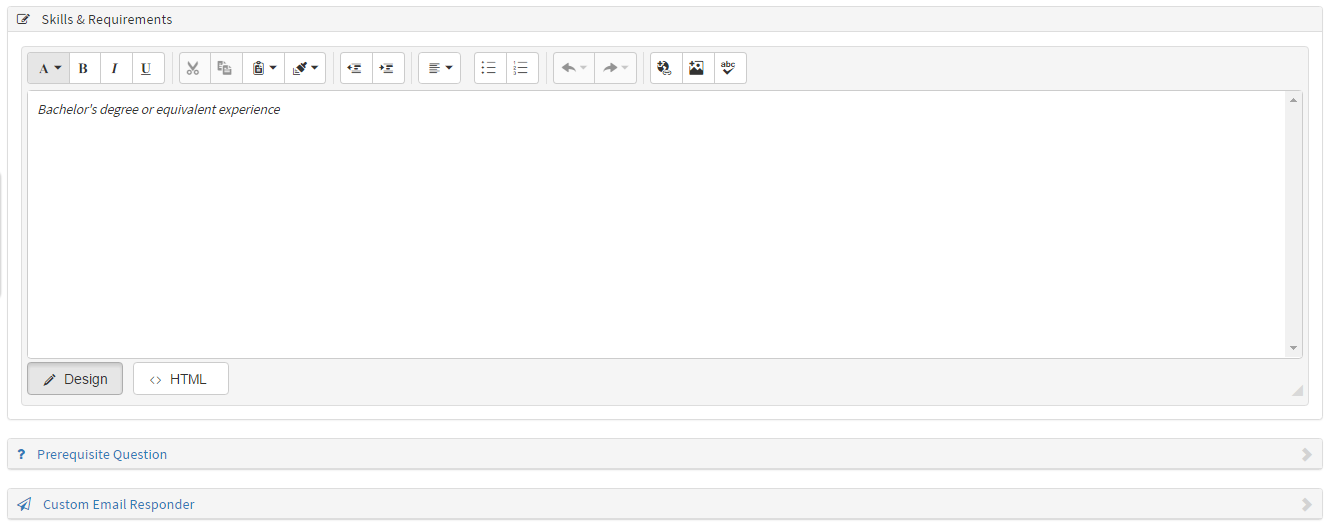
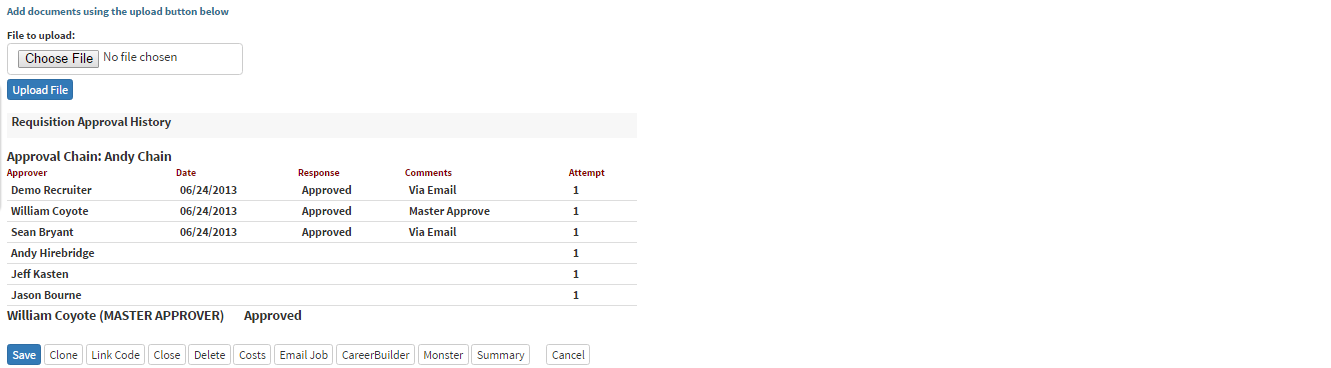
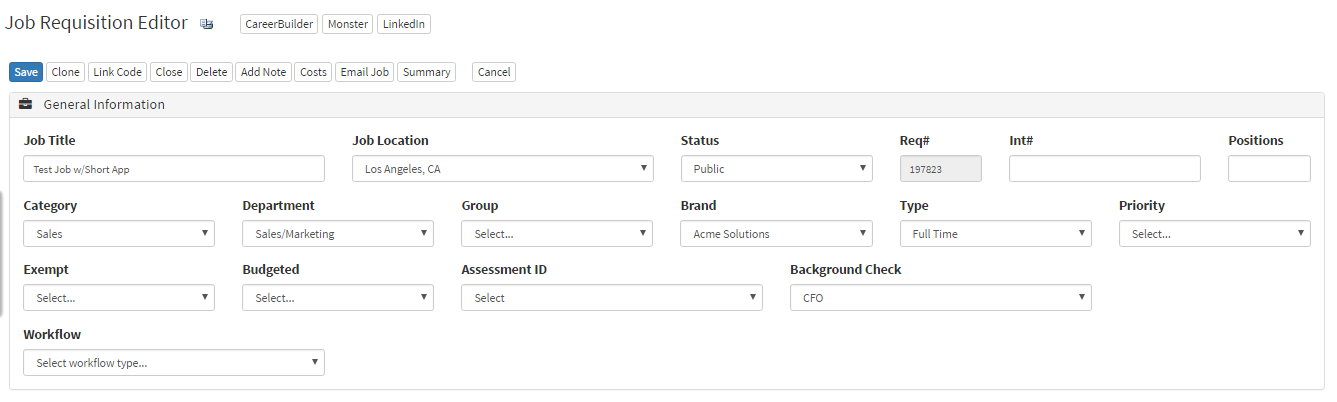
(Below is a picture of the requisition editor page)
- The Job Requisition Editor page enables you to edit all the attributes to this job requisition.
- To attach users in the "Attached Users" section type the user's name in the text box. This will then give you the option to select which specific person you would like to attach to this requisition.
- The same way you attach users works for Vendors as well.