This article will cover how a non Hirebridge user could quickly share a job.
The candidate needs to first find the company career page.
-
Once on the company career page, there will be a list of available positions.
(Example of company page below)
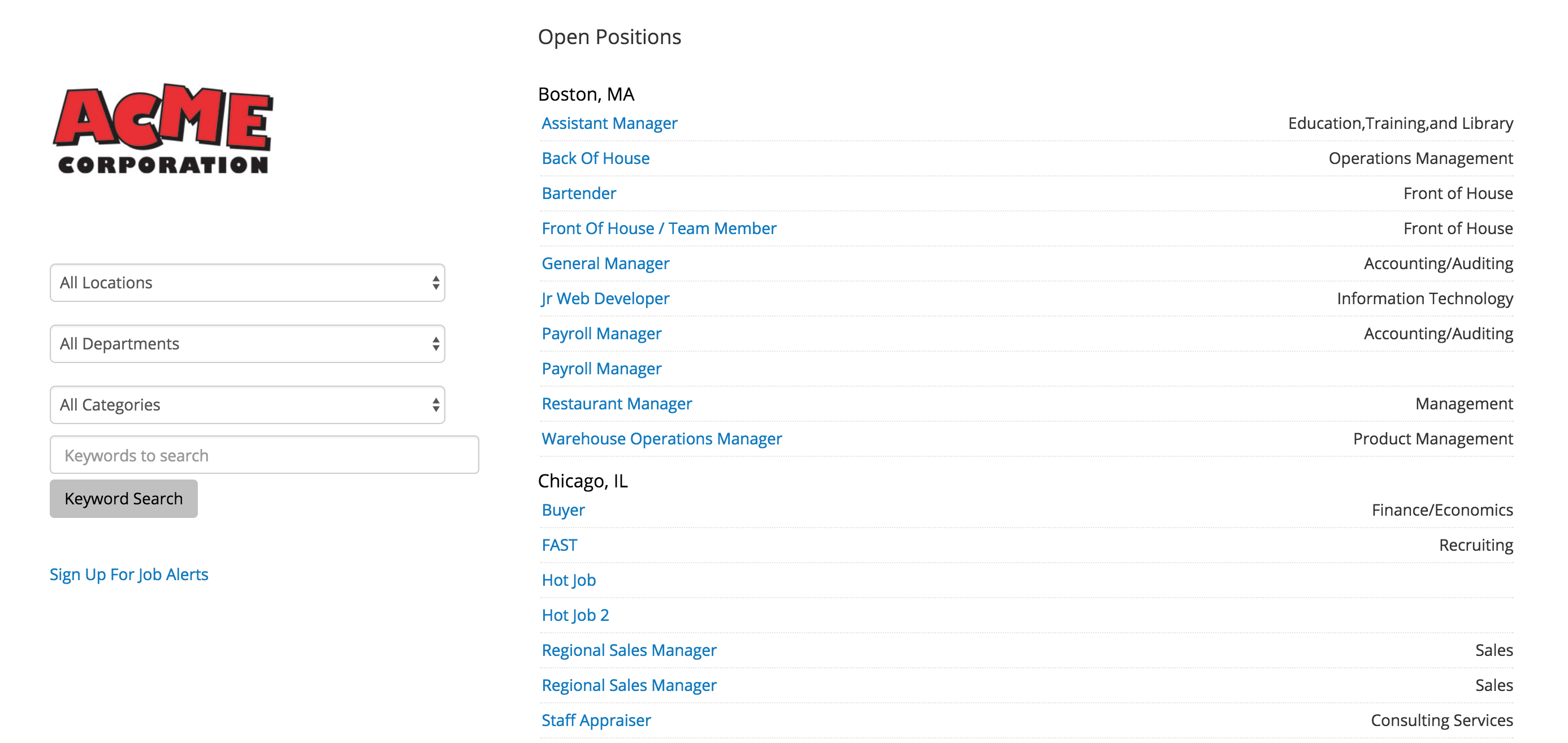
- The candidate or individual looking to share a job will then need to select a job
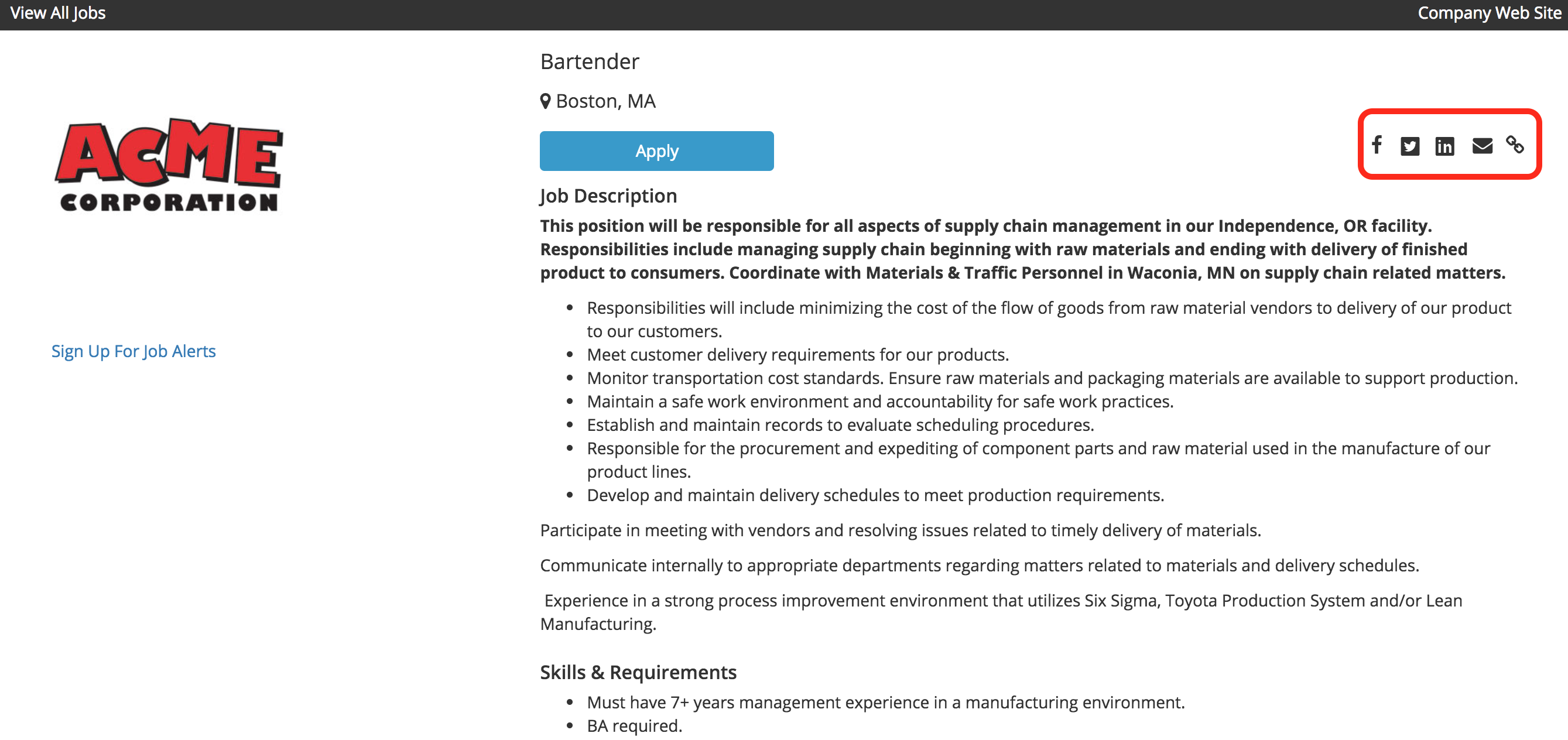
- After selecting the available job the “Job Detail” page will load.
- This page will give you all of the information regarding the specific position.
- To quickly share this specific job you can select the quick share icons on the top right corner.
(Outlined red in the image below)
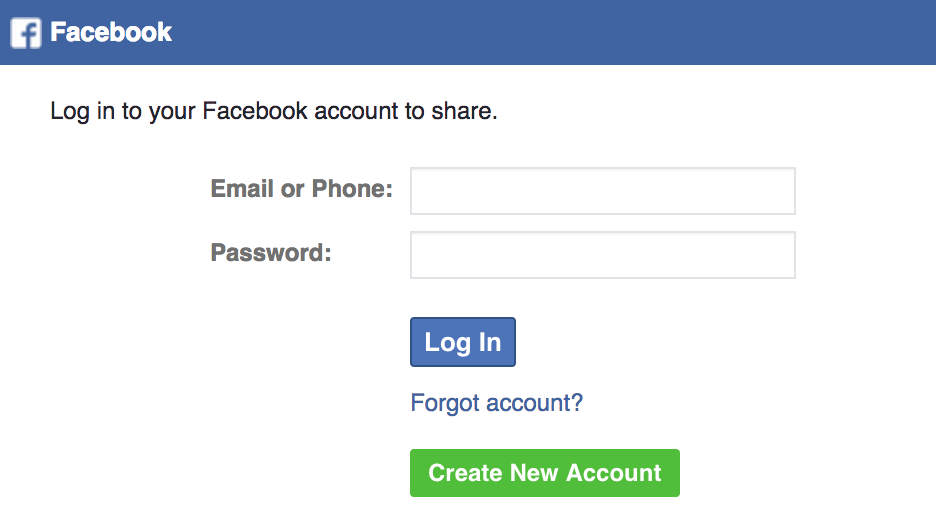
- The first icon we will go over is the Facebook icon.

- Selecting the icon will redirect you to facebook and allow you to post the job using your Facebook account.
- The next Icon is the Twitter Icon.

- Selecting this icon will allow you to tweet and share this job to your followers.

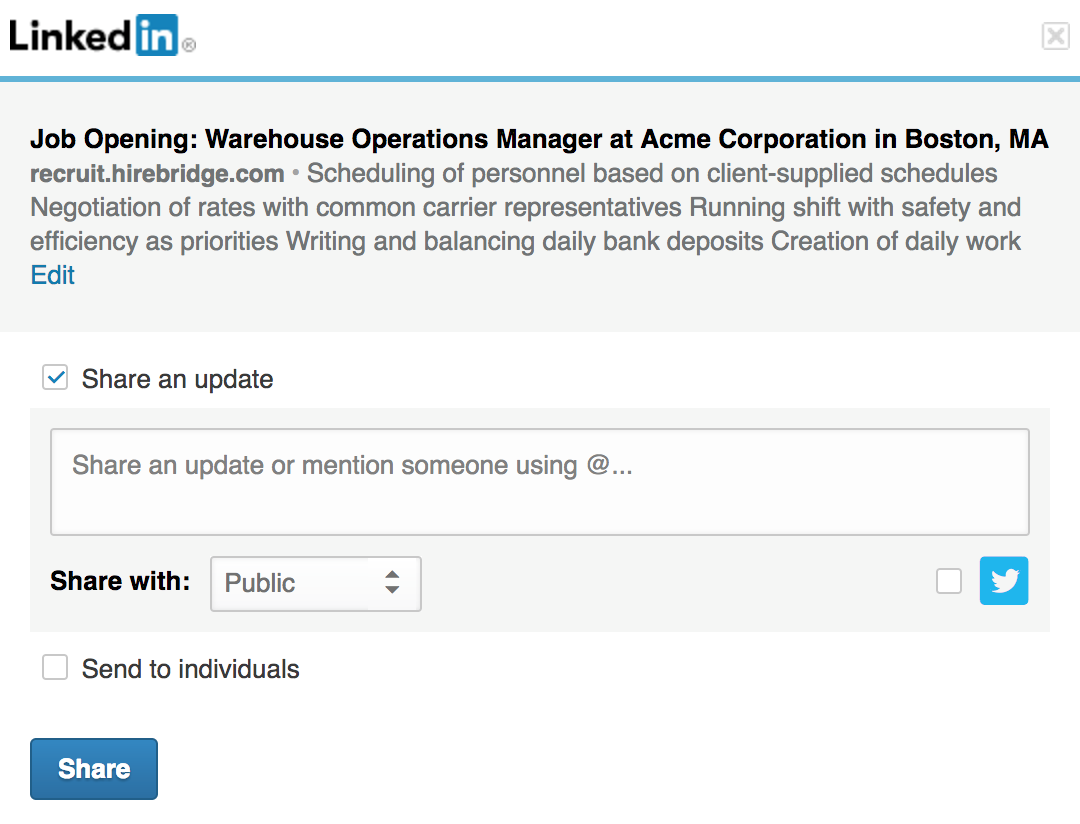
- The LinkedIn icon will allow you to share this job through your LinkedIn profile.

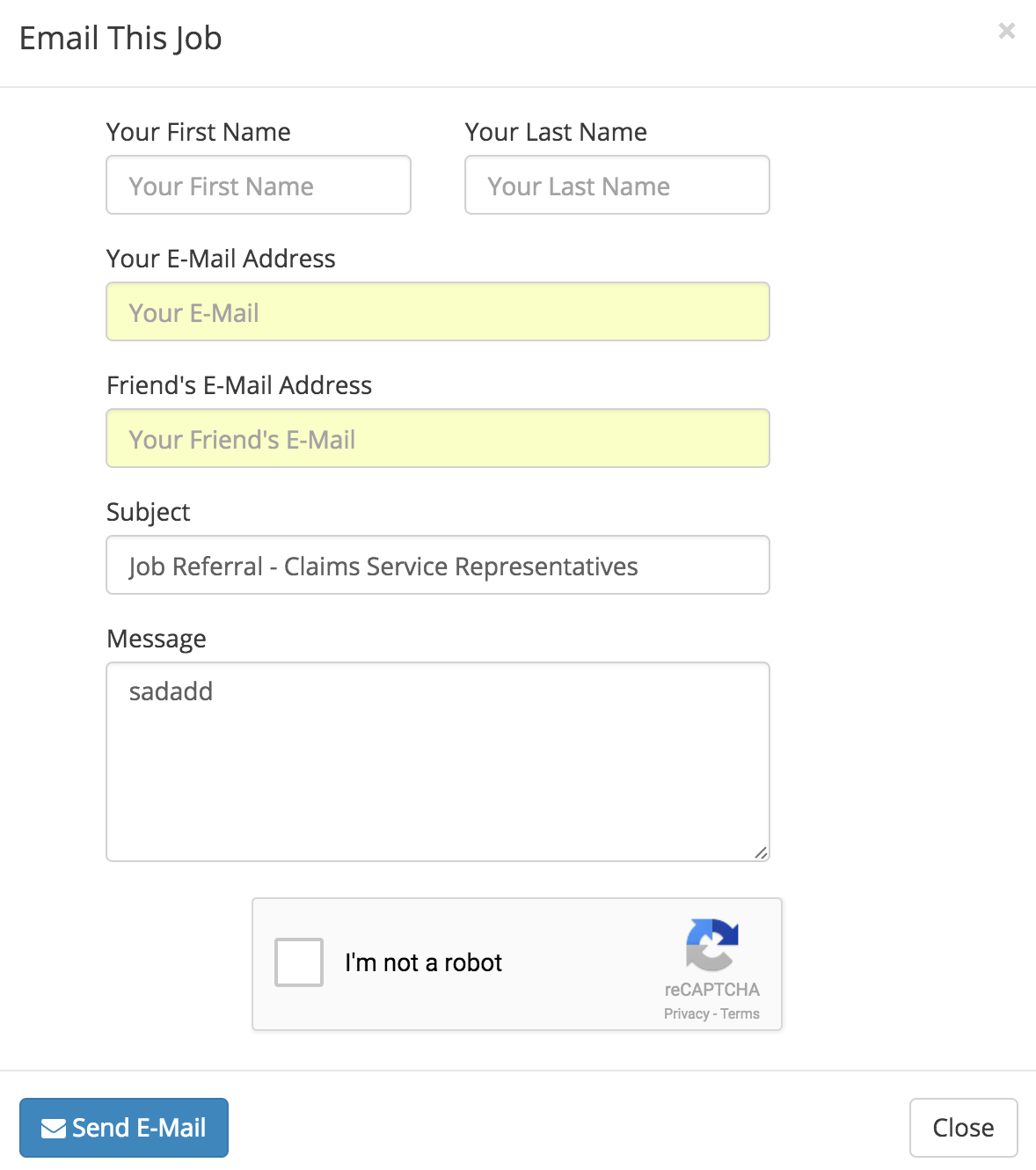
- The Envelope icon will allow you to share this job via email.

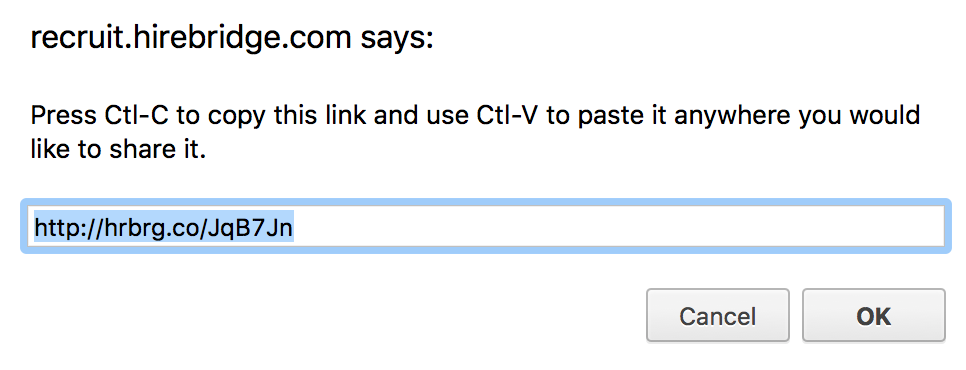
- The Chain icon will allow you to share the job via web link.
- You will be able to copy and paste this link to share the job.