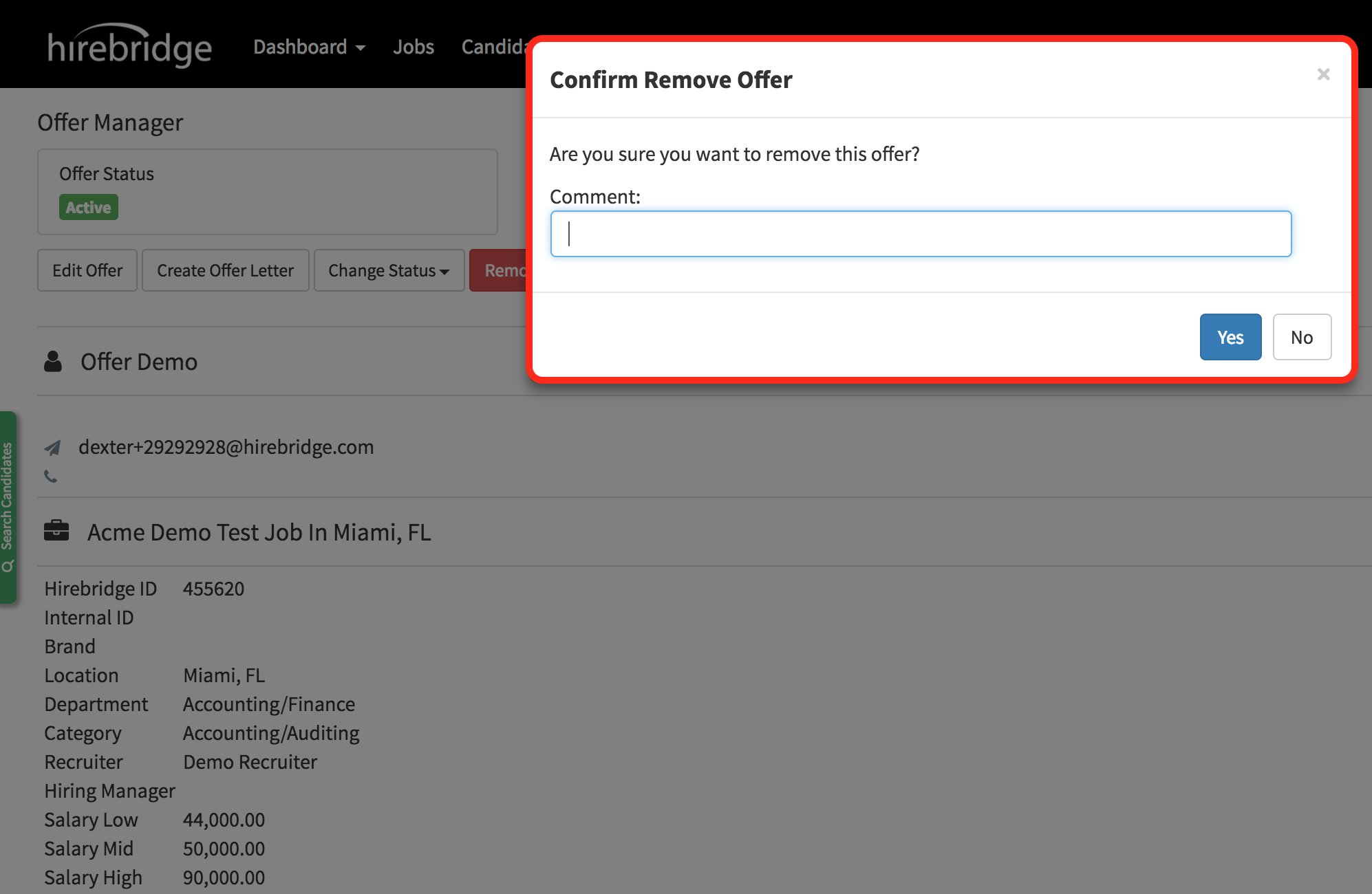
This article will guide you on how to remove an offer.
Once the candidate has an offer approved you can remove the offer by going into the candidate profile.
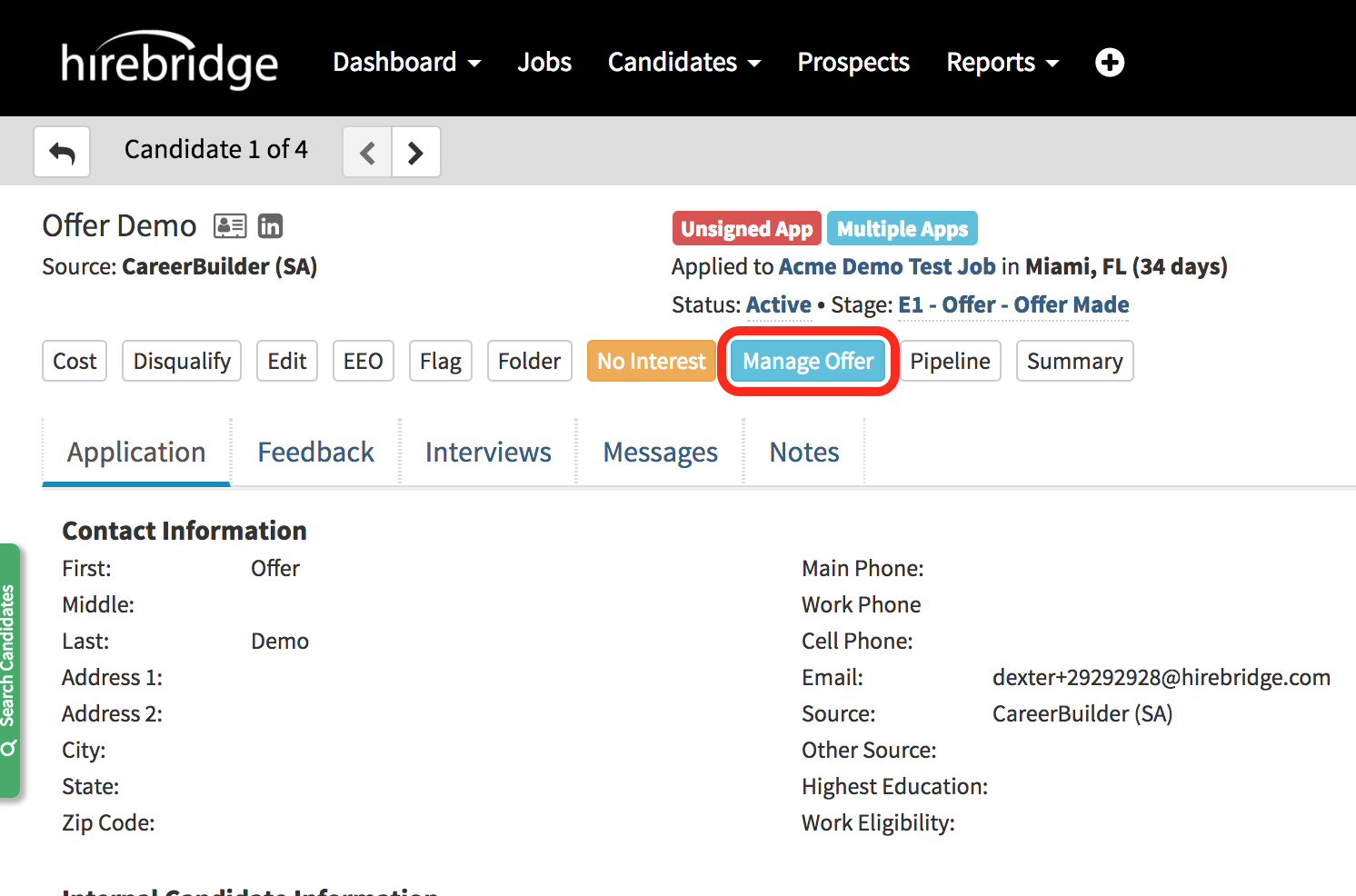
- When you are in a candidate profile select "Manage"
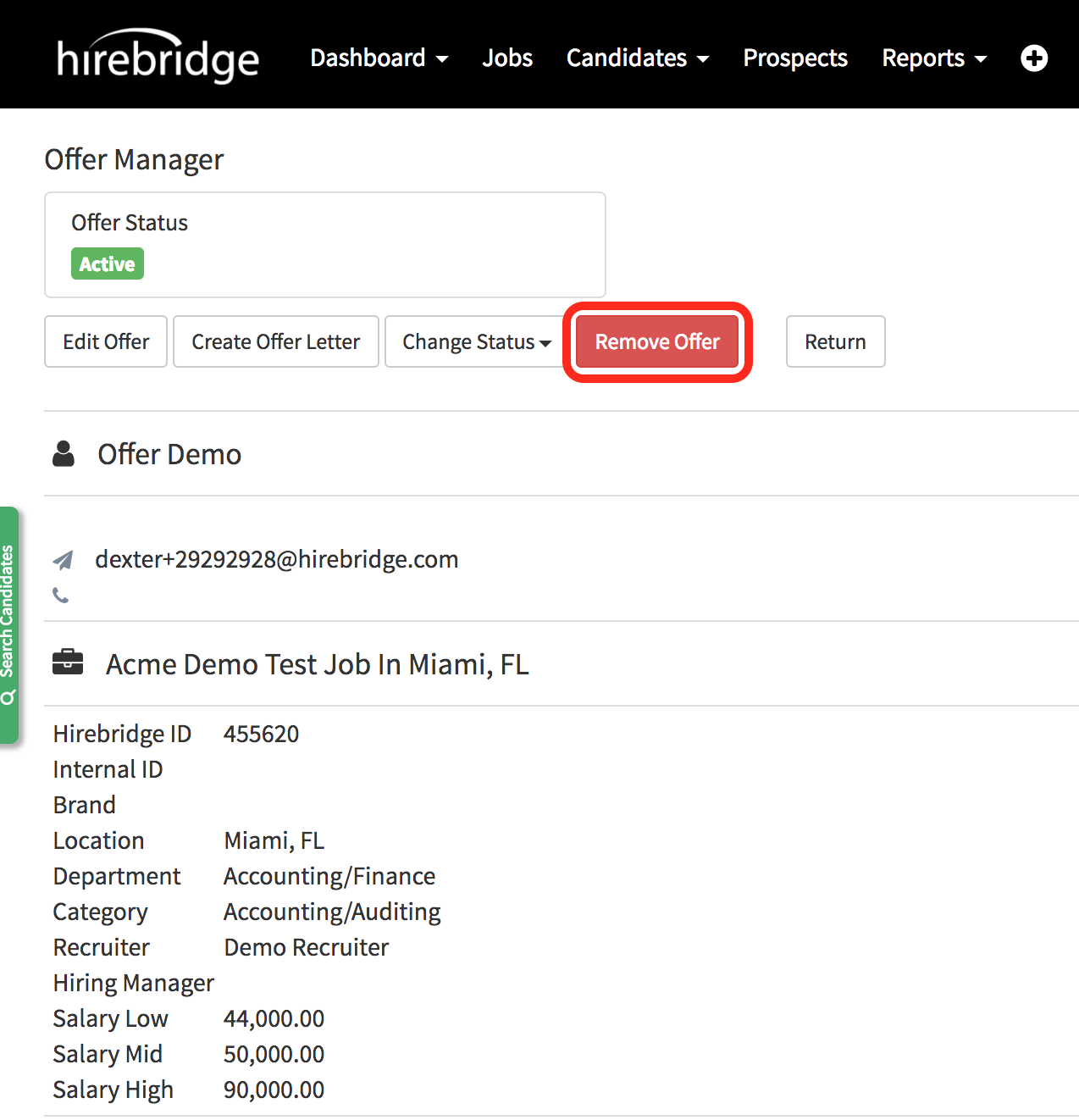
- When on the Offer Manager page select "Remove Offer"
- If you do not see this option the offer is still in the chain and needs to be approved.
- After you select "Remove Offer" a confirmation pop-up will appear where you can include a comment
- Next select yes or no to remove the offer.