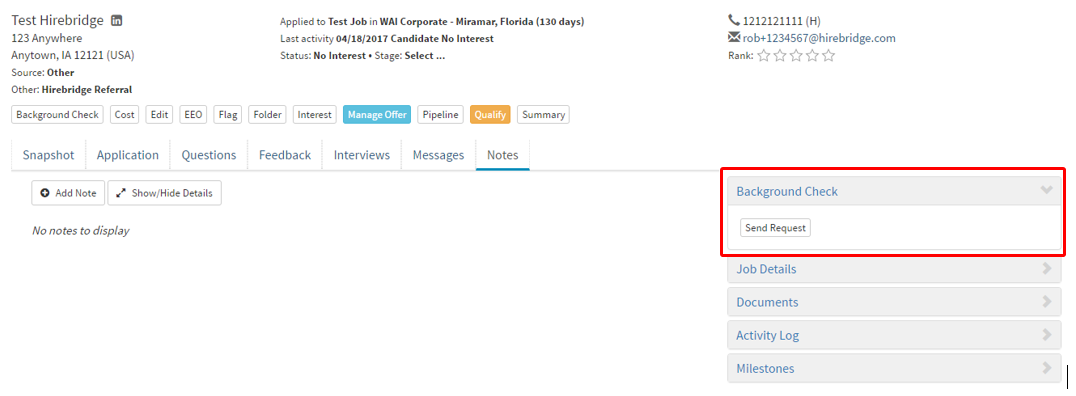
Once you have setup your background screening account in Hirebridge, you can now include the background screening into each requisition.
- Requisitions that were created before the background screening integration can add background screening.
- To add background screening into a job, go to the requisition editor page.
- In each requisition, there will be a Background Check Package section.
- This section will allow you to choose the type of background screening package for the requisition.
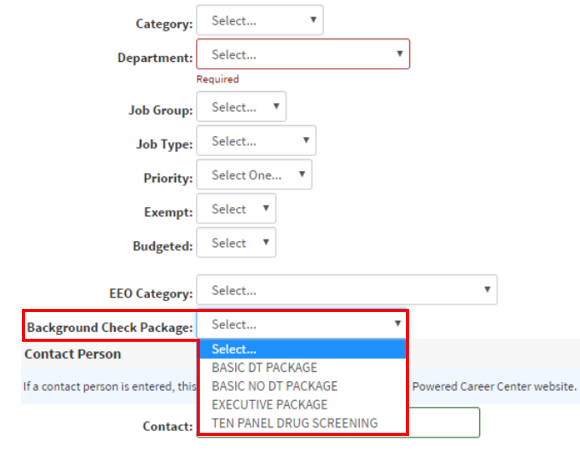
- Once you have selected a background check package save the requisition.
- Candidates in that requisition will now have the option to request background checks.