This article will guide you on how to setup Careerbuilder background screening
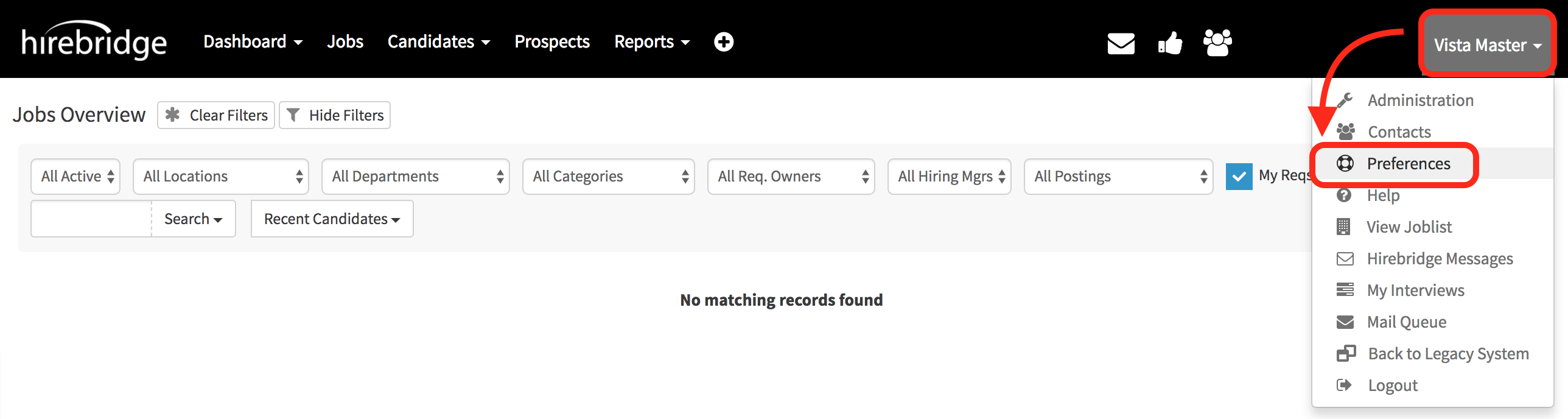
- Once logged into your Hirebridge account select your username in the top right corner.
- Select "Preferences" from the drop-down menu.
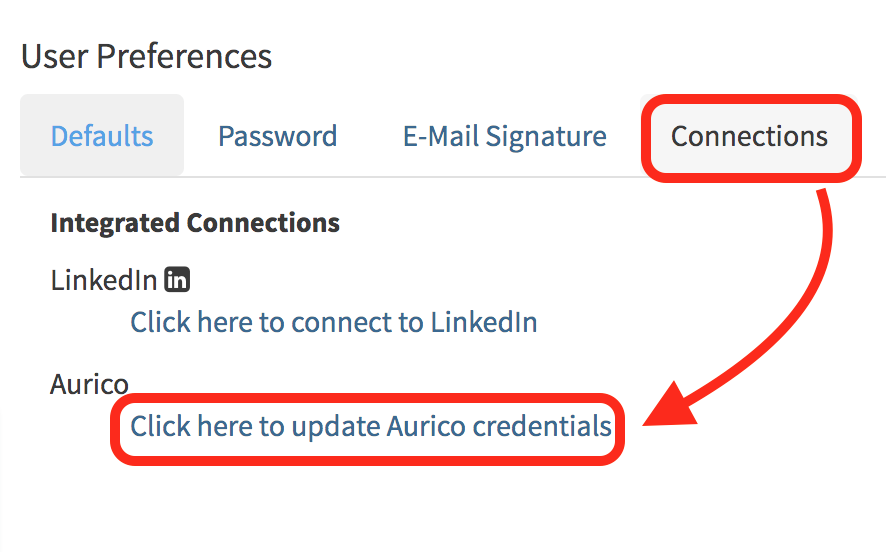
- This will now take you to the User Preference page where you will select "Connections"
- Once on the "Connections" tab, select "Click here to update Careerbuilder Credentials".
- The next page will allow you to add/edit your Careerbuilder account details.
- Account ID - Company Careerbuilder account number
- User Name - Company email
- Password - Leave blank
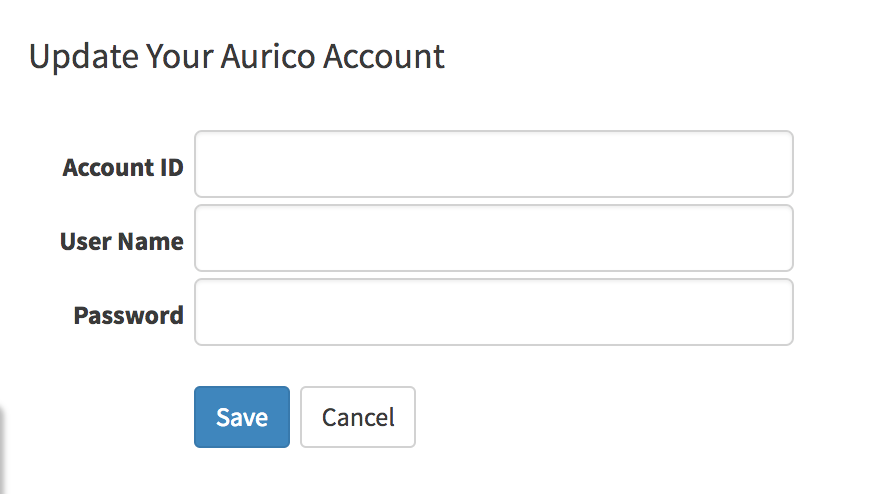
- After you have entered the credentials select "Save"
After creating a requisition with background screening integrated.
- To check if it has integrated properly go into a candidate profile
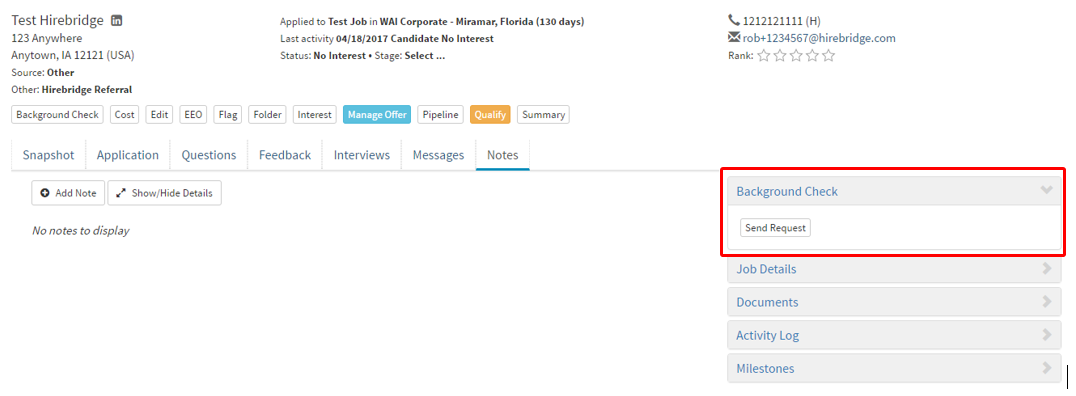
- The Background Check tab will appear with the option to send a background screening request.
(Outlined on the right side of the candidate profile)