How to Embed Video Into Job Description
This article will cover how to embed a video into the Job Description
- First, find a requisition and select the paper and pencil icon to edit the requisition.
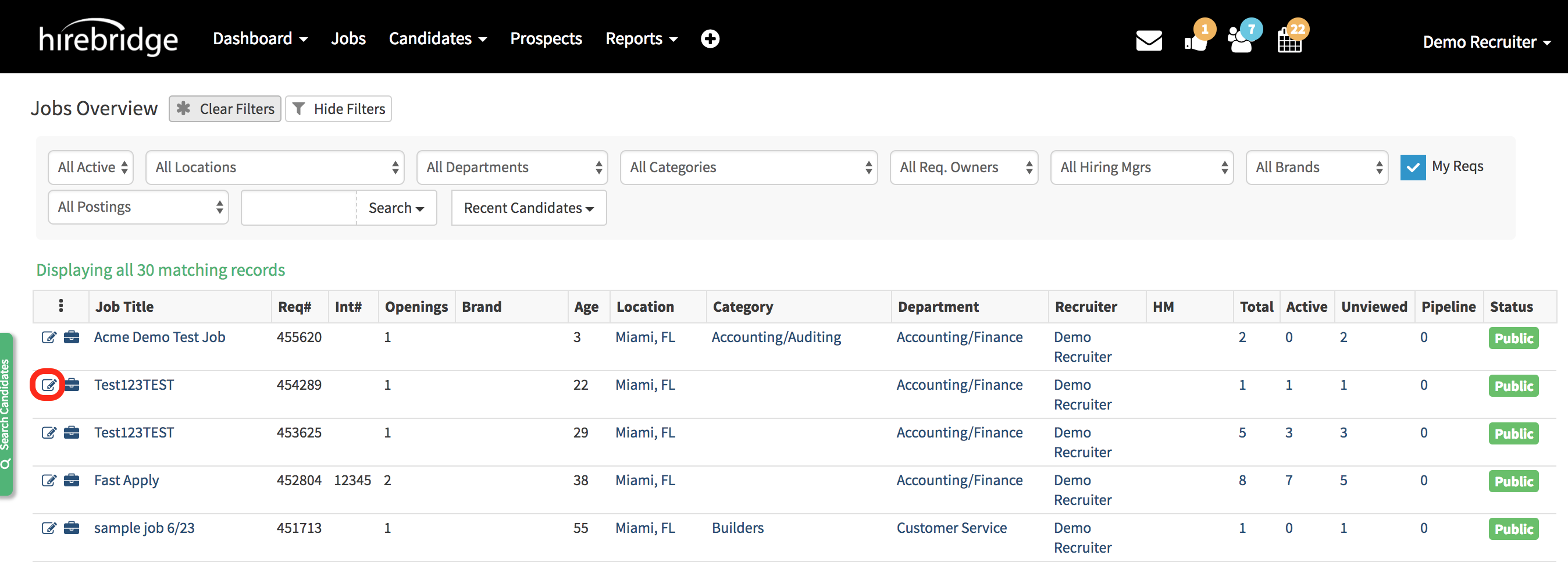
- You will now be on the "Requisition Editor Page"
- Scroll down to the "Job Description" section
- Type "VIDEO" at the top of the job description and use it as a place holder.
- Next select "</>HTML" at the bottom of the text editor
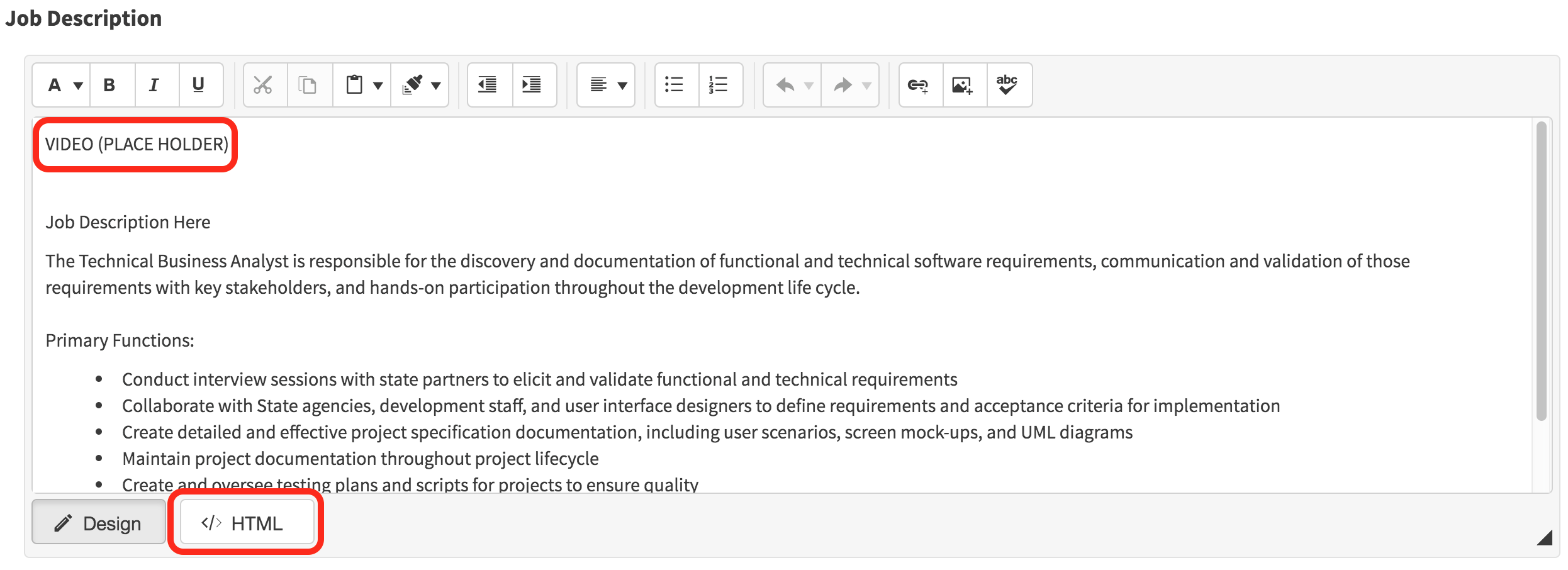
When you select the "</>HTML" editor the text will now look like below.
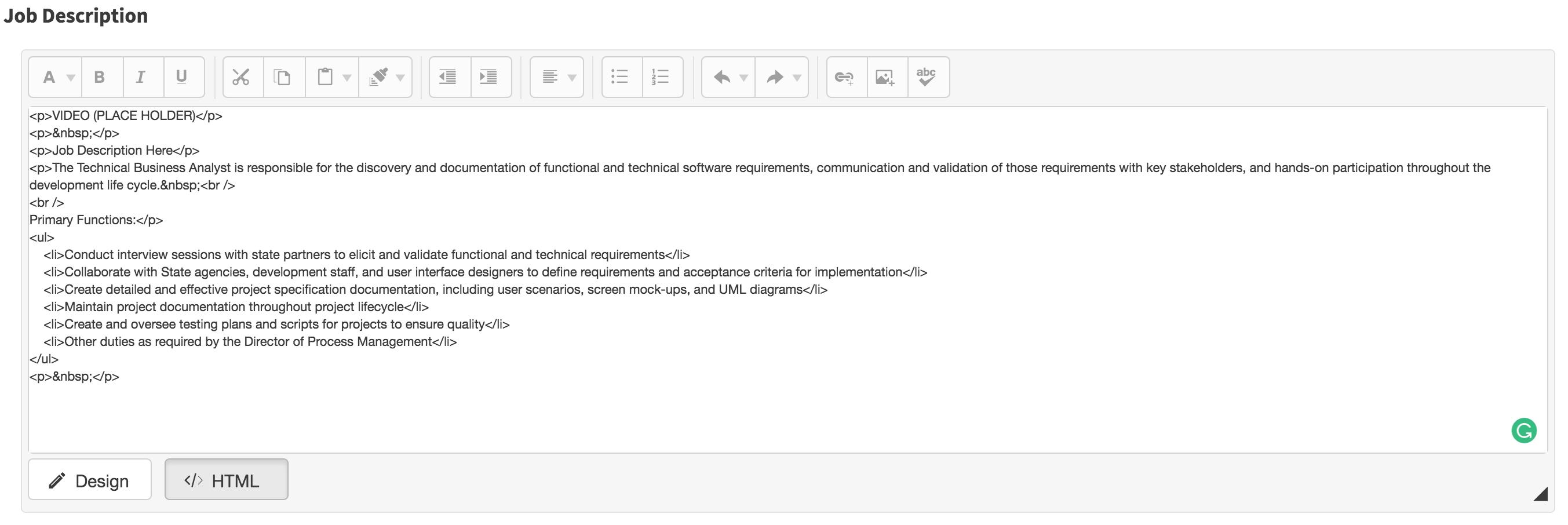
- Locate the Video URL you would like to embed into the Job Description.
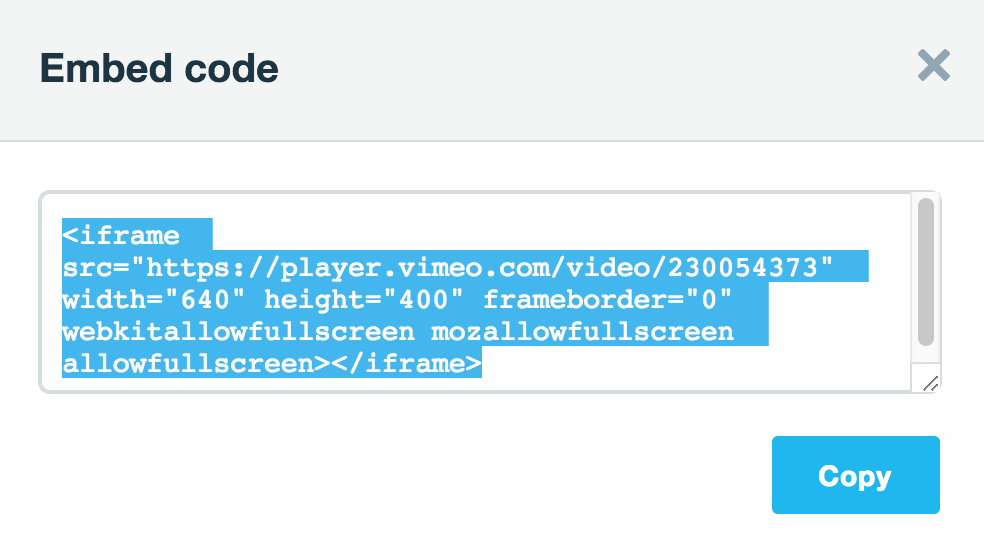
- There should be an area where you can locate the embed code.
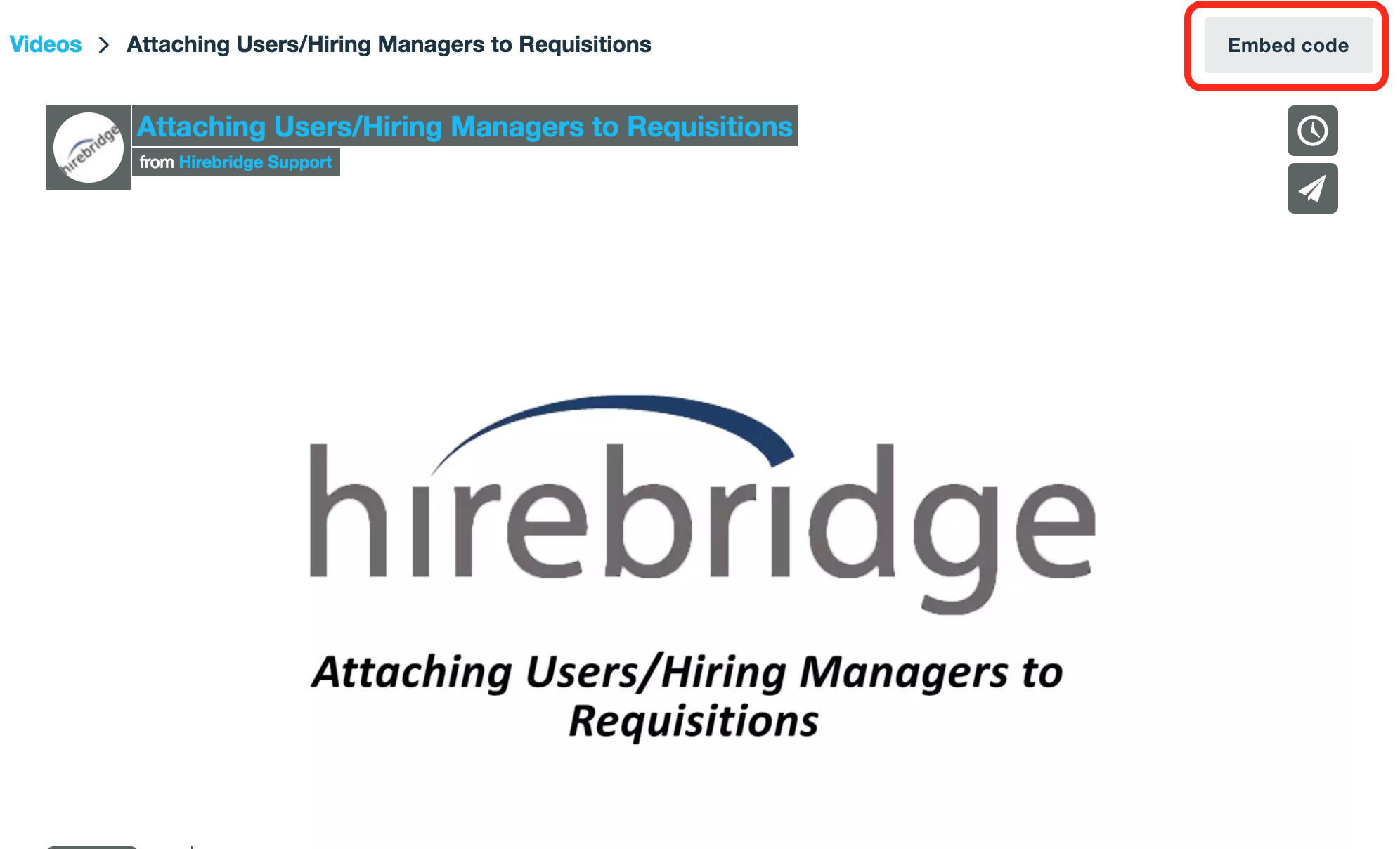
- Once you have found the URL copy and paste over the VIDEO(PLACE HOLDER) text.
- Below is the URL pasted over the VIDEO (PLACE HOLDER) in the text editor.
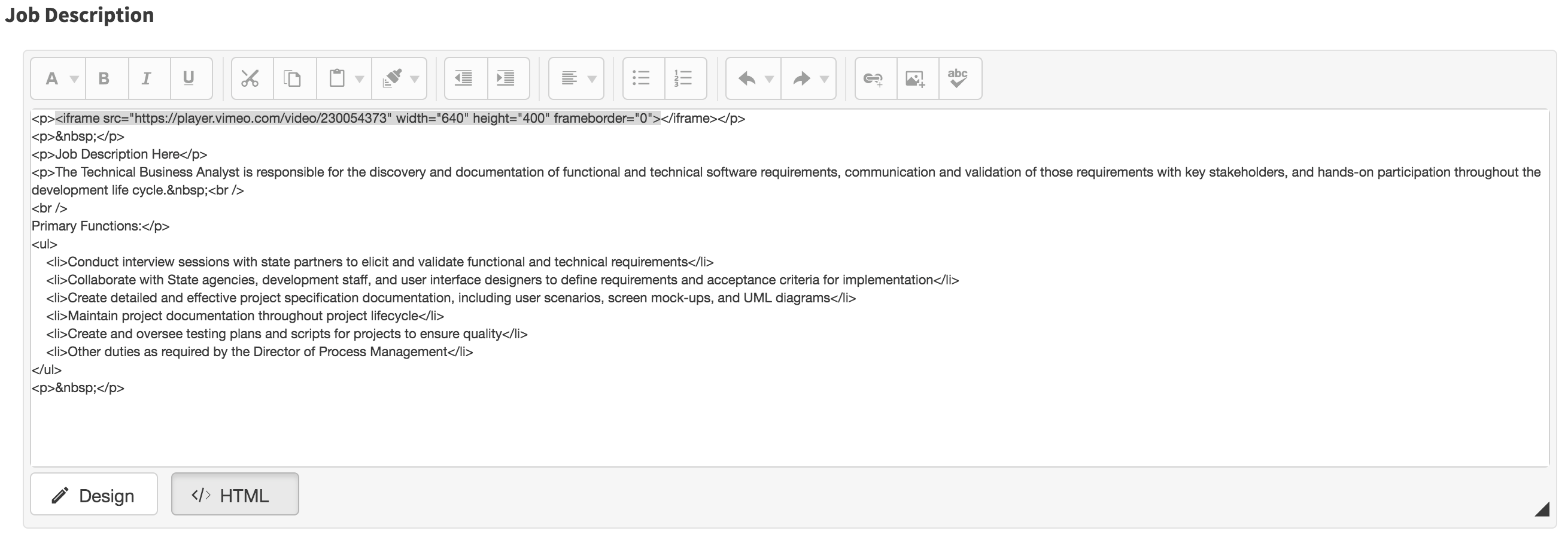
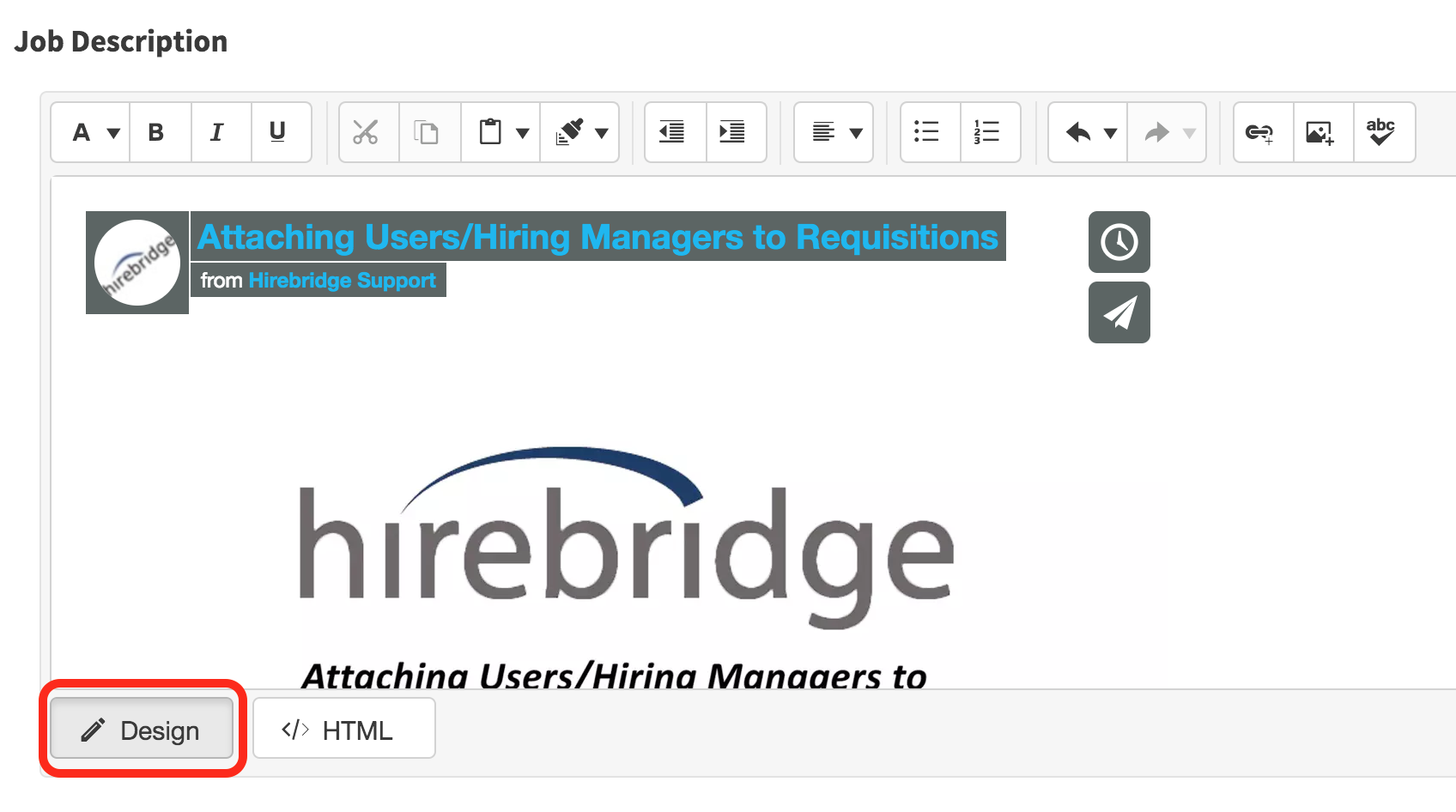
- Once you have pasted the code select "Design"
- You should now see the video load in the text editor.
- Make sure you "Save" the requisition.