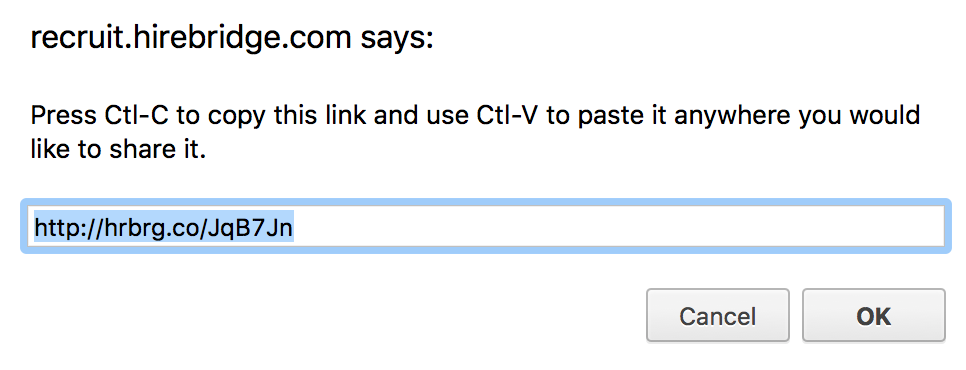
This article will show how a Hirebridge users could easily share a job listing.
- Select your username in the upper top right corner.
- This will open a drop-down menu where you will select "View Joblist".
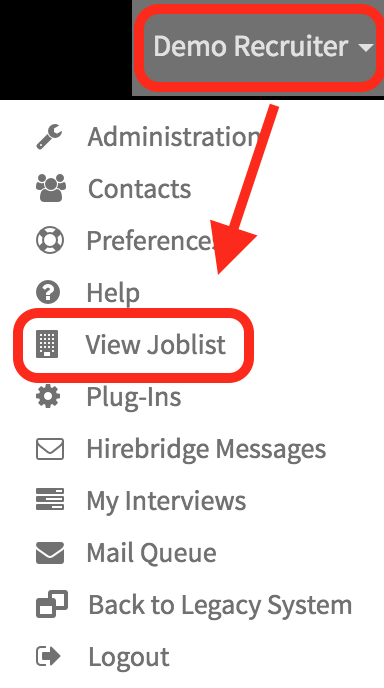
- This will now allow you to view the company's job listing.
- The next step is to select a job that you would like to share.
- Once you have selected a job it will load the "Job Description" page. On this page will give you the ability to share this specific job and apply to it.
For this example, we will show how to share this job.
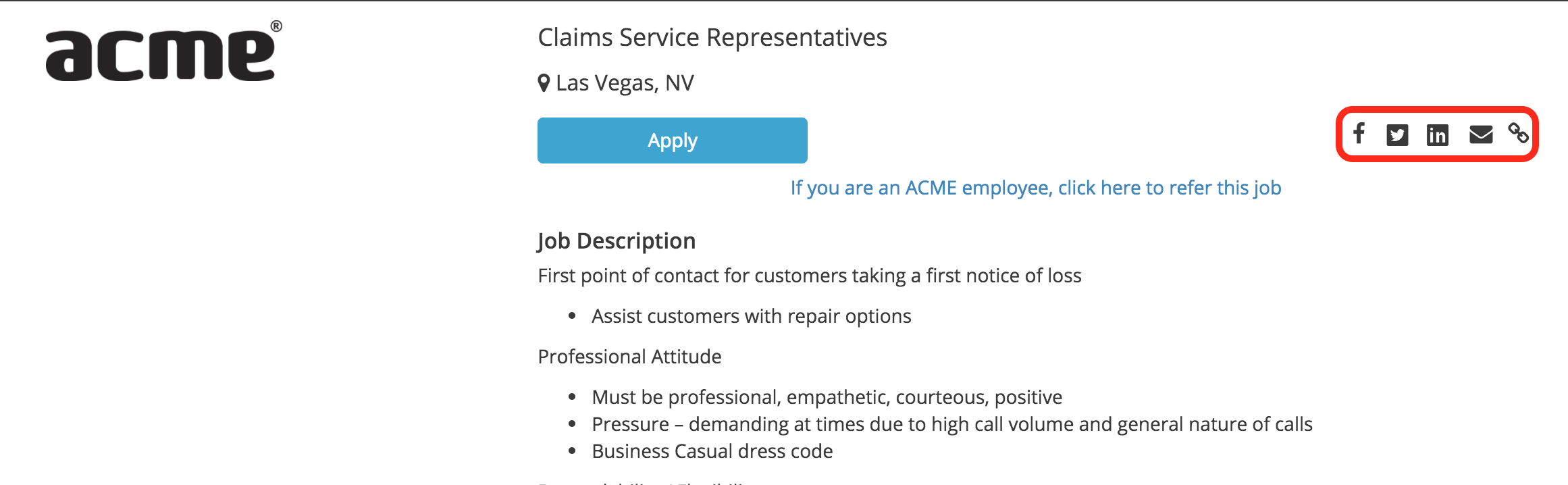
- The first icon we will go over is the Facebook icon.

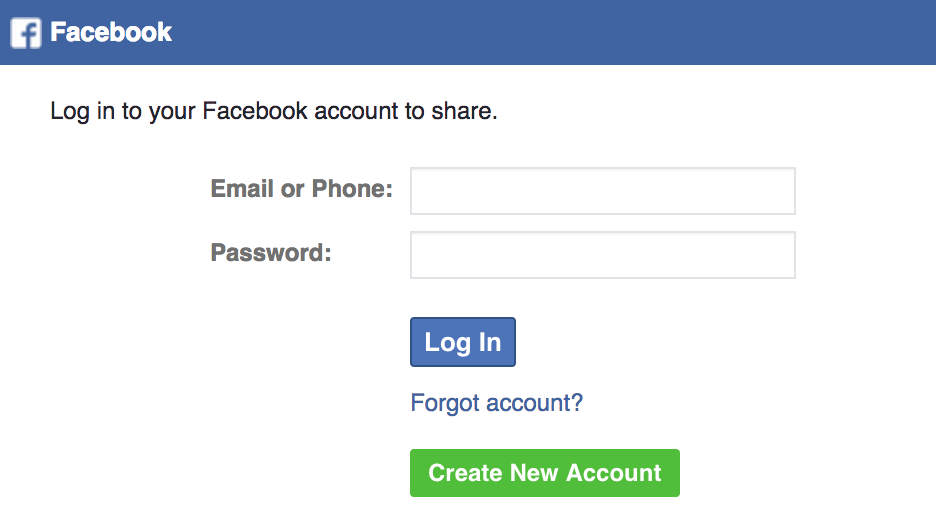
- Selecting the icon will redirect you to facebook and allow you to post the job using your Facebook account.
- The next Icon is the Twitter Icon.

- Selecting this icon will allow you to tweet and share this job to your followers.

- The LinkedIn icon will allow you to share this job through your LinkedIn profile.

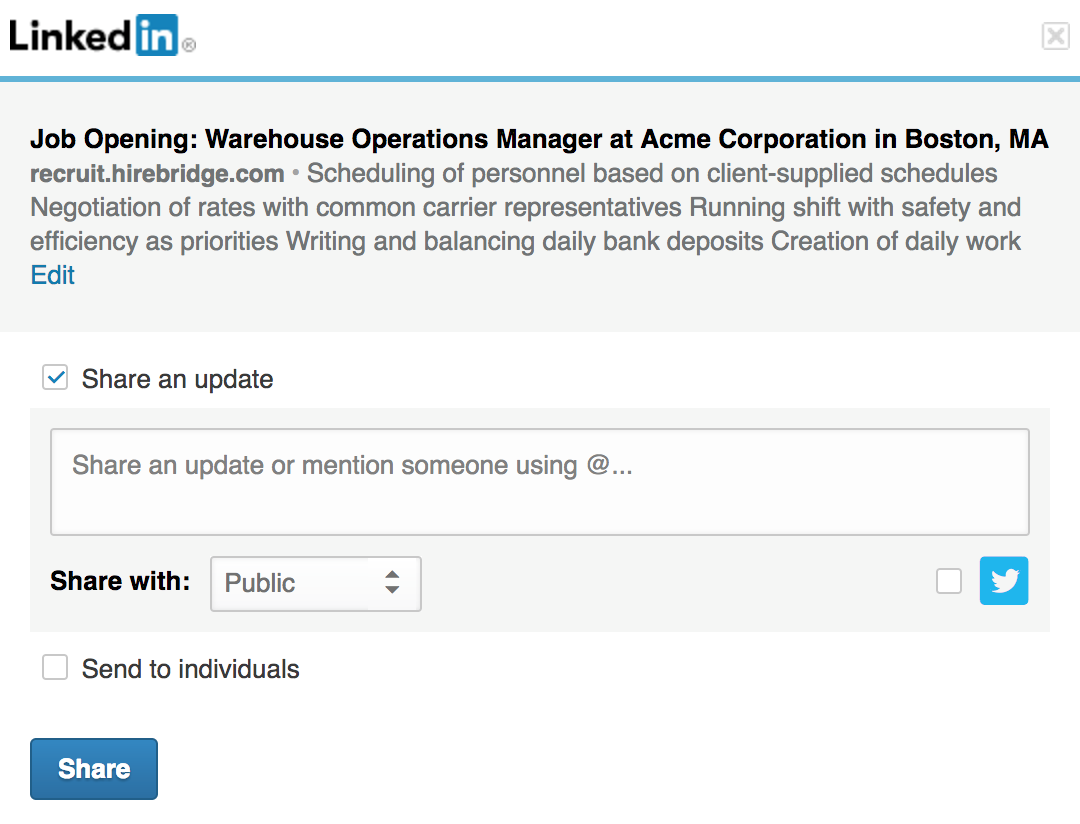
- The Envelope icon will allow you to share this job via email.

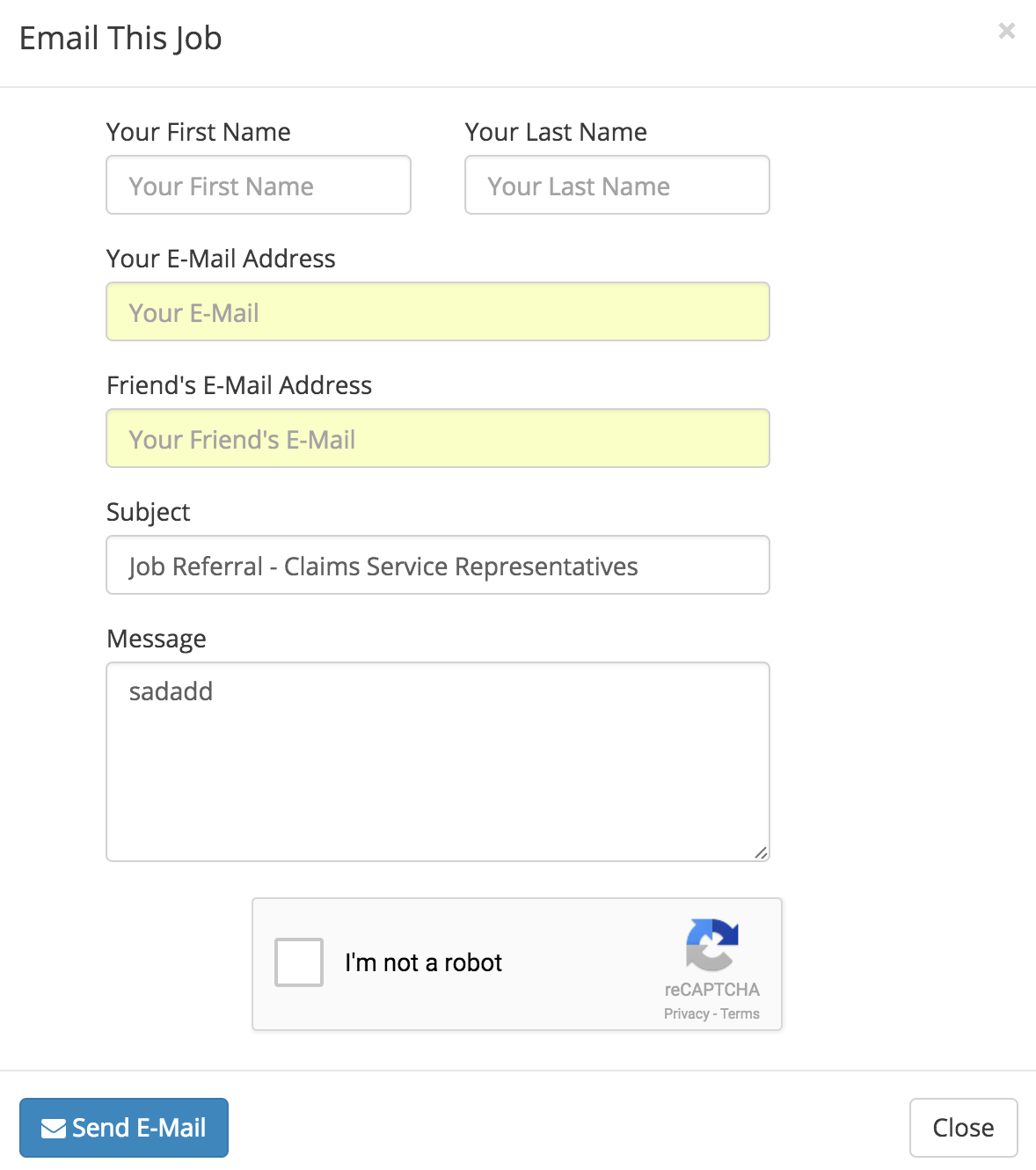
- The Chain icon will allow you to share the job via web link.
- You will be able to copy and paste this link to share the job.