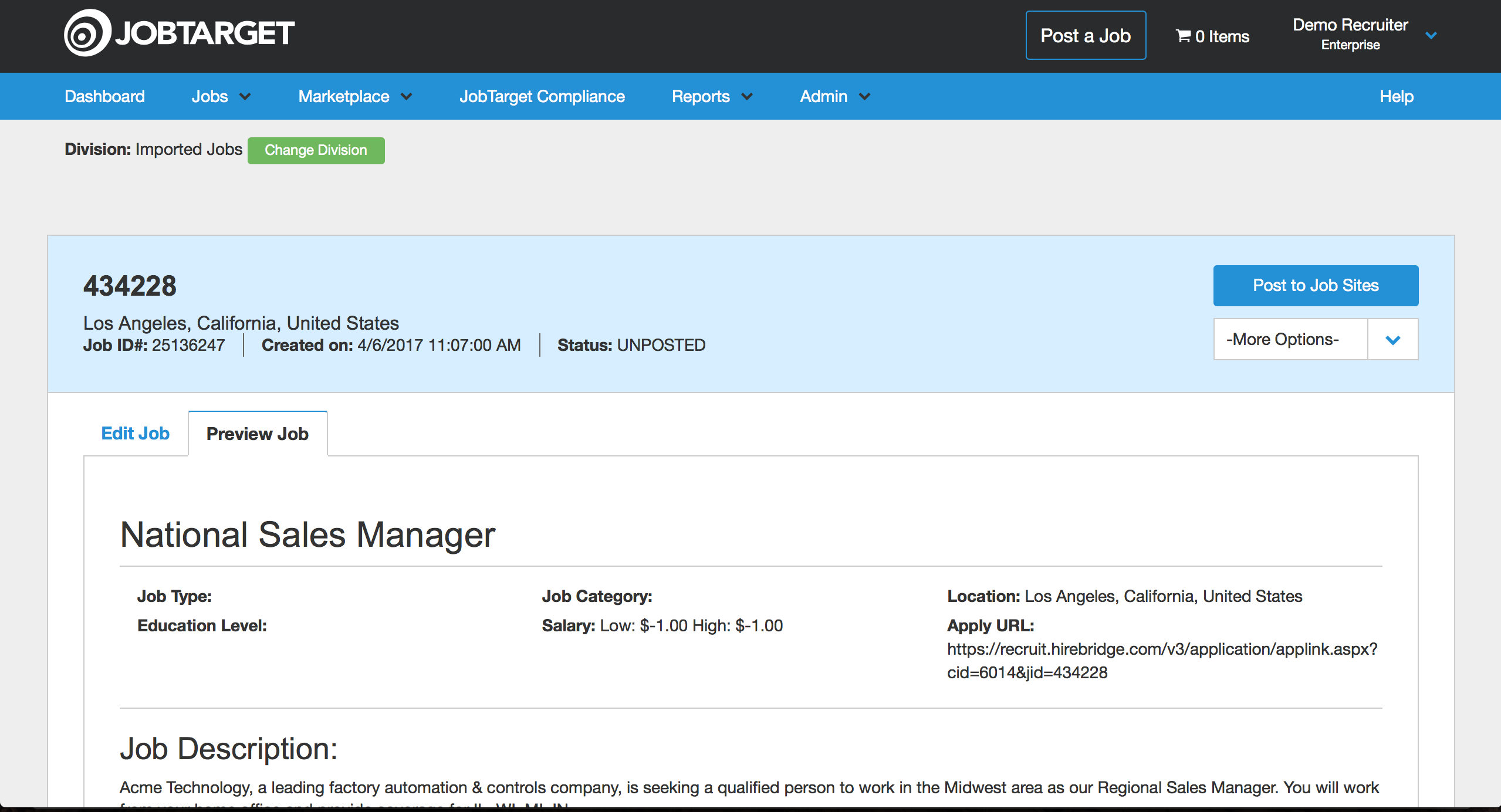
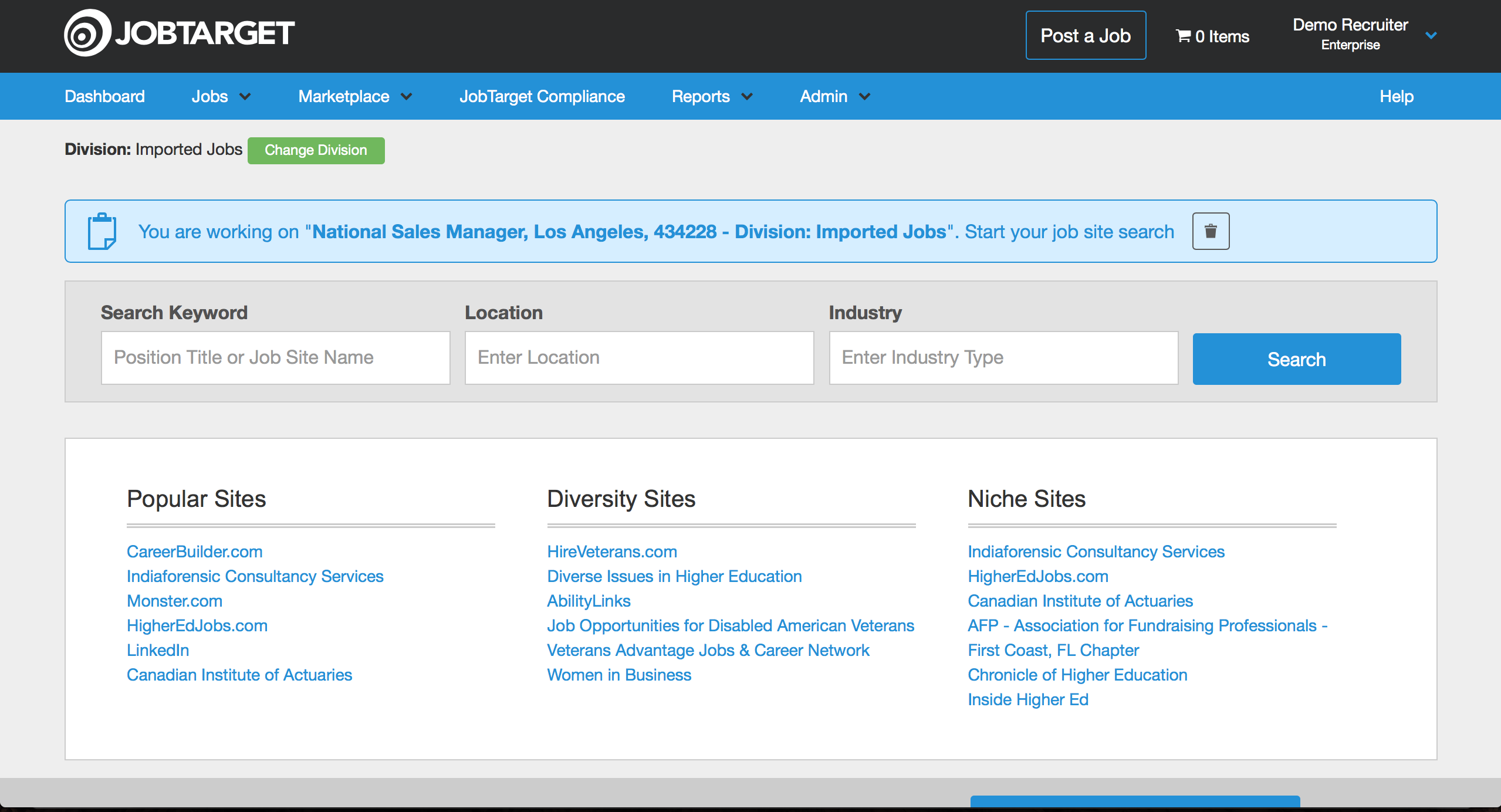
JobTarget is a posting platform that can distribute your jobs to virtually any third-party boards, including paid and free sites.
Step 1: Click the Briefcase icon to the left of the job you want to post:

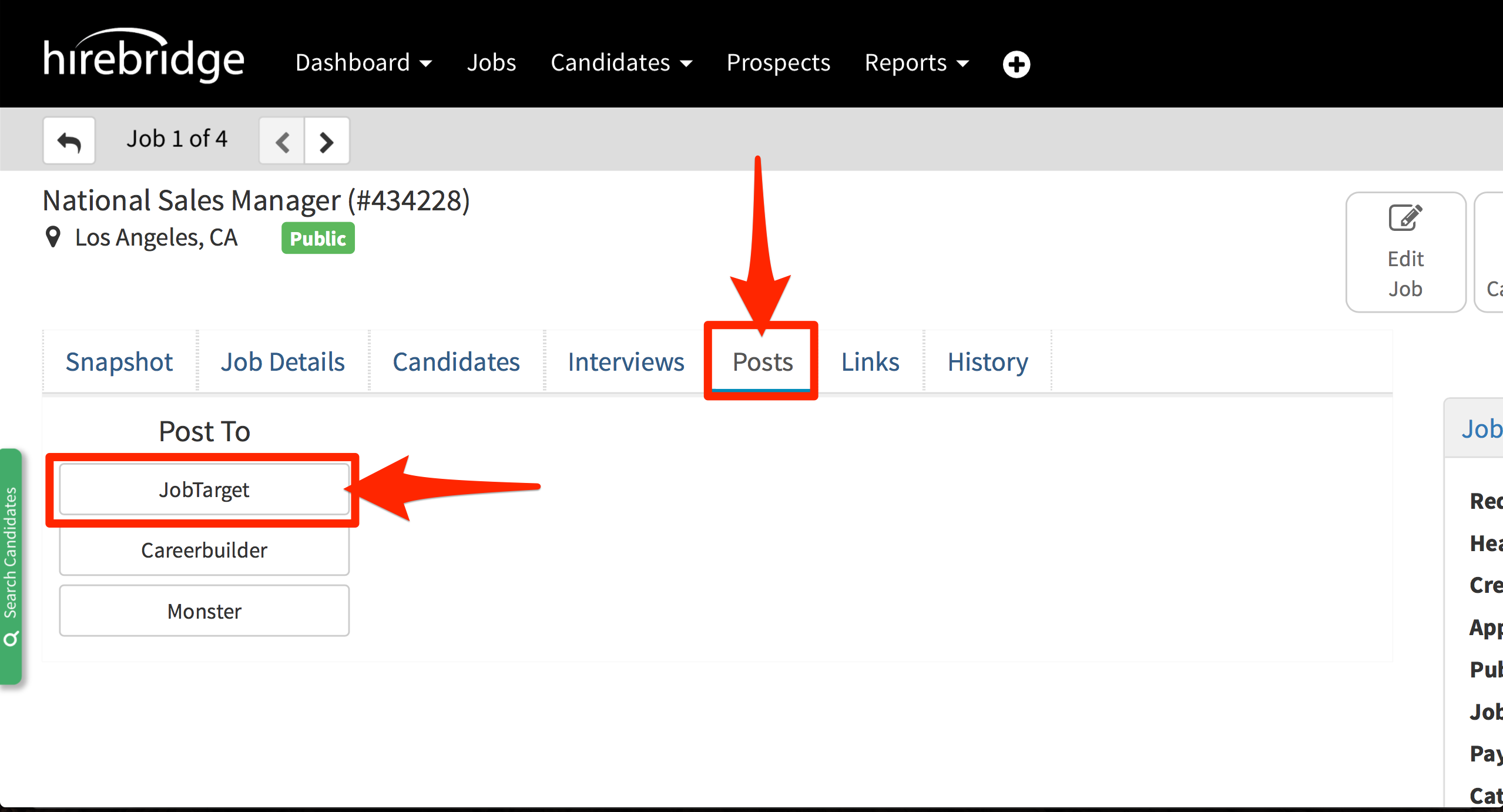
Step 2: Click the Posts tab, then click the JobTarget button:
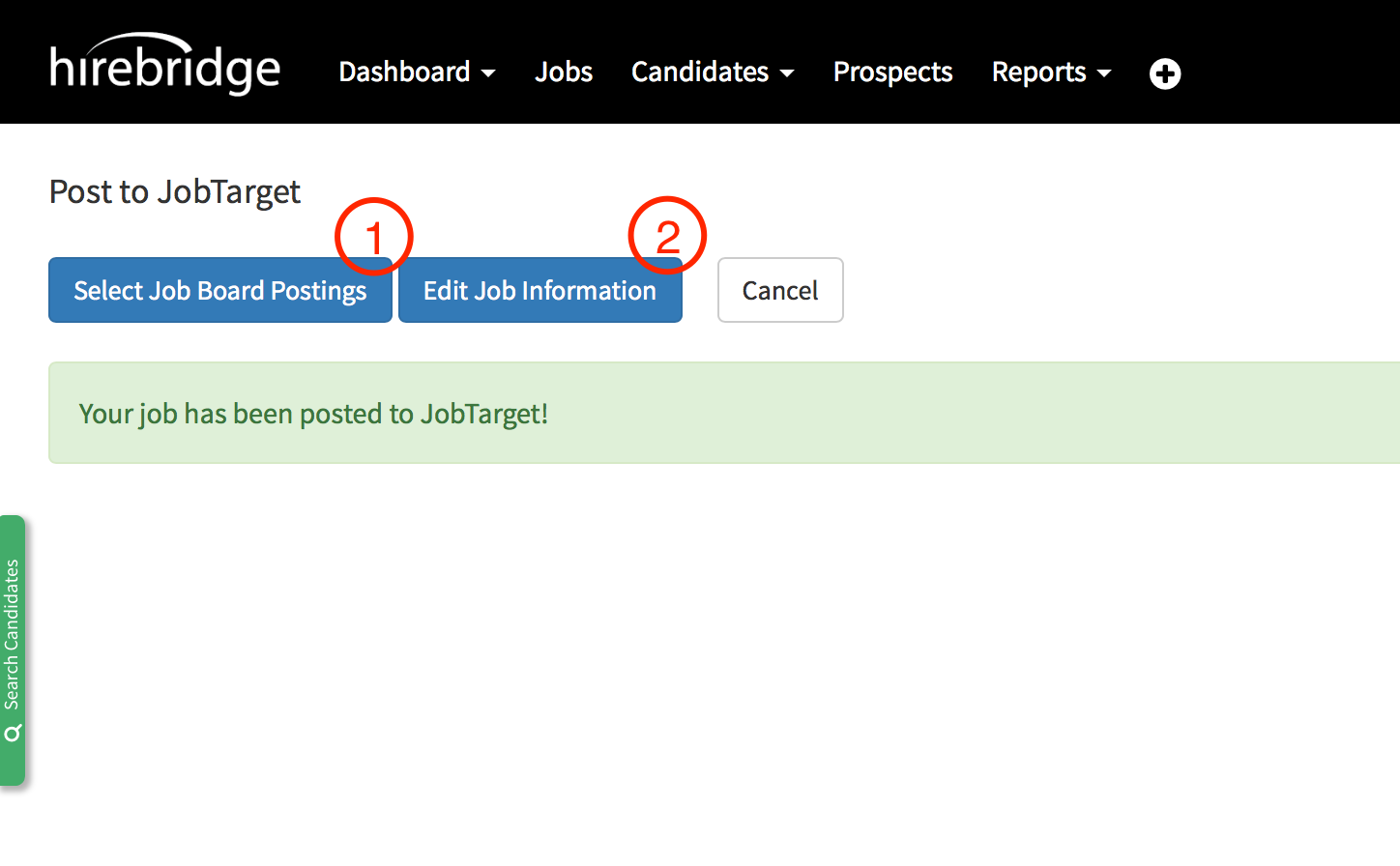
Step 3: If your company does not have a JobTarget account, the system will ask you to confirm some info, then it will set up the account automatically. Next, you will see the following screen, which provides two options: Select Job Board Postings and Edit Job Information. Click either of the buttons to proceed to the JobTarget platform:
Step 4: Manage the job posting and select where you want to post the job: