This article will cover how to edit the Other Tab located in the system setup.
This tab gives you the option to have the Application tab available in the candidate profile, the option to have the Approval E-Mail be approved in the email or web based and the option to enable Milestone based workflow.
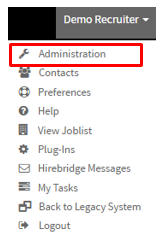
- The first step is to select your username in the top right corner.
- A drop-down menu will appear, this is where you will select "Administration"
- This will now take you to the "Administration Control Panel".
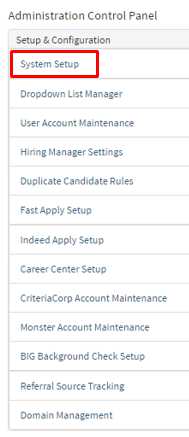
- On this page in the column Setup & Configuration, select "System Setup".
- System setup will now go to the Company Preferences page where you will select "Other".
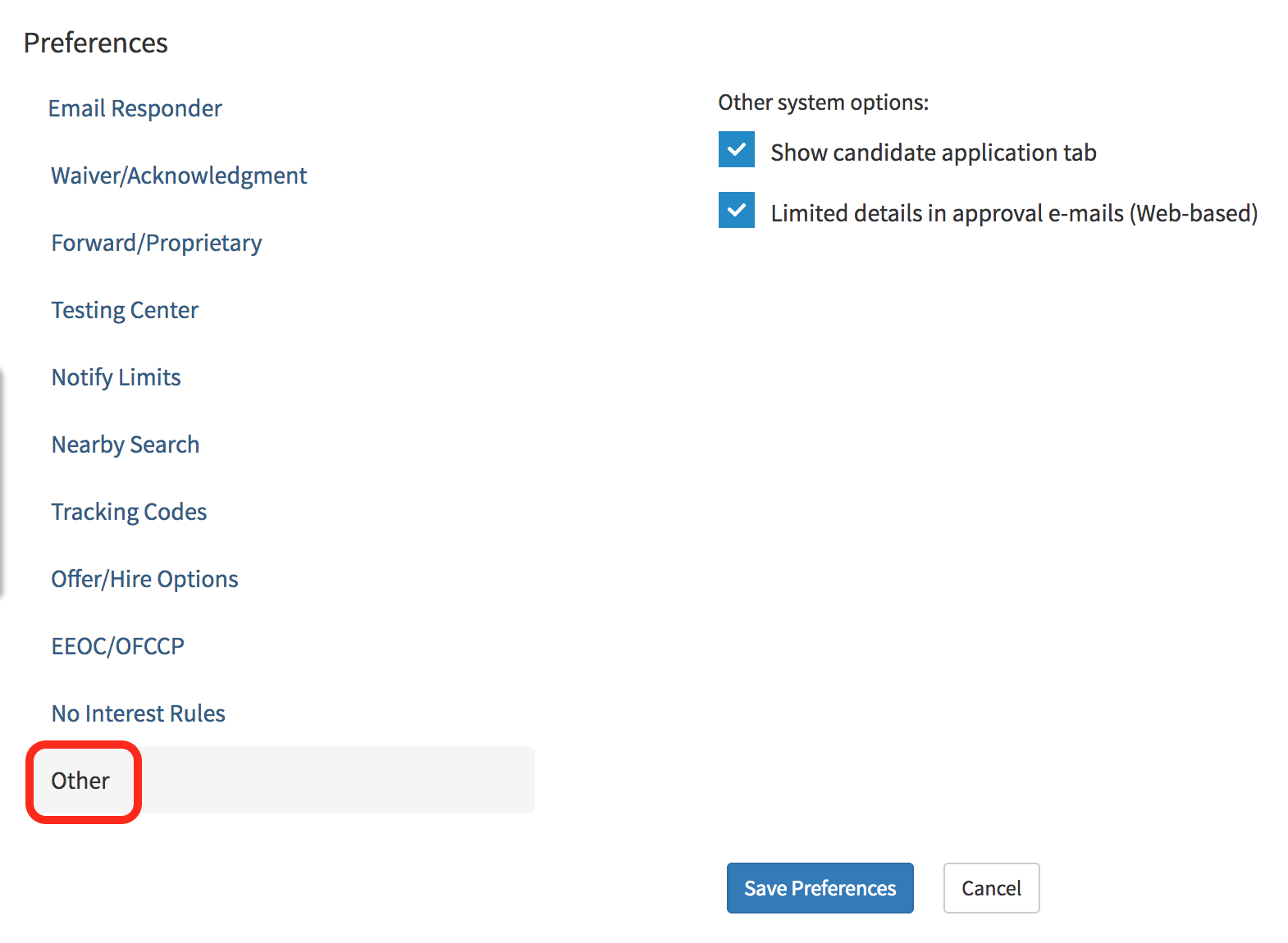
- This will now let you have the ability to edit the option to show the candidate application tab in the candidate profile
- This page also gives you access to be able to approve requisitions within the approval email.
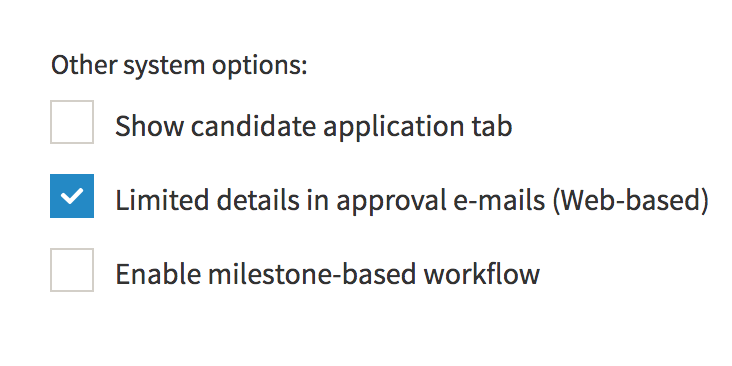
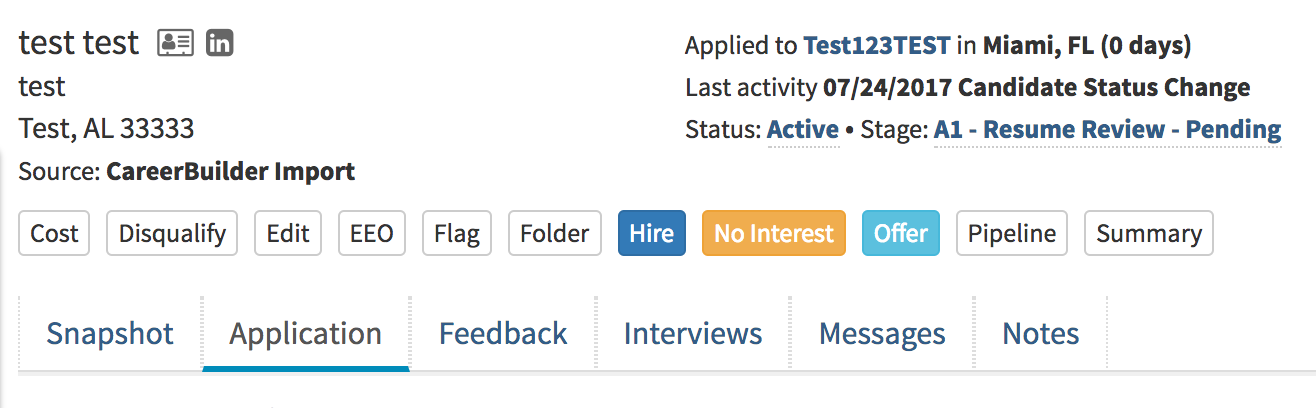
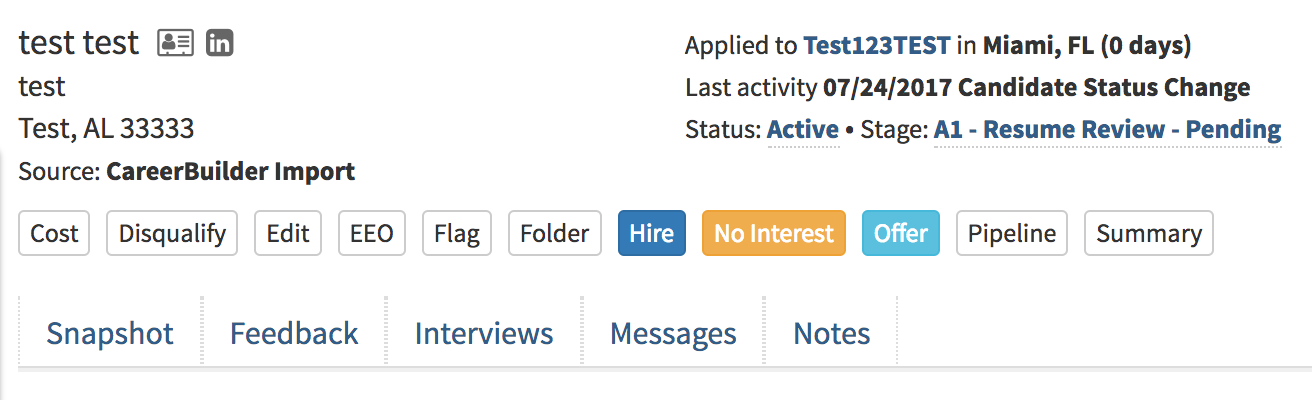
- Checking the "Show candidate application tab" allows you to view the application tab in the candidate profile
- Below I will show you a comparison of having the checkbox checked and unchecked.
- The first example will be checked.
- The second example is the "Show Candidate Application Tab" Unchecked.
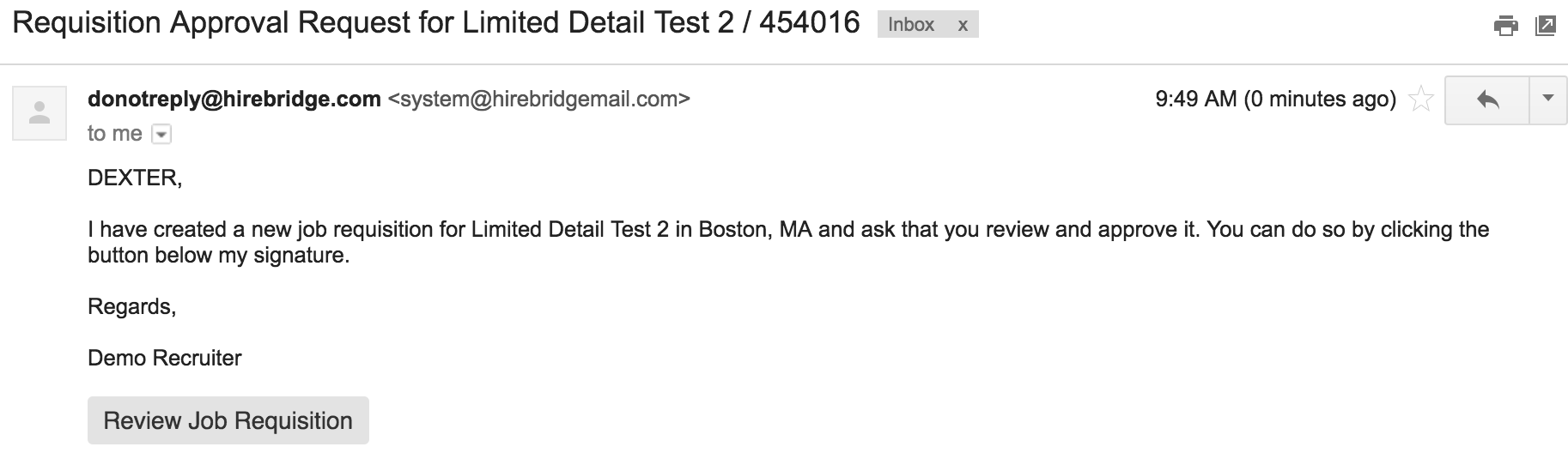
- The "Limited details in approval e-mail (Web-based)" checkbox will allow you to approve emails within the email.
- Below I will include a comparison of having the checkbox activated or deactivated.
Below is how the approval email will be displayed when the feature is activated.
- This will give limited detail on the requisition and the link will direct you to the web page for Requisition approval
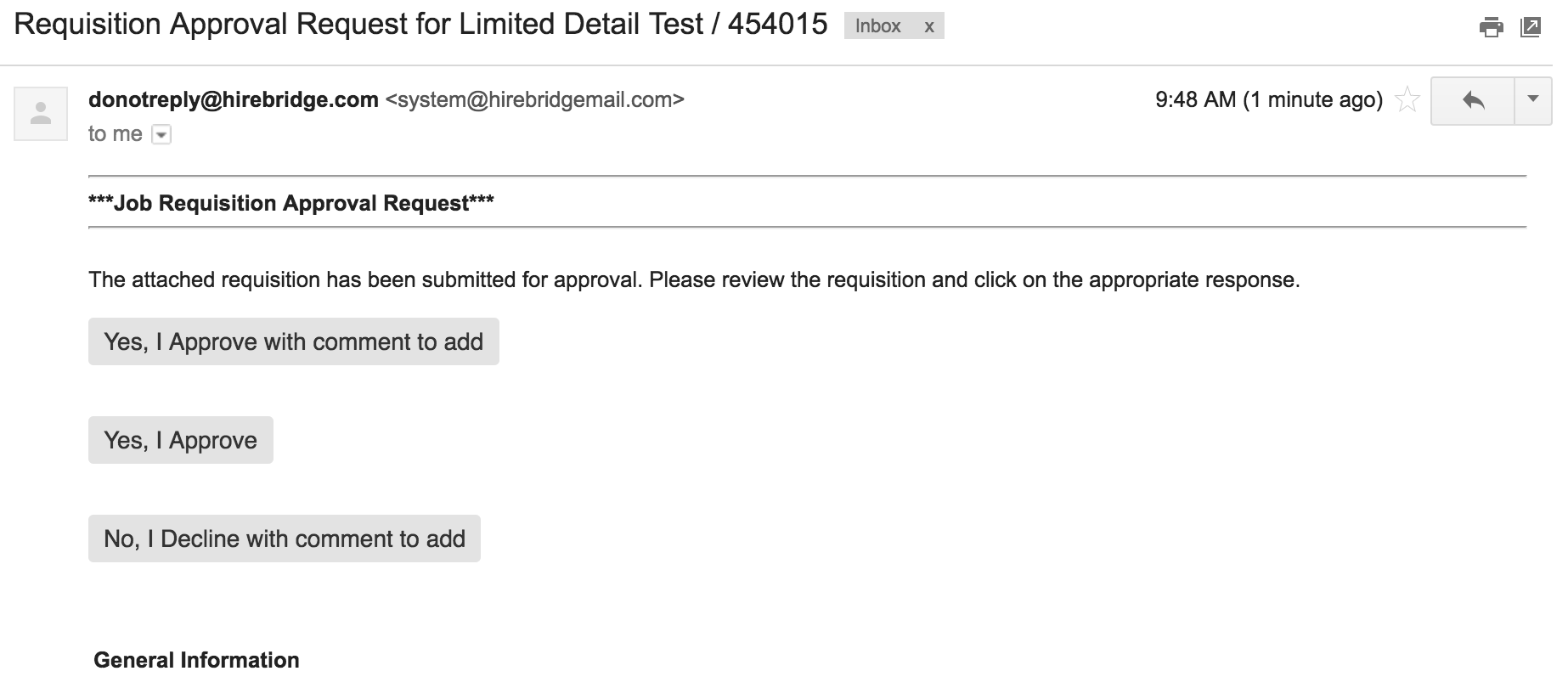
- Below is how the requisition approval email unchecked
- This option allows you to approve the requisition within the email and will provide information about the requisition within the email.
- Checking the "Enable Milestone-based workflow" will enable the milestone workflow.