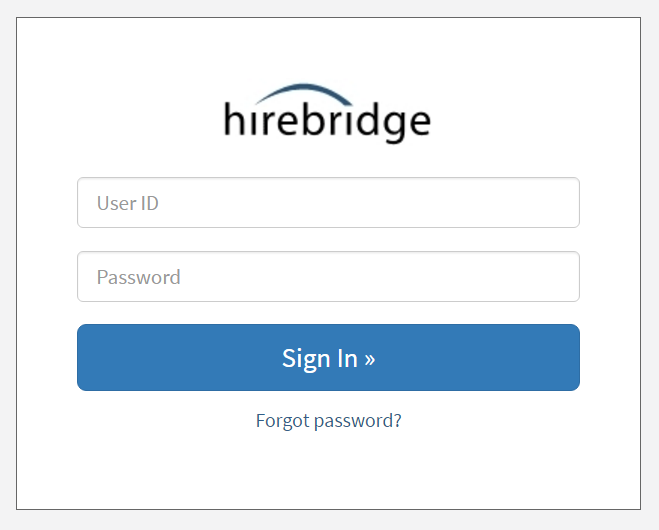
LOGGING INTO YOUR HIREBRIDGE ACCOUNT
In your web browser, go to www.hirebridge.com and click the LOGIN tab at the top right of the page.

This will take you to the login page. You can bookmark this page in your browser by clicking CONTROL+B.
On the Login page, enter your sign-in information:
- User ID: This is just your company email address, and the email address of your welcome email that notified you of your Hirebridge account.
- Password: Enter the password your current password, which you will have created from the welcome email that notified you of your Hirebridge account.
Click the "Login" button.